HiAuth是一个开源的基于OAuth2.0协议的认证、授权系统,除了标准的OAuth2.0授权流程功能外,还提供了应用管理、用户管理、权限管理等相关功能。





除了认证相关功能外,还提供了/example/demo、/example/himall项目,供用户参考如何集成。
- 参考
demo实例,你可以几分钟之内快速验证如何集成HiAuth; - 参考
himall实例,你可以快速的启动一个带页面的实例;
- HiAuth Docs:http://docs.hiauth.cn
- HiAuth Admin:http://auth.hiauth.cn/admin
- HiAuth 授权页:http://auth.hiauth.cn
├─cicd                              持续集成
├─docs                              开发文档
├─example                           样例
│ ├─demo                            基础样例
│ ├─hiauth-client                   使用hiauth-client-spring-boot-starter集成hiauth的样例
│ ├─hiauth-client-exp               hiauth-client的简易版,用于做实验
│ ├─hiauth-server-exp               hiauth-server的简易版,用于做实验
│ ├─himall                          带有页面的样例
│ ├─resource                        资源服务样例
│ ├─spring-cloud                    spring-cloud微服务集成样例,原生集成
│ ├─spring-cloud-with-hiauth-client spring-cloud微服务集成样例,使用starter集成
│ ├─wechat-login                    微信登录样例
├─hiauth-client-starter             hiauth-client SDK
│ ├─hiauth-client-commons                       基础包
│ ├─hiauth-client-spring-boot-starter           适用于SpringBoot直接集成
│ ├─hiauth-client-session-spring-boot-starter   SpringCloud架构中,业务服务中的session管理SDK
│ ├─hiauth-client-spring-cloud-gateway-starter  SpringCloudGateway中集成认证授权
├─hiauth-front                      管理端前端项目
├─hiauth-server                     HiAuth服务端
├─other                             其他内容,数据库脚本等
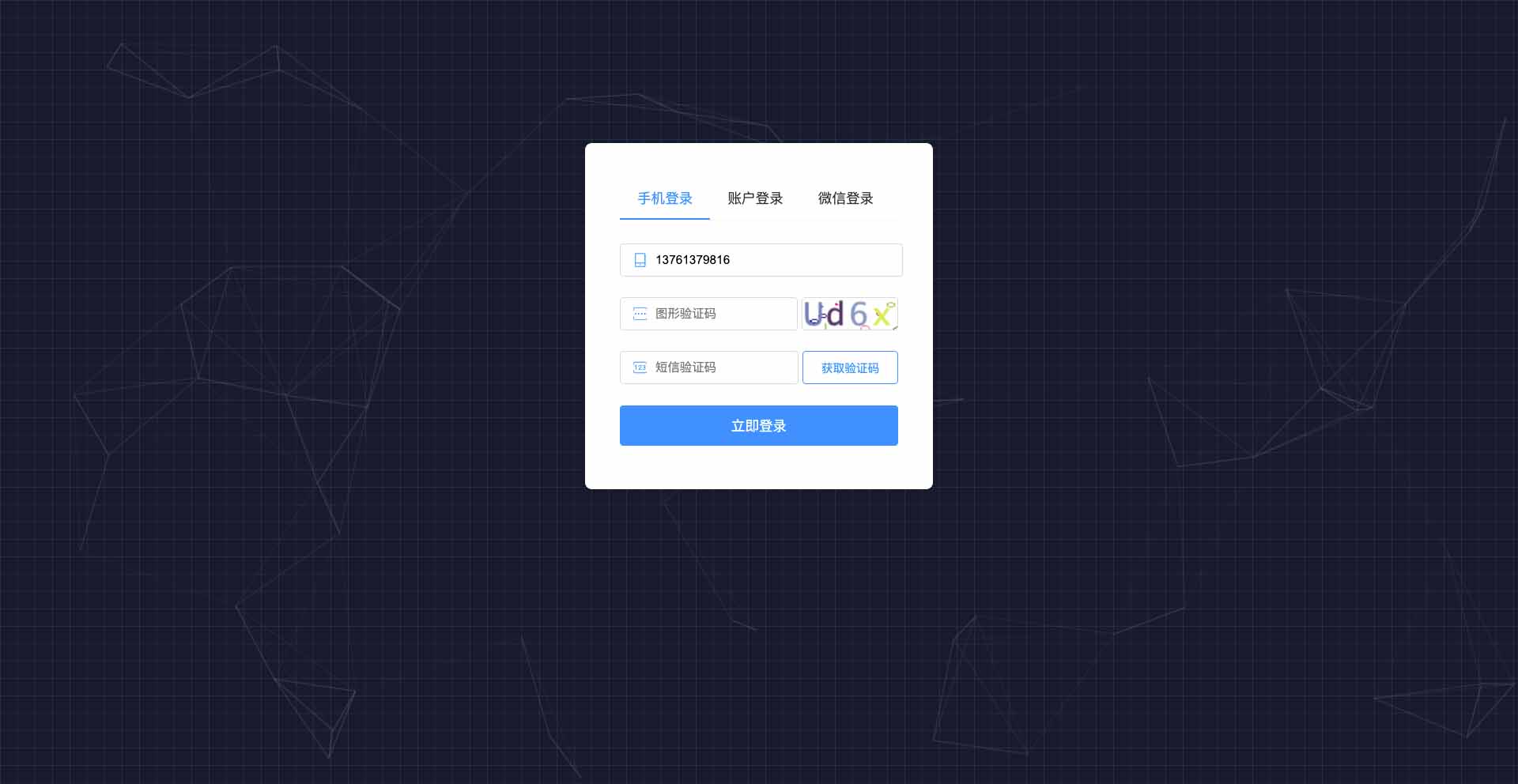
- 认证中心登录页

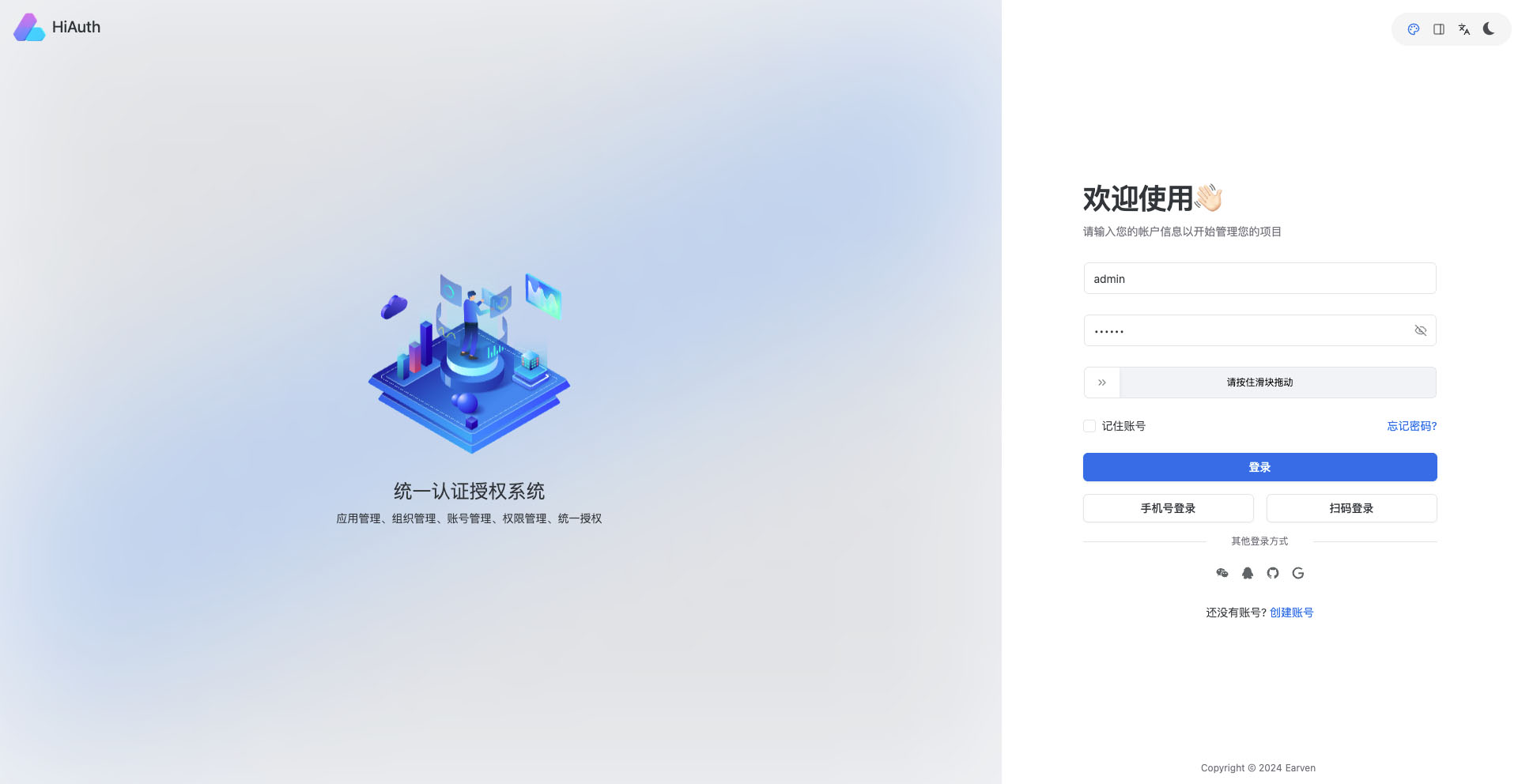
- 管理后台登录页
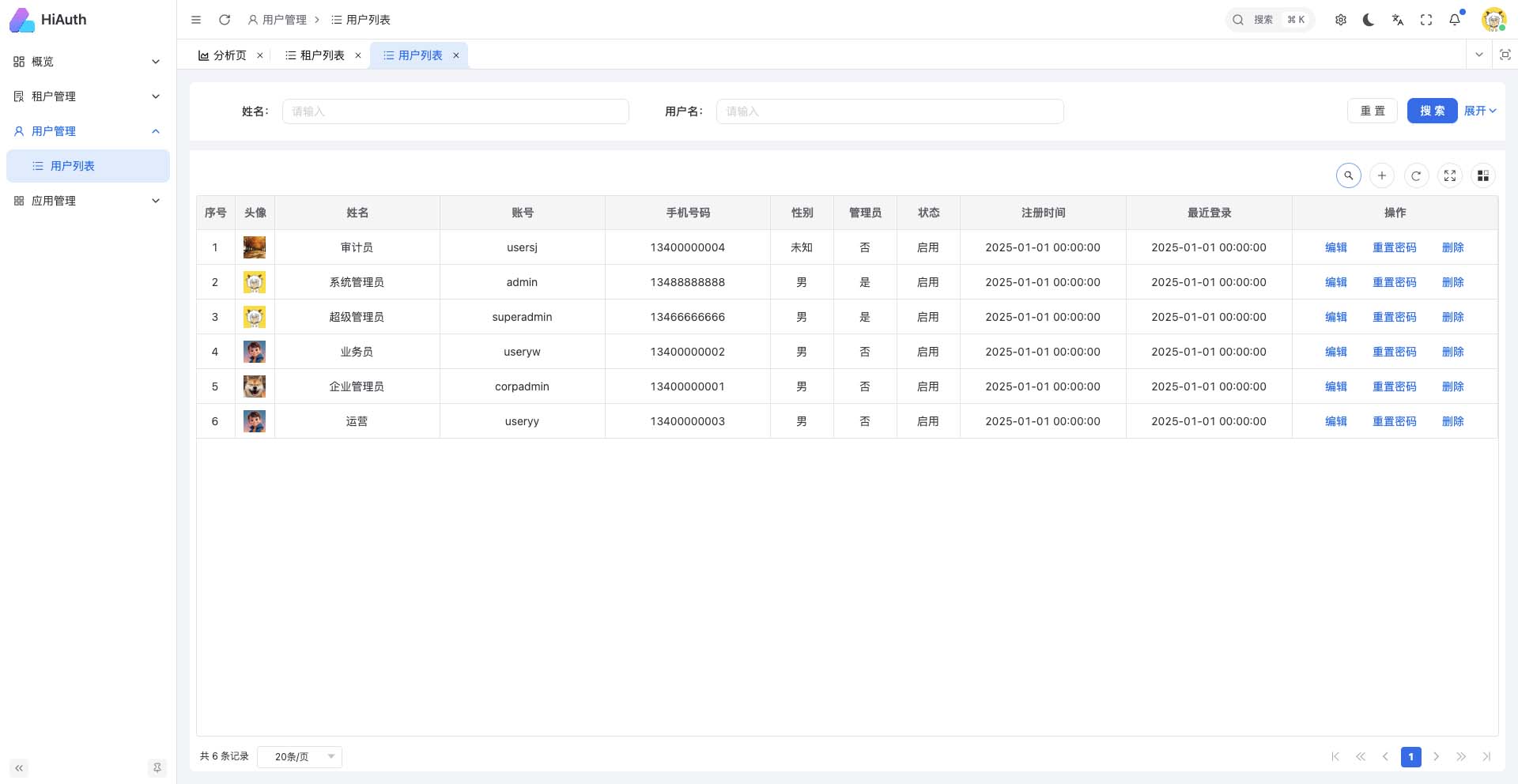
- 超级管理员-用户管理页
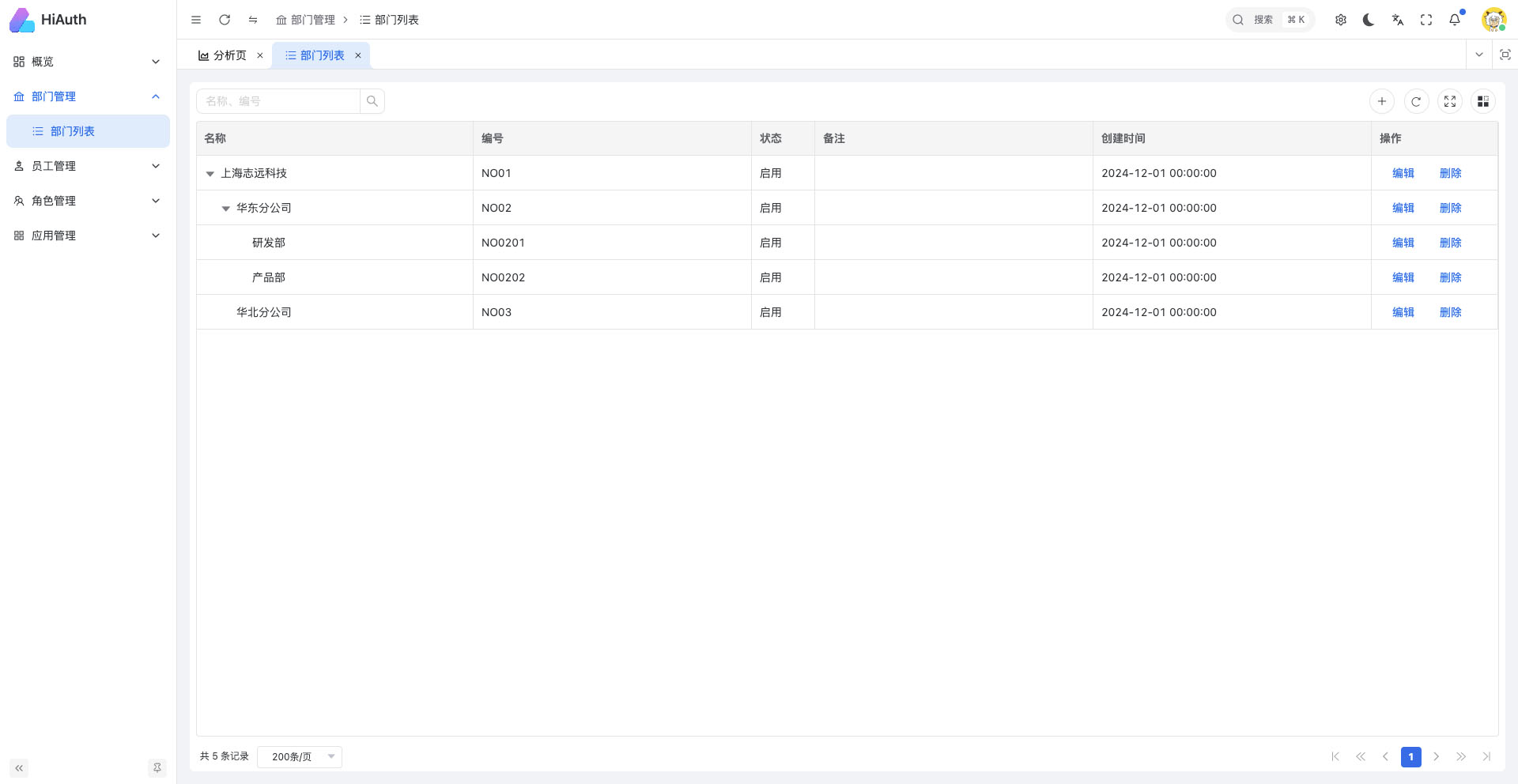
- 企业管理员-部门列表页
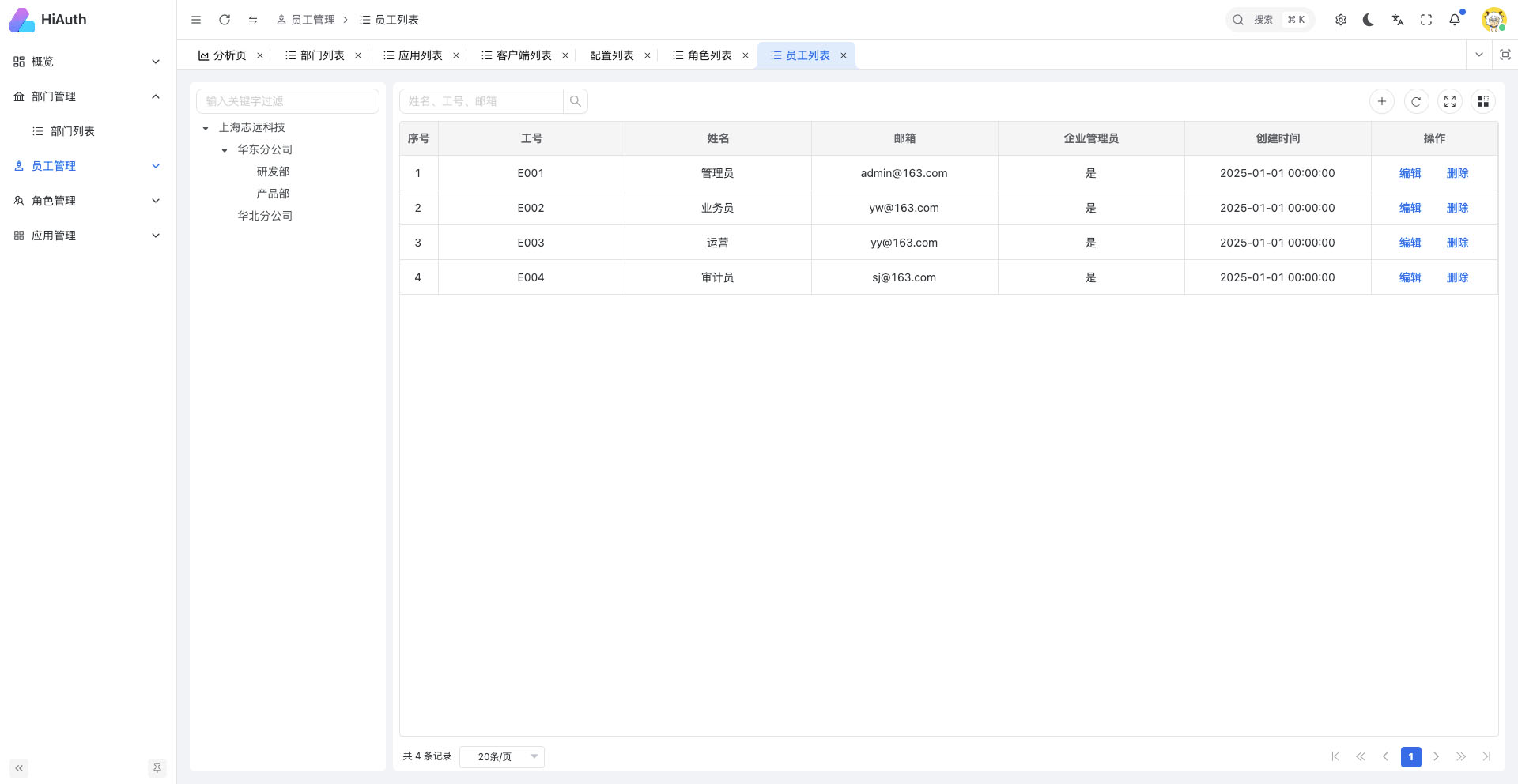
- 企业管理员-员工列表页
如果你觉得此项目对你有帮助,请给我点个star,谢谢!
- Git
- JDK17+
- Maven 3.8+
$ git clone https://github.com/bestaone/HiAuth.git# 启动himall实例
$ cd HiAuth/example/himall
$ mvn clean install
$ mvn spring-boot:run- 访问HiMall:http://127.0.0.1:9000 点击
Login按钮,登录账号:corpadmin/123456
注意:
127.0.0.1不能使用localhost代替,因为数据库中配置了回调地址为http://127.0.0.1:9000。
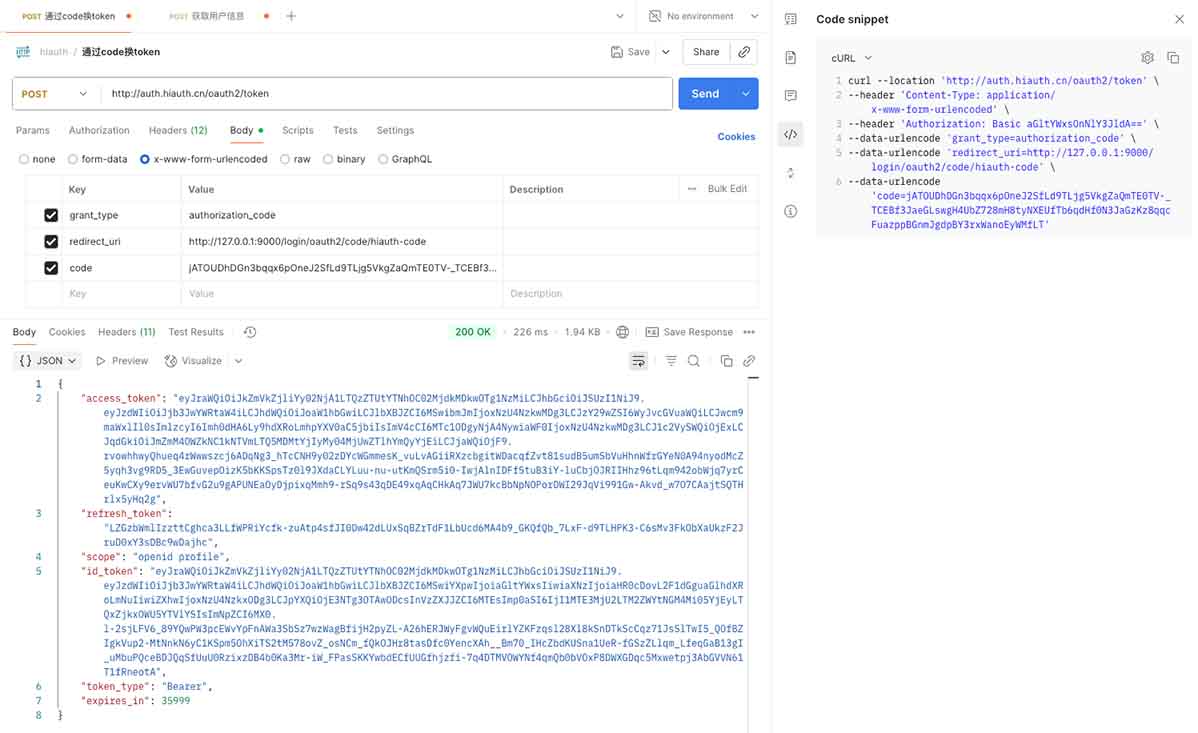
authorization_code模式:
- 访问授权端点获取
授权码: http://auth.hiauth.cn/oauth2/authorize?response_type=code&client_id=himall&scope=openid%20profile&redirect_uri=http://127.0.0.1:9000/login/oauth2/code/hiauth-code - 用户登录并授权后,重定向到
redirect_uri并附带授权码,如下(注意:浏览器开发模式下,网络控制台中,url的参数code值):
http://127.0.0.1:9000/login/oauth2/code/hiauth-code?code=R4vhO65LvdsNqQ9A3KHwjb...- 使用
授权码换取访问令牌
# 最后的YourCode替换为上面步骤获取的授权码
$ curl --location --request POST 'http://auth.hiauth.cn/oauth2/token' \
--header 'Content-Type: application/x-www-form-urlencoded' \
--header 'Authorization: Basic aGltYWxsOnNlY3JldA==' \
--data-urlencode 'grant_type=authorization_code' \
--data-urlencode 'redirect_uri=http://127.0.0.1:9000/login/oauth2/code/hiauth-code' \
--data-urlencode 'code=YourCode'

# 或者
$ curl --location --request POST 'http://auth.hiauth.cn/oauth2/token' \
--header 'Content-Type: application/x-www-form-urlencoded;charset=UTF-8' \
--header 'Authorization: Basic aGltYWxsOnNlY3JldA==' \
--data 'grant_type=authorization_code&redirect_uri=http://127.0.0.1:9000/login/oauth2/code/hiauth-code&client_id=himall&client_secret=secret&code=YourCode'
上述“Authorization: Basic aGltYWxsOnNlY3JldA==”中的值“aGltYWxsOnNlY3JldA==”, 计算方式为:Base64.encode(client_id:client_secret), 例如:client_id=himall,client_secret=secret时,base64解码为:Base64.encode("himall:secret")
返回结果:
{
    "access_token": "eyJraWQiOiJkZTYxMjVmNi0wYTQ5LTQwMGYtYWMzMC02M2U2Zm",
    "refresh_token": "8WS6liiSW0gmUy8yudFAPIHGor3Hf6yBtaBTUNjj3-q9y4JXRlBZ",
    "scope": "openid profile",
    "token_type": "Bearer",
    "expires_in": 35999
}
client_credentials模式:
$ curl --location --request POST 'http://auth.hiauth.cn/oauth2/token' \
--header 'Content-Type: application/x-www-form-urlencoded' \
--data-urlencode 'grant_type=client_credentials' \
--data-urlencode 'client_id=himall' \
--data-urlencode 'client_secret=secret' \
--data-urlencode 'scope=profile'

# 或者
$ curl --location --request POST 'http://auth.hiauth.cn/oauth2/token' \
--header 'Content-Type: application/x-www-form-urlencoded' \
--data 'grant_type=client_credentials&client_id=himall&client_secret=secret&scope=profile'
返回结果:
{
  "access_token": "eyJraWQiOiJkZTYxMjVmNi0wYTQ5LTQwMGYtYWMzMC02M2U2Zm",
  "scope": "profile user",
  "token_type": "Bearer",
  "expires_in": 35999
}
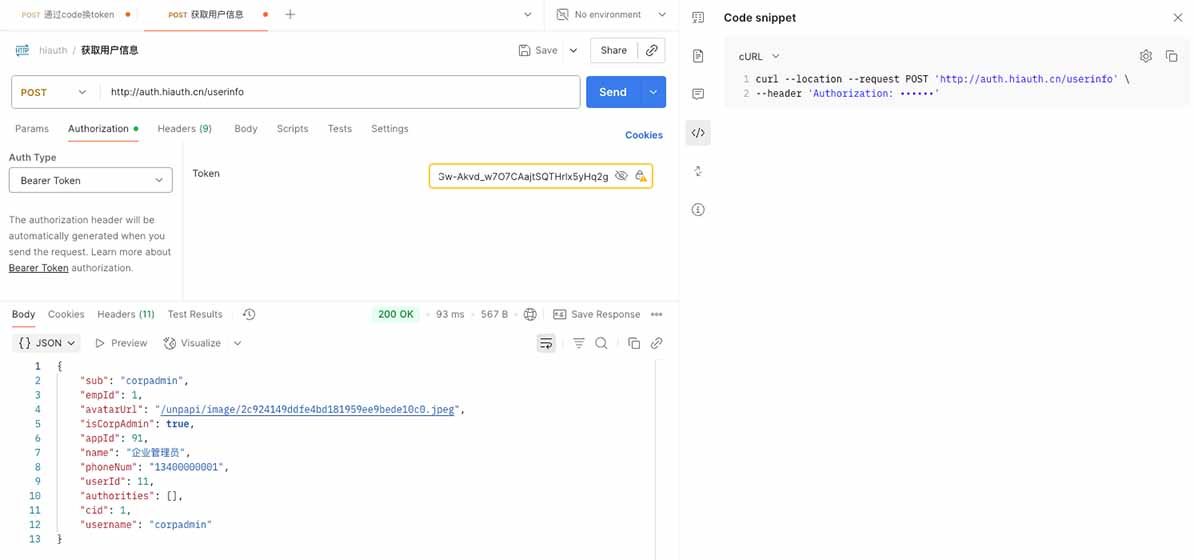
用户信息获取:
# 将accessToken替换为上面步骤获取的访问令牌
$ curl --location --request POST 'http://auth.hiauth.cn/userinfo' \
--header 'Accept: application/json' \
--header 'Authorization: Bearer accessToken'
注意:只在code码模式
grant_type=authorization_code下生效。
返回结果:
{
    "sub": "corpadmin",
    "empId": 1,
    "avatarUrl": "/unpapi/image/2c924149ddfe4bd181959ee9bede10c0.jpeg",
    "appId": 91,
    "name": "企业管理员",
    "phoneNum": "13400000001",
    "userId": 11,
    "authorities": [],
    "cid": 1,
    "username": "corpadmin"
}
scop权限:
- 在授权请求中包含所需scope
- 获取的访问令牌将包含授予的scope
- 资源服务器验证请求的scope是否匹配
@PreAuthorize("hasAuthority('SCOPE_profile')")
@GetMapping("/protected")
public String protectedResource() {
    return "Accessed protected resource";
}

如果群二维码失效了,请先添加我的微信,然我我拉你入群。
本项目执行 MIT 协议