This is VS Code version of wiki management tool, inspired by vimwiki.


- The Silver Searcher:
Search Wikiuse this internally.
ctrl+]: Go to link or create link. If you wanna go back,ctrl + -is default key shortcut of VS Code.
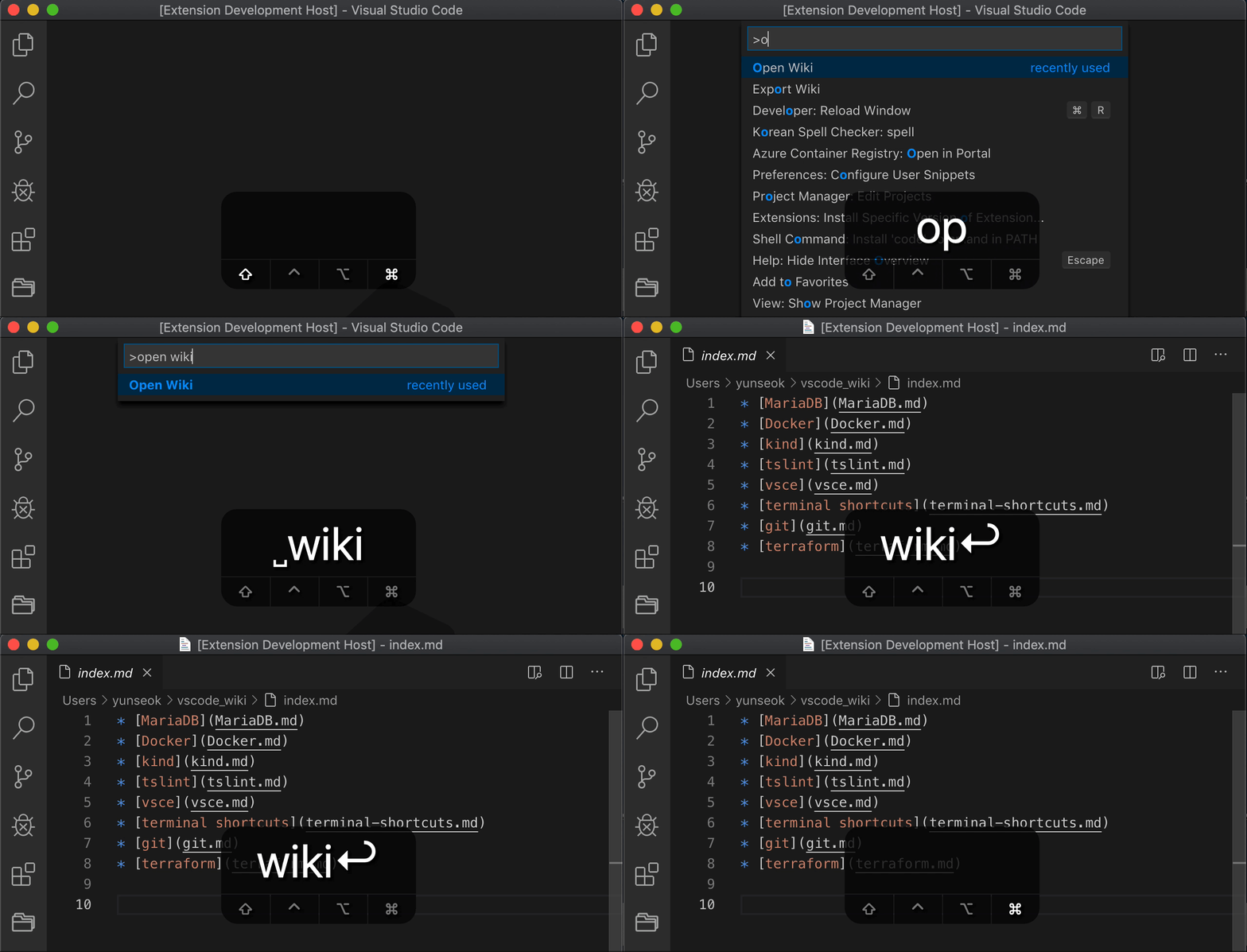
Open WikiOpen the Wiki.Go to WikiGo to link. If cursor is in normal text, change text to link. If cursor is in link, go to link. default key shortcut isctrl+]. If you execute this command from the link[apple] (apple /), create a subdirectory and go to theindex.mdfile. If not, it creates a file. If you create a link in the subdirectory and create a file, the file is created in the subdirectory. For example If you create the link[apple] (apple.md)in theapplesubdirectory, the file is created inapple / apple.md.Search WikiSearch text in Wiki. This command use The Silver Searcher internally.Export WikiCopies wiki files to specific directory. Setting is required.Delete WikiDeletes wiki file. Deleted files are backed up in thebackupdirectory.
- Rename Wiki
- Go back
- Go to Wiki and scroll to cursor