


An anger management application built off of CareKit's OCKSample, using ResearchKit and SwiftUI and synchronizing CareKit data to the Cloud via ParseCareKit. This provides users with a set of tasks and activities to complete to assist them in better controlling and reducing their anger. The user will be able to track their progress and feelings over time, complete practice scenarios asking them how they would react given certain situations, and learn more about themselves and how to better manage their anger. Begone Rage offers unique features compared to other apps on the app store by providing the user with the ability to add their own customized tasks, complete surveys that serve as self-assessments and small role-play games, and add and manage their contacts to assist them in their anger management journey.
To learn more about this application, watch the video below:
Trimmed.Demo.mp4
This app is designed for those who seek to reduce their feelings of anger and take better control of their behavior and the anger they exhibit. It will benefit users by enabling them to track various statistics about their anger, offering ways to vent their anger, and providing tips on how to calm down. Completing the tasks offered and the ones users create on their own will assist them in having a happier and more calm mindset and experiencing fewer instances of significant frustration and outbursts.
--->
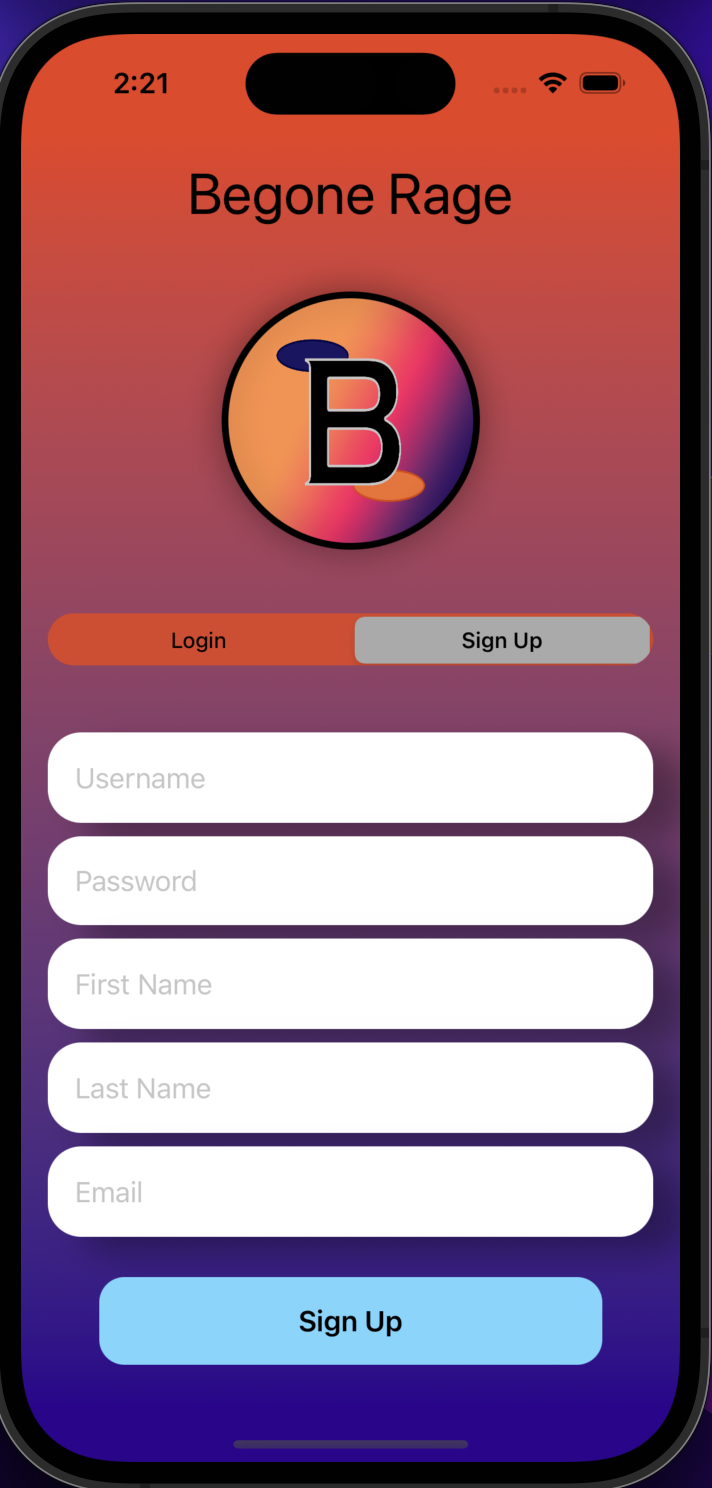
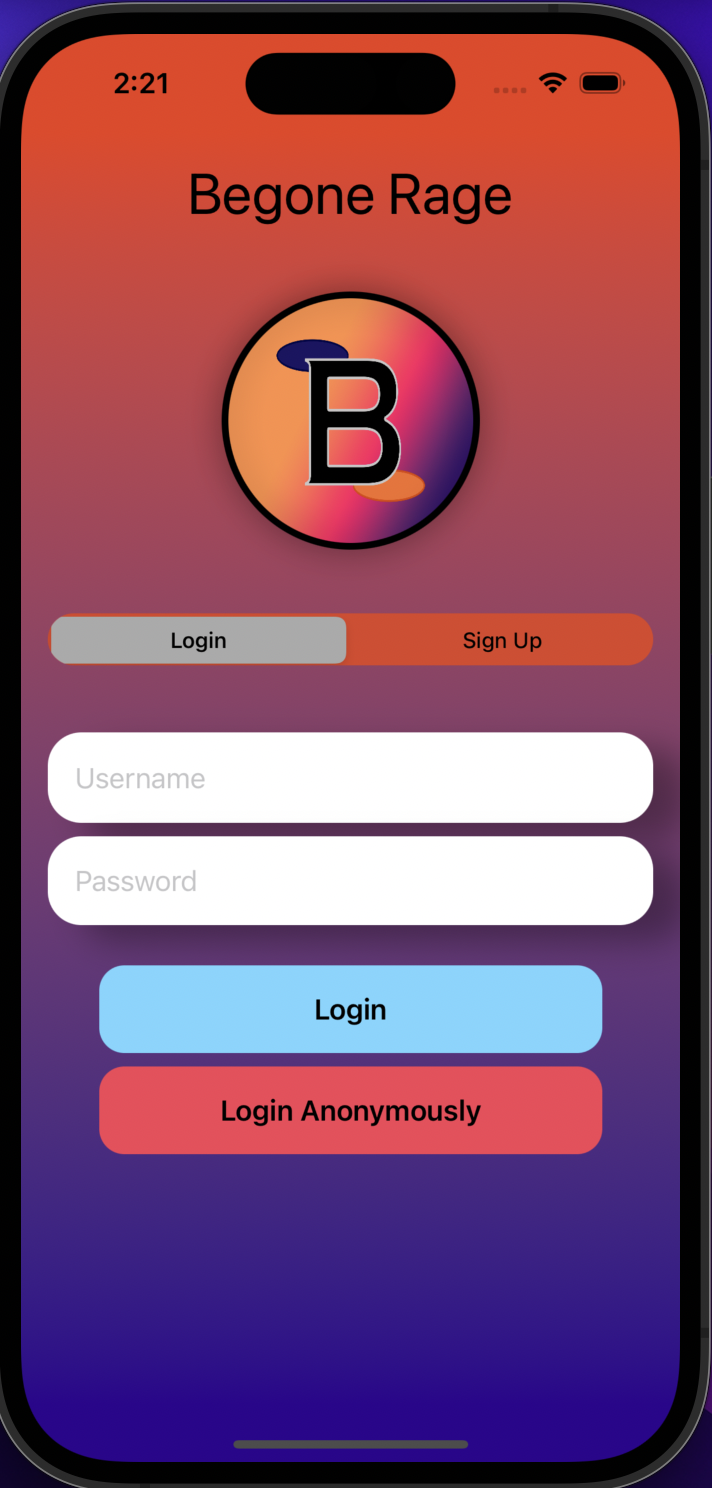
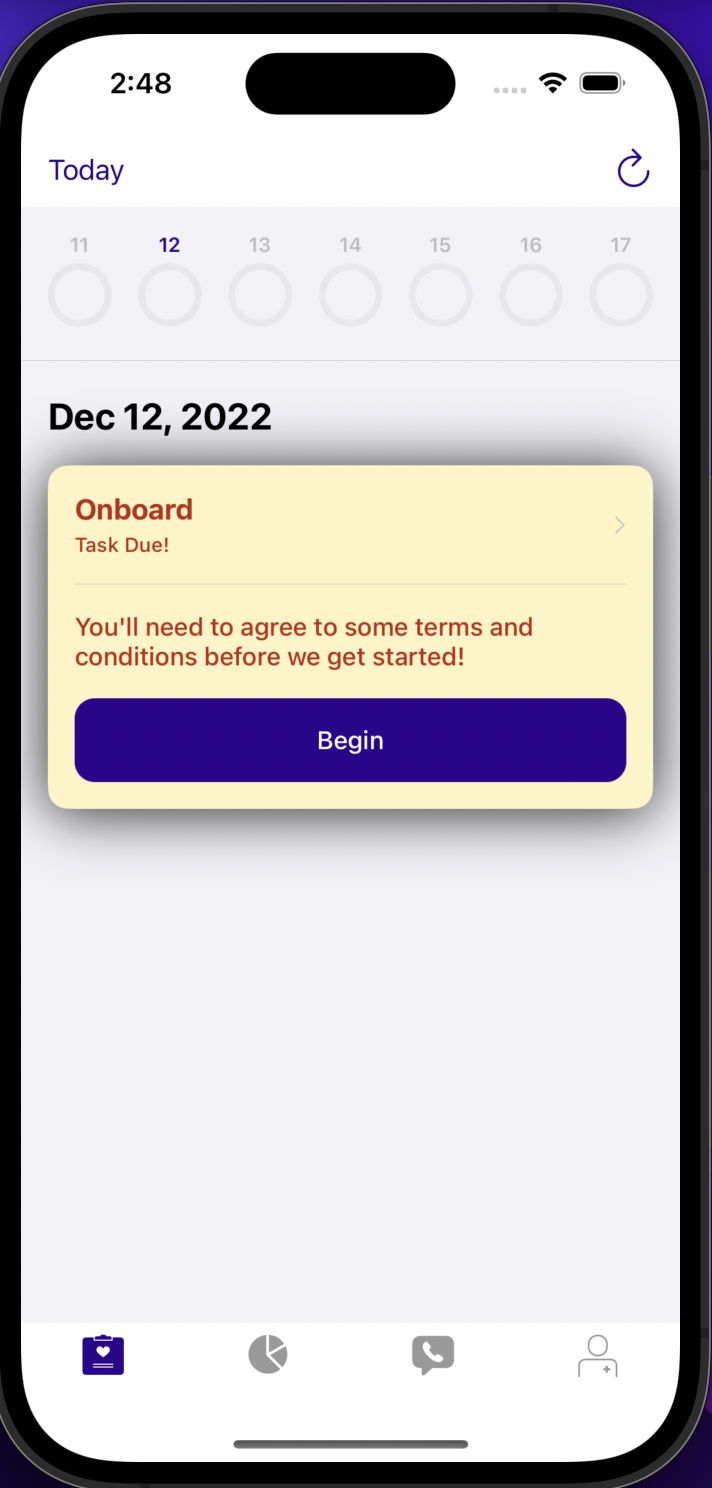
--->
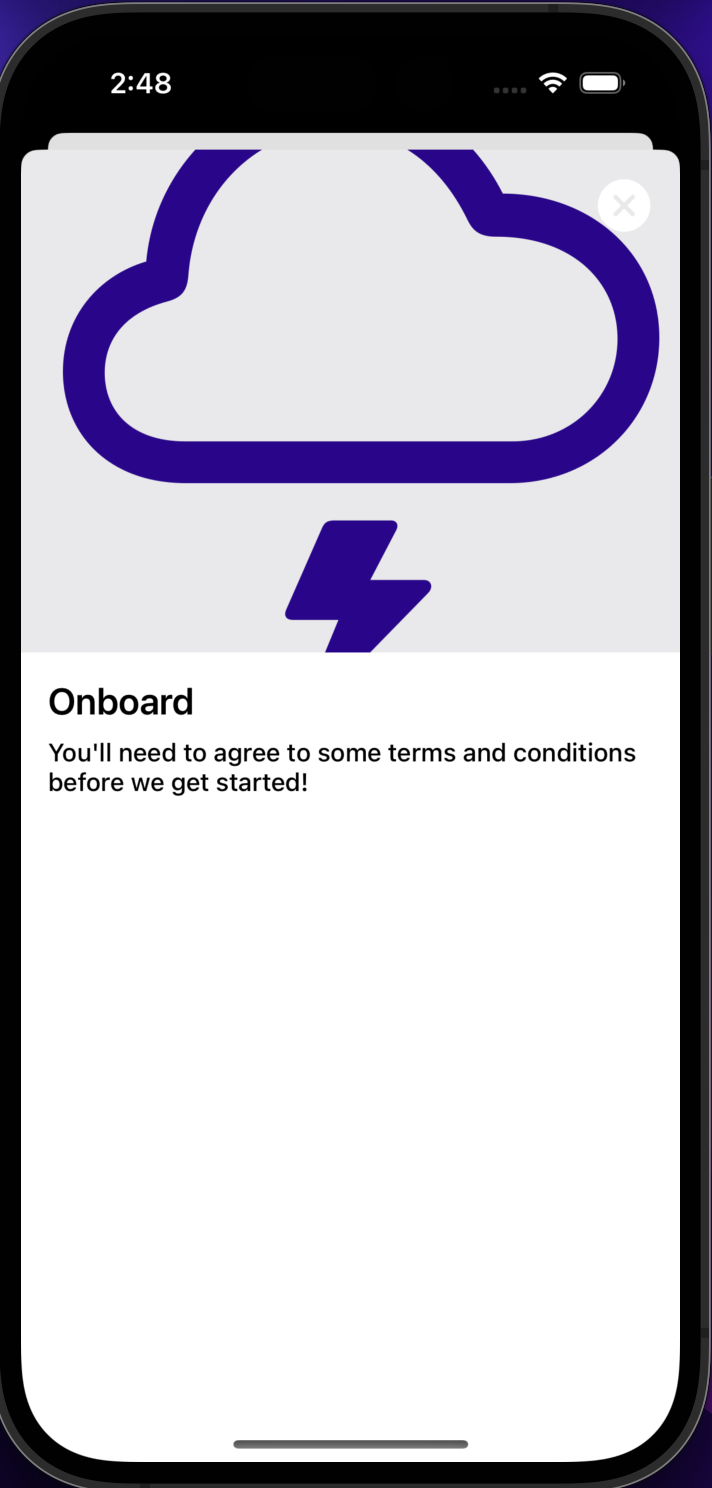
--->
--->
--->
--->
--->
--->
--->
--->
--->
--->
--->
--->
--->
--->
--->
--->
--->
--->
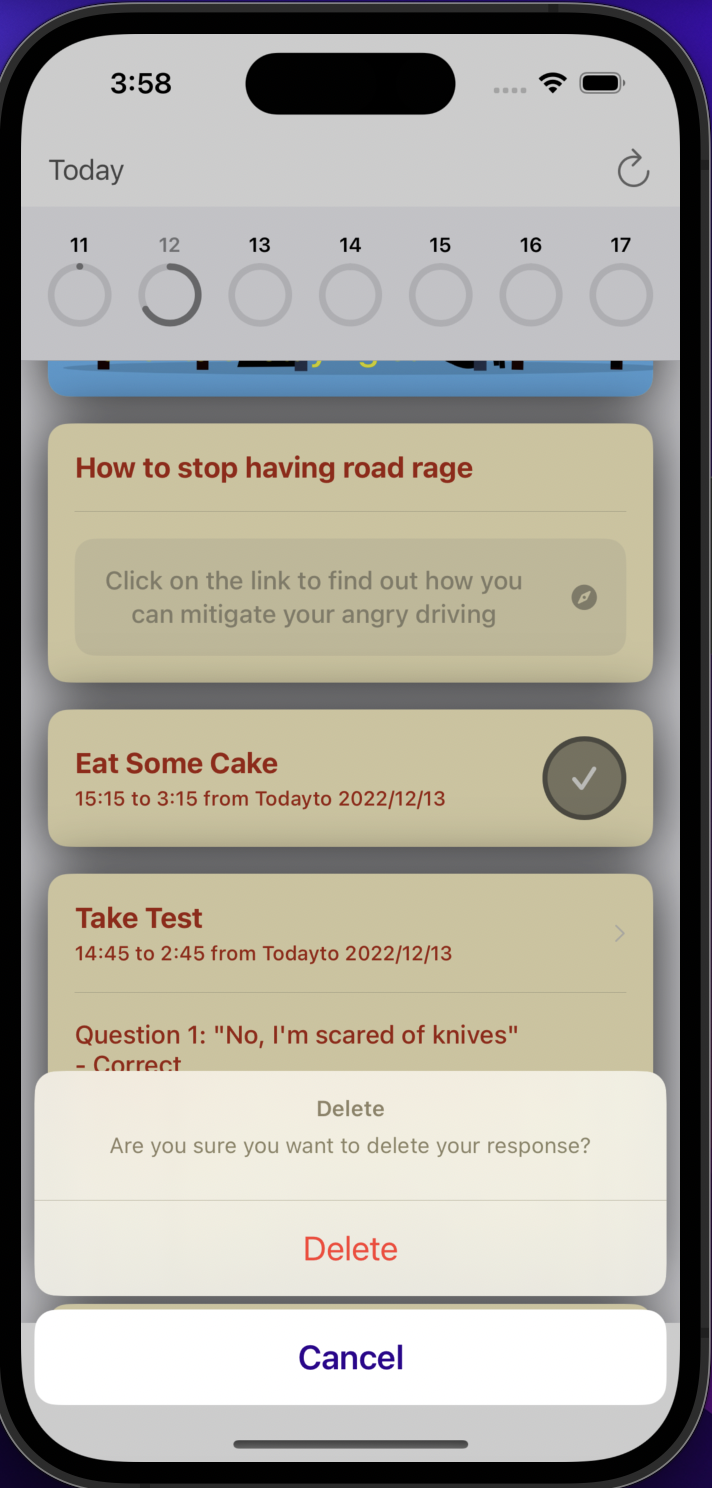
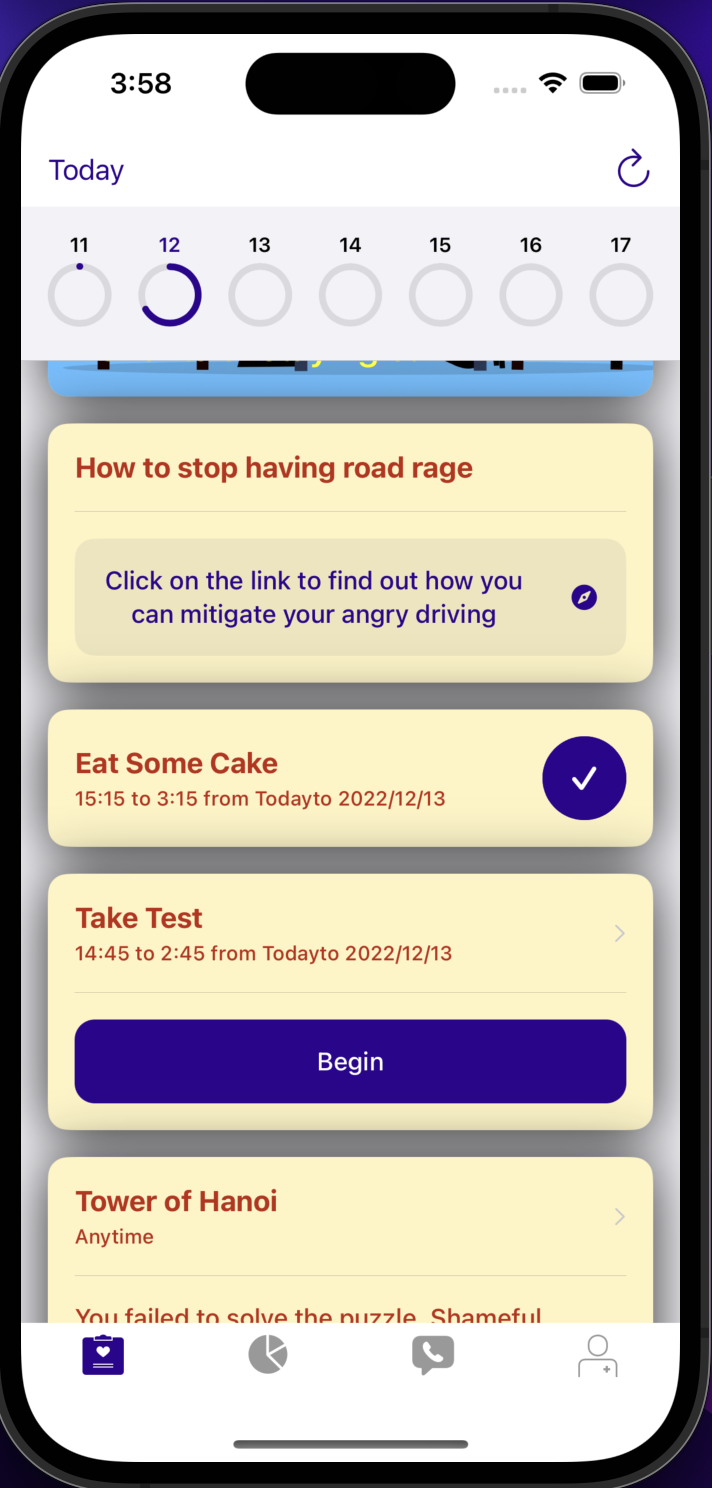
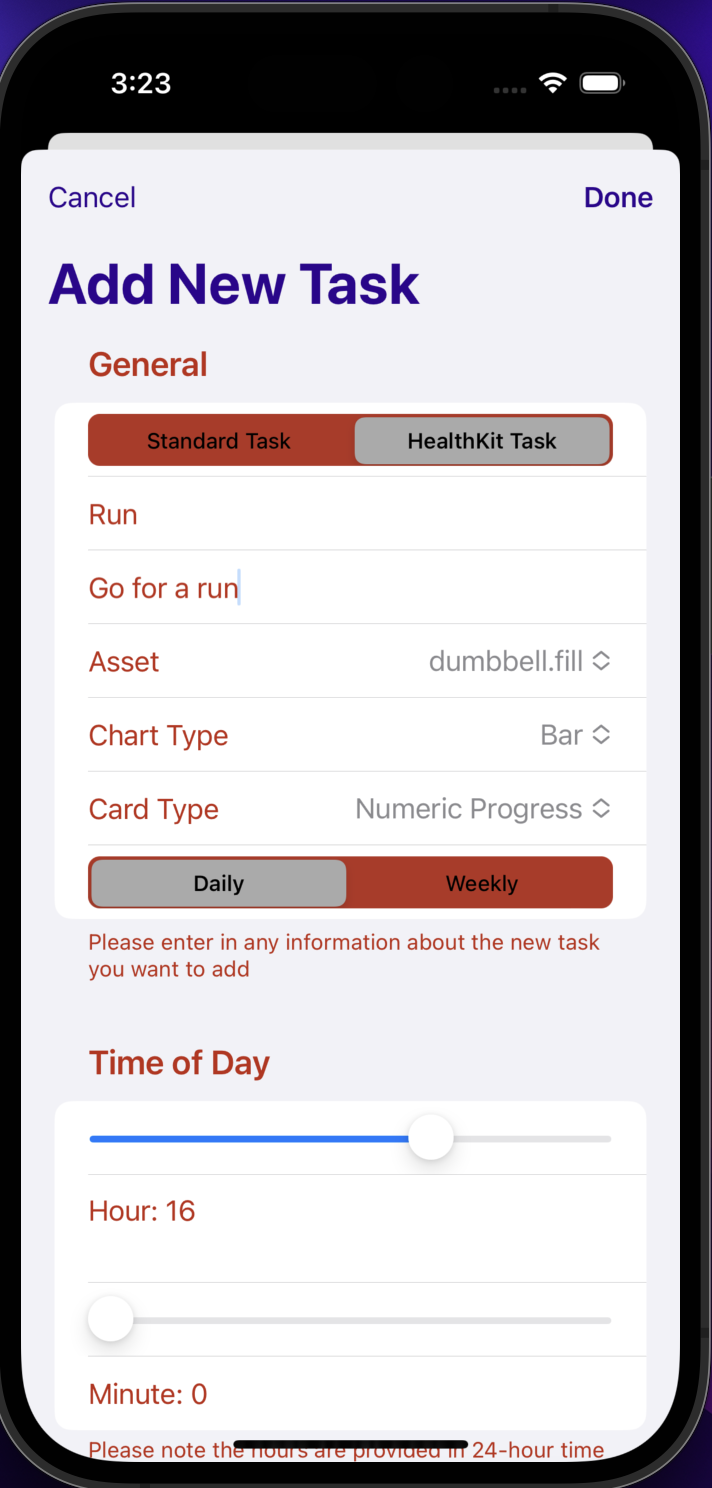
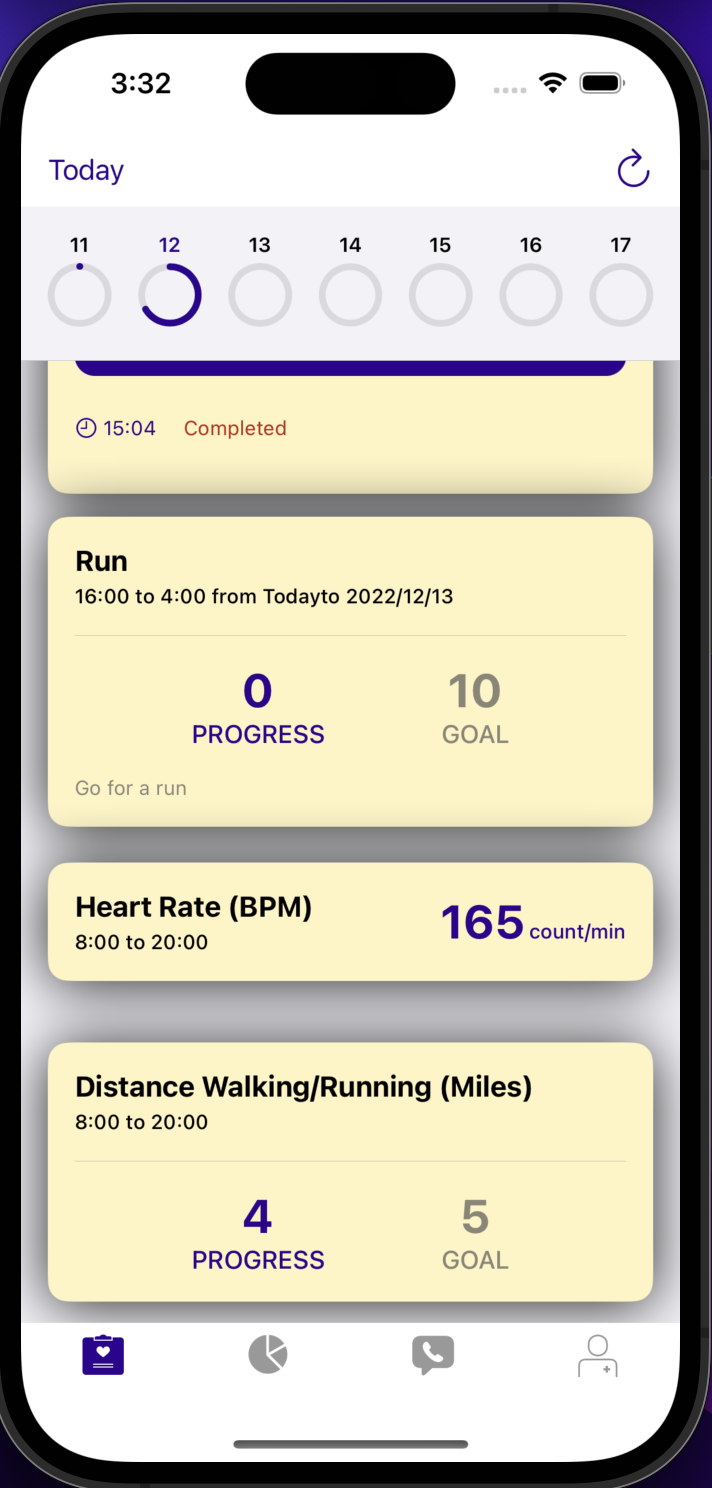
--->
--->
Developed by:
- Matt Mitchell -
University of Kentucky,Computer Science
ParseCareKit synchronizes the following entities to Parse tables/classes using Parse-Swift:
- OCKTask <-> Task
- OCKHealthKitTask <-> HealthKitTask
- OCKOutcome <-> Outcome
- OCKRevisionRecord.KnowledgeVector <-> Clock
- OCKPatient <-> Patient
- OCKCarePlan <-> CarePlan
- OCKContact <-> Contact
Use at your own risk. There is no promise that this is HIPAA compliant and we are not responsible for any mishandling of your data
- Different color scheme throughout the app-- mainly purple and orange
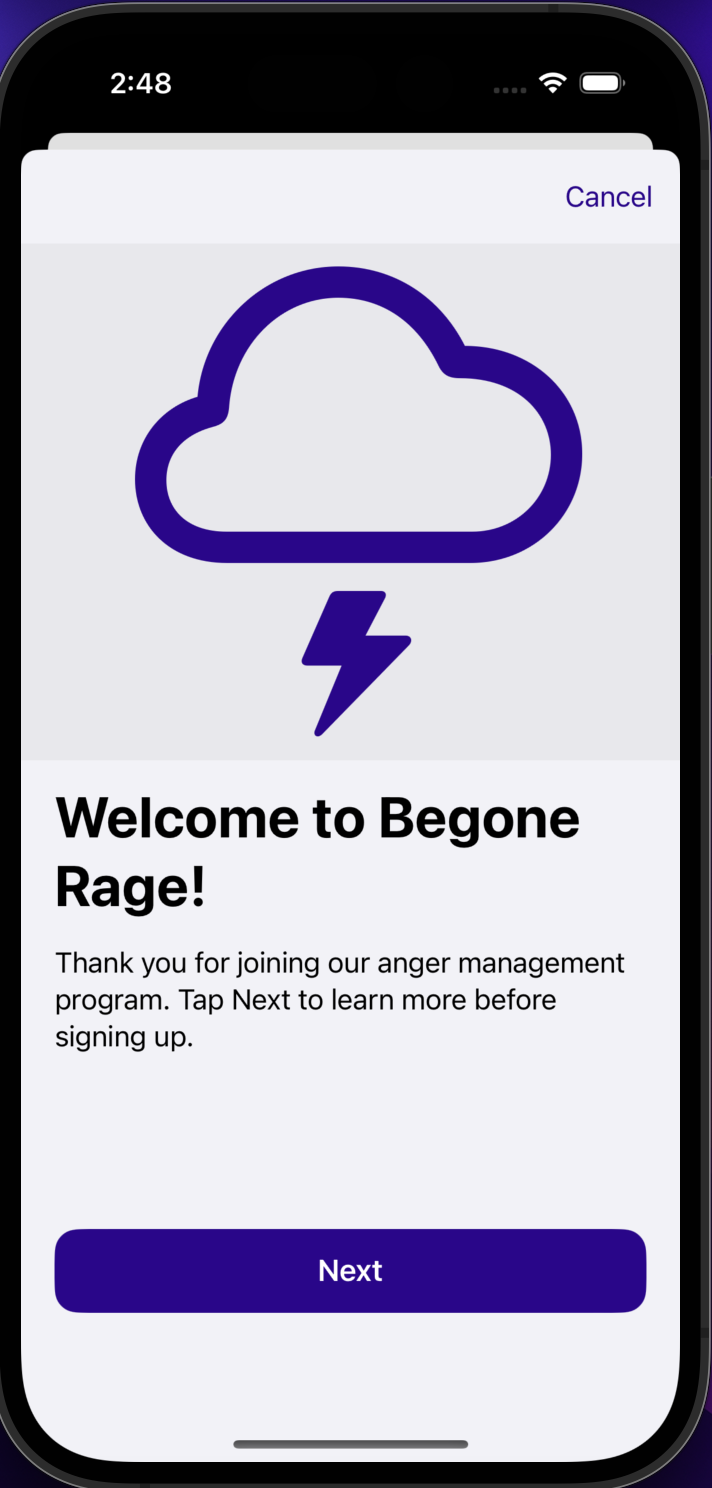
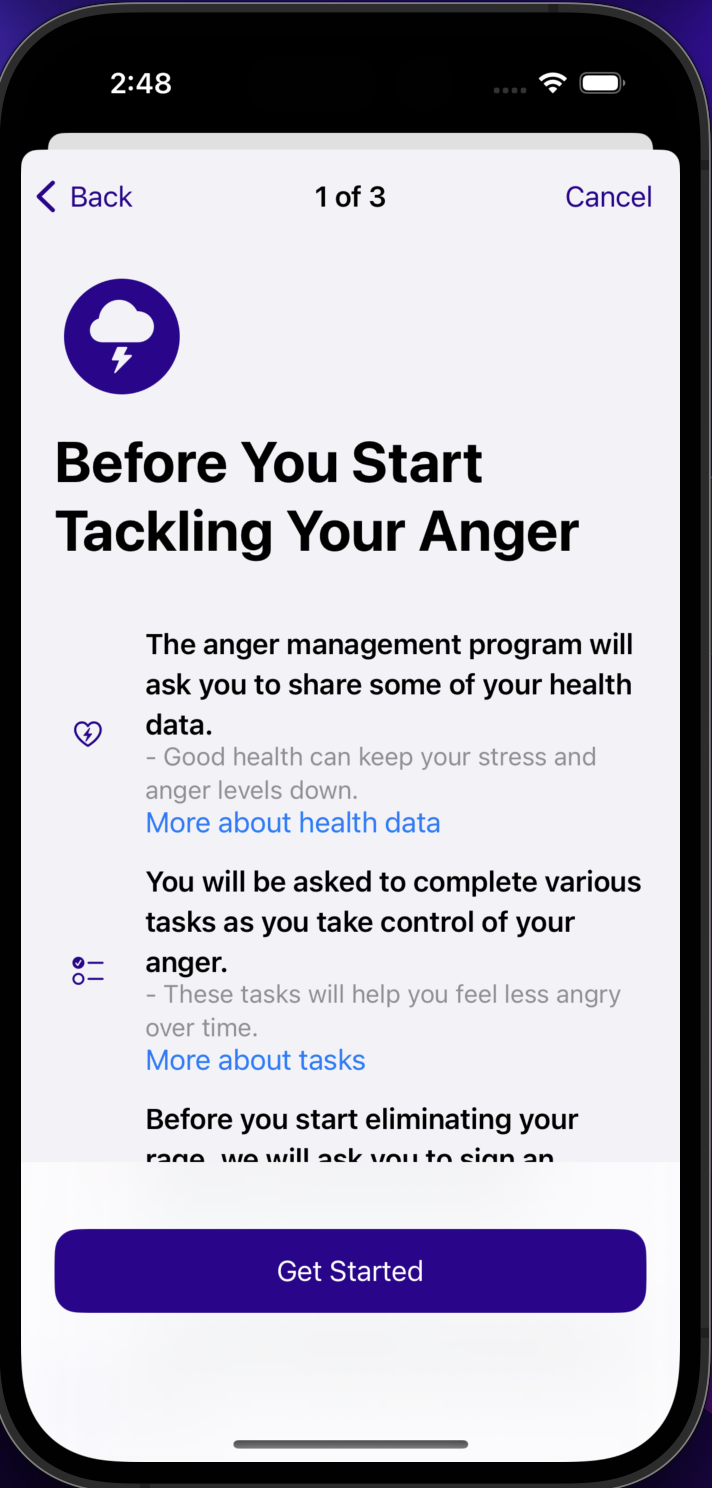
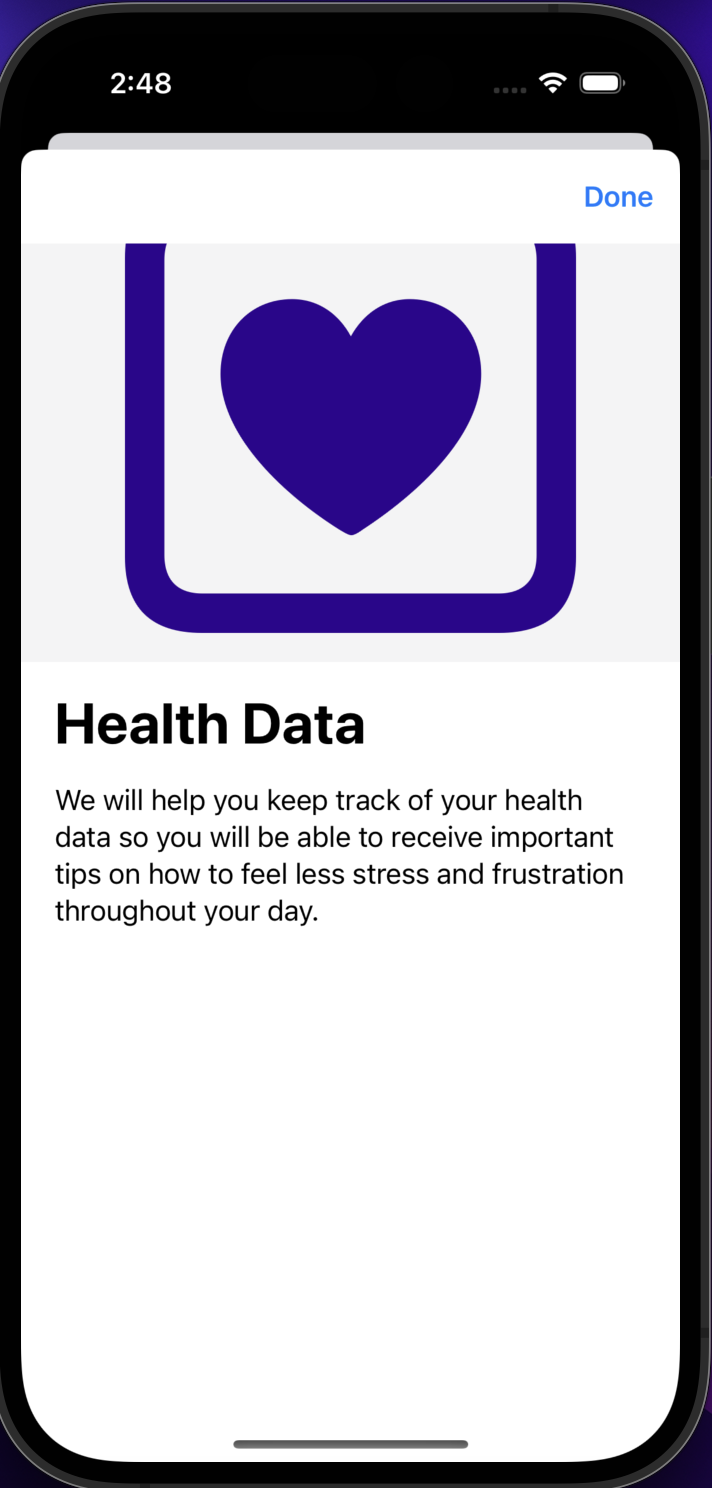
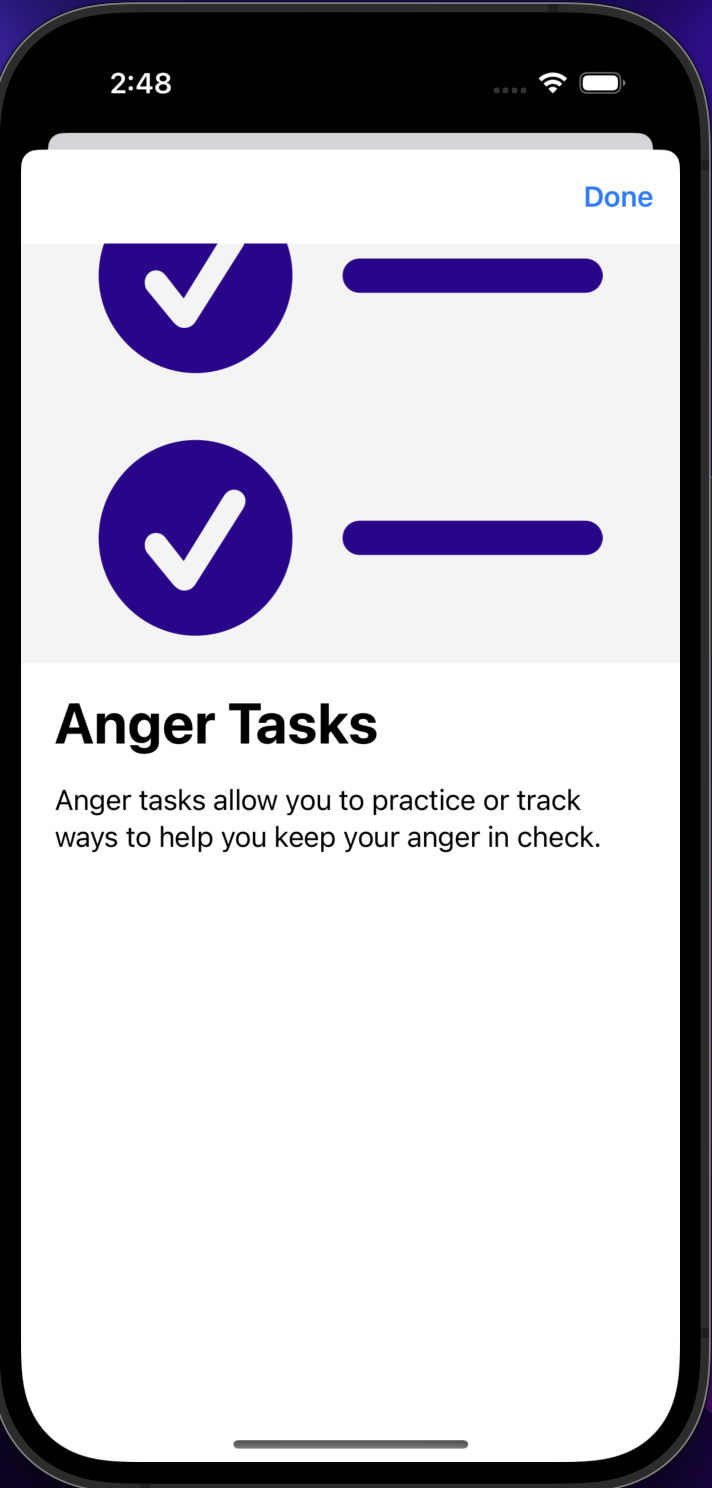
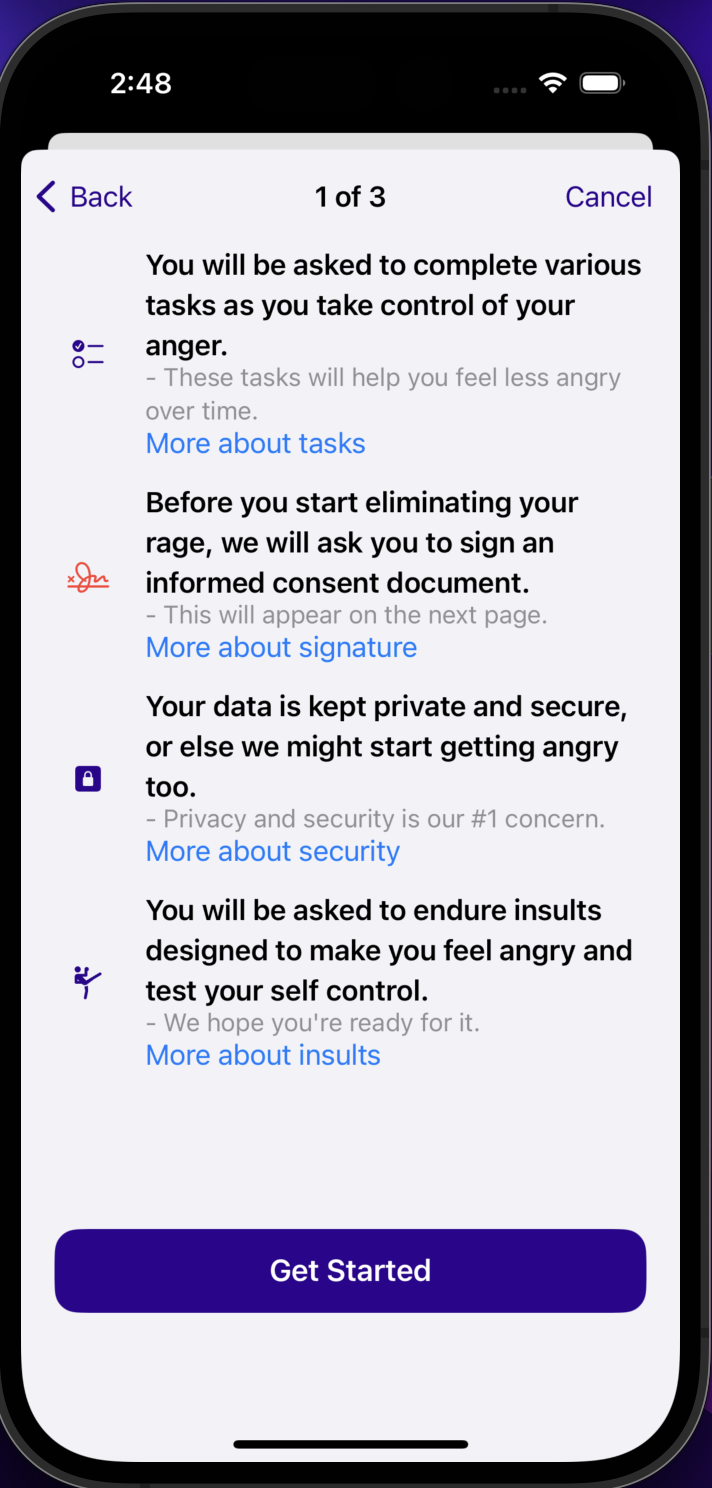
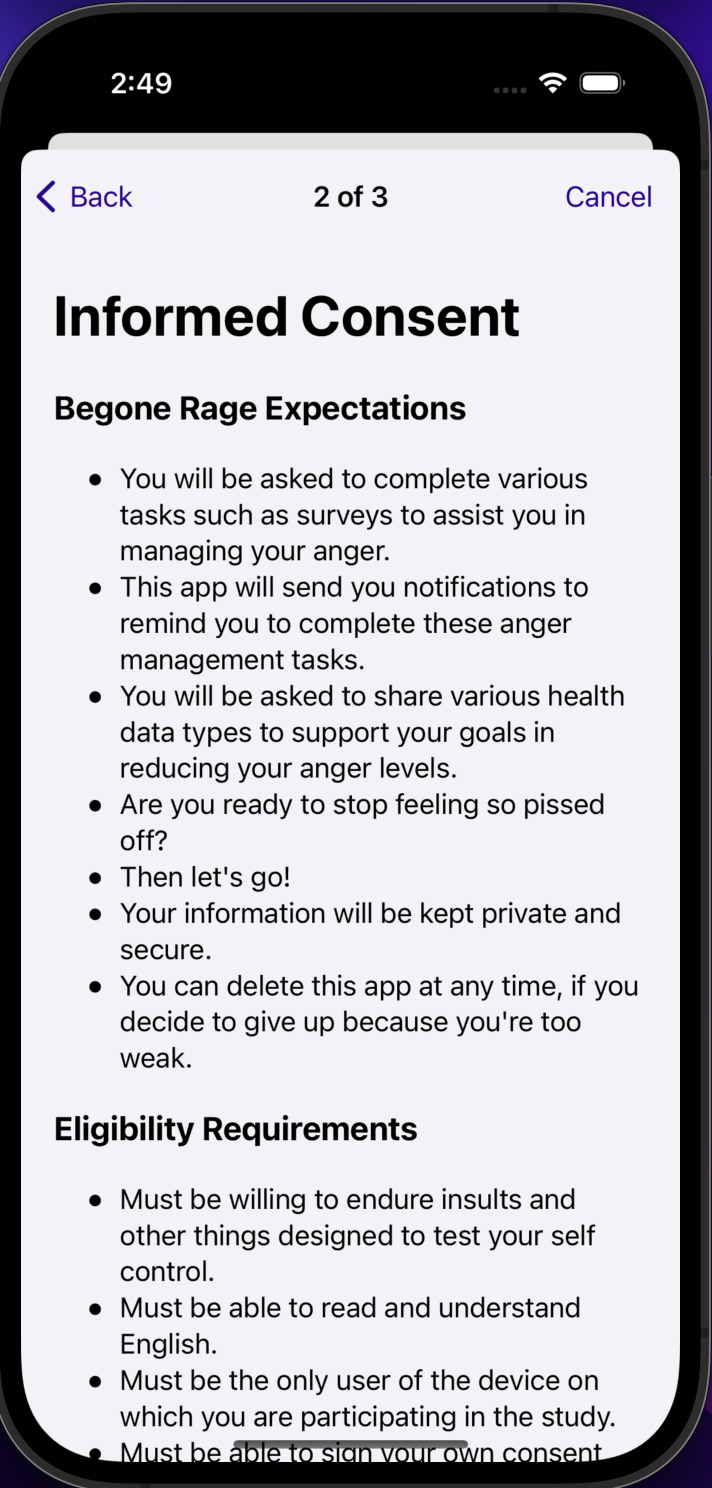
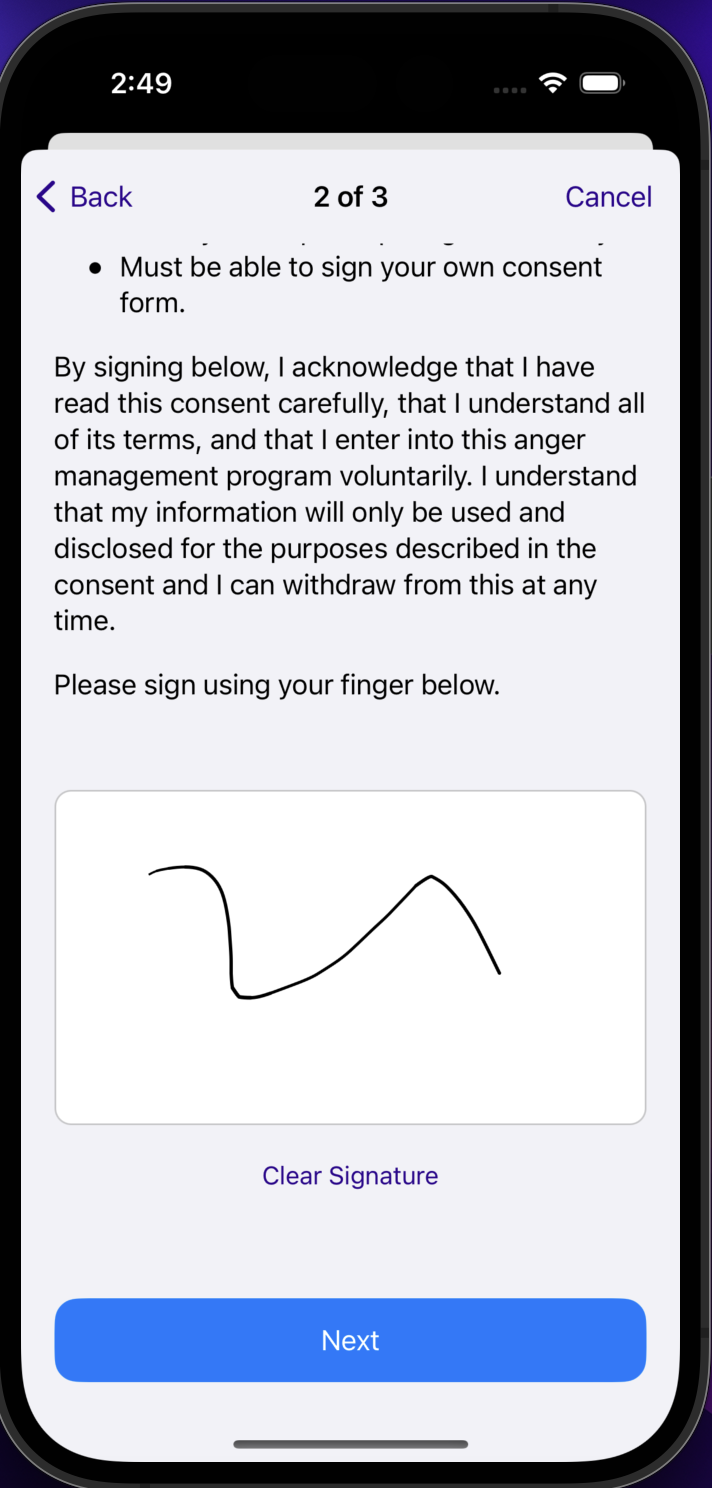
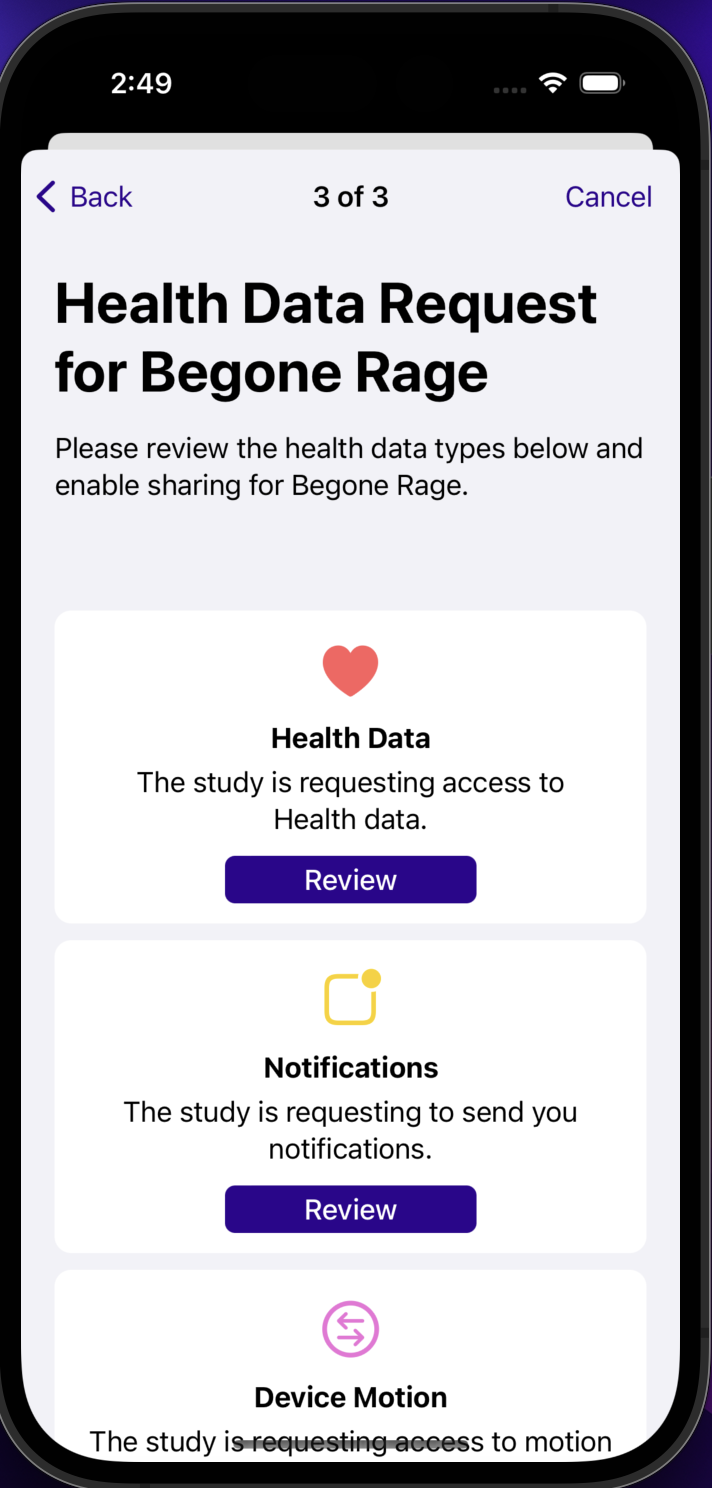
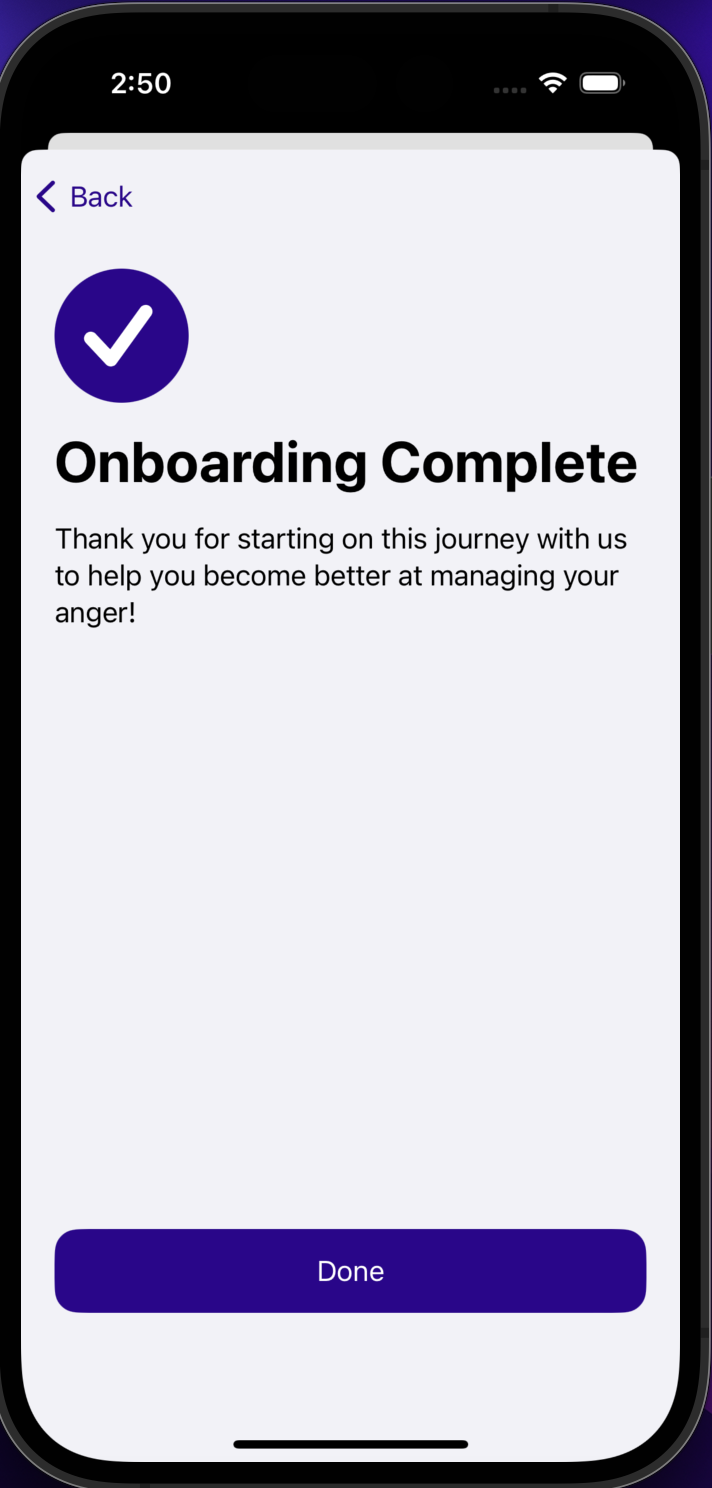
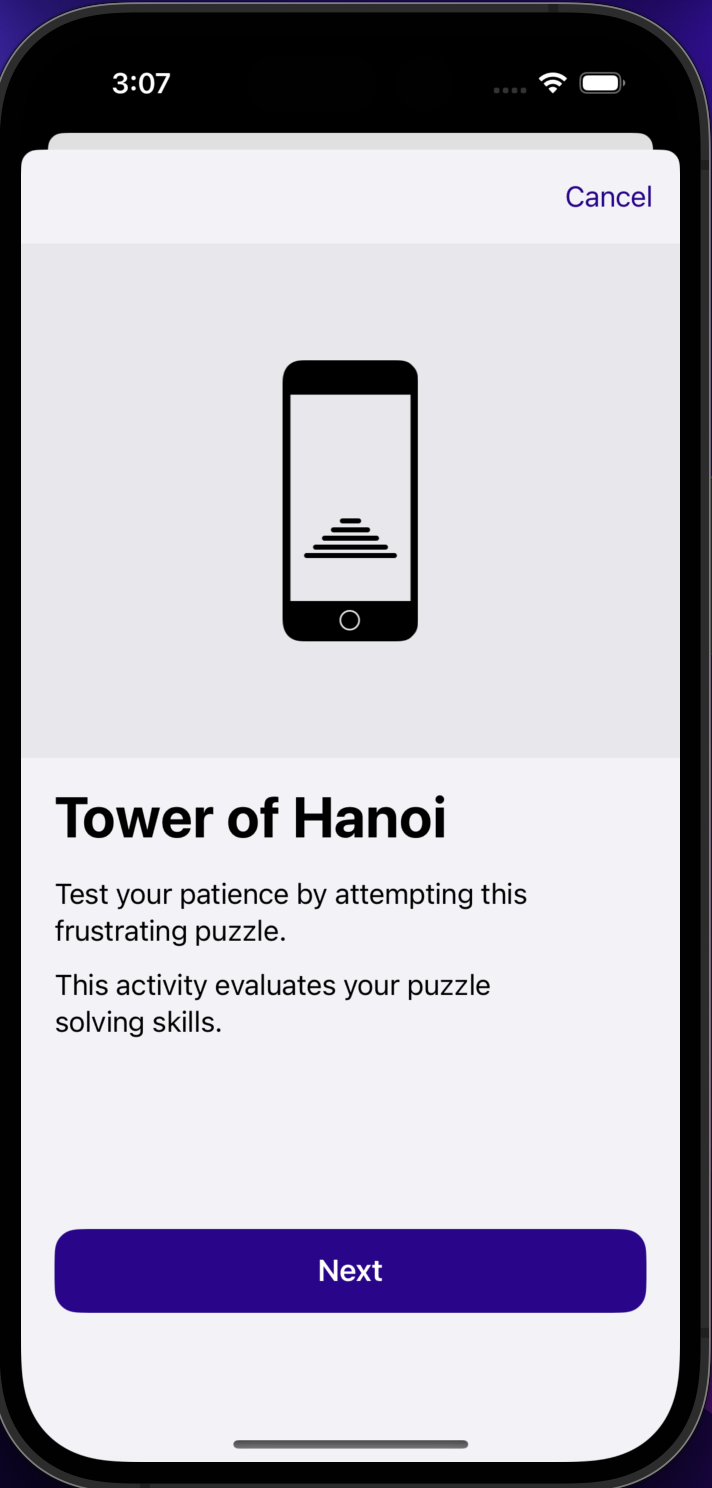
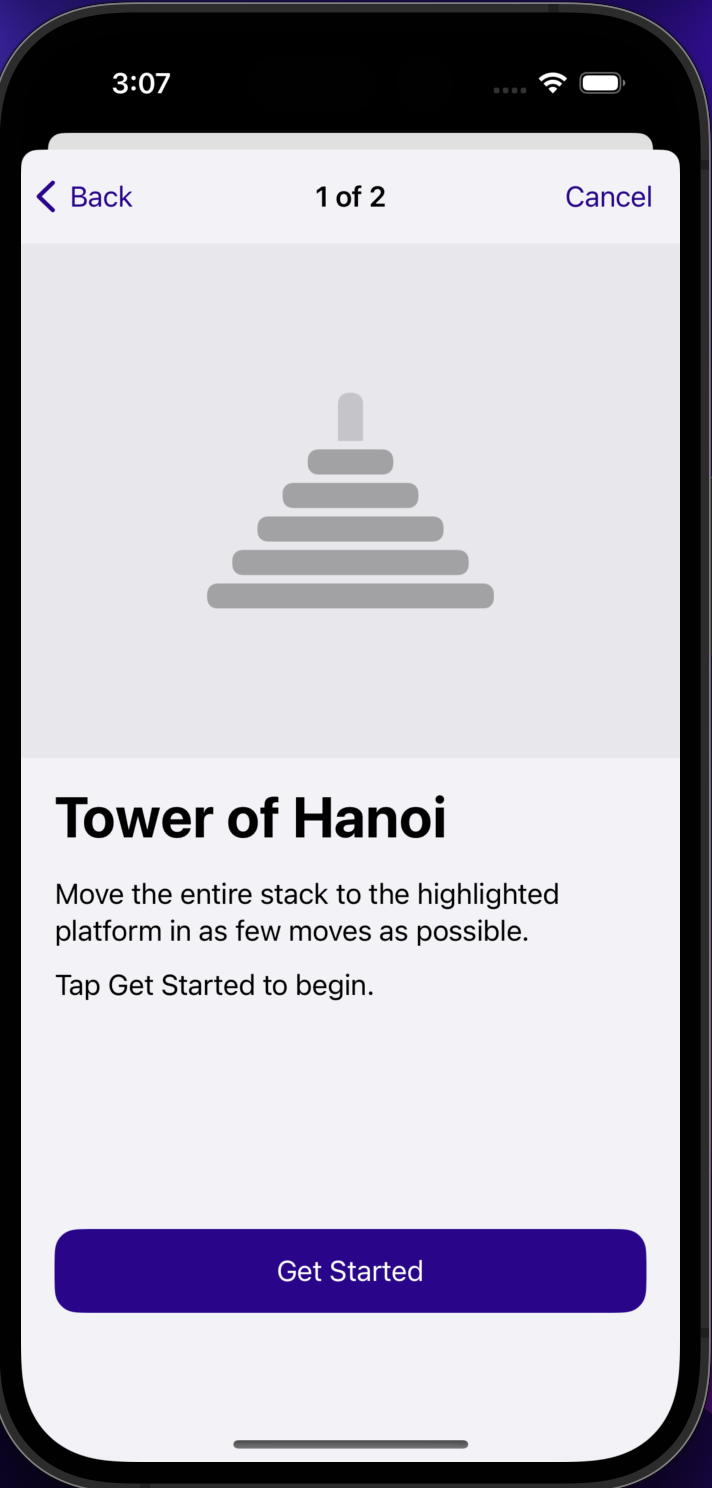
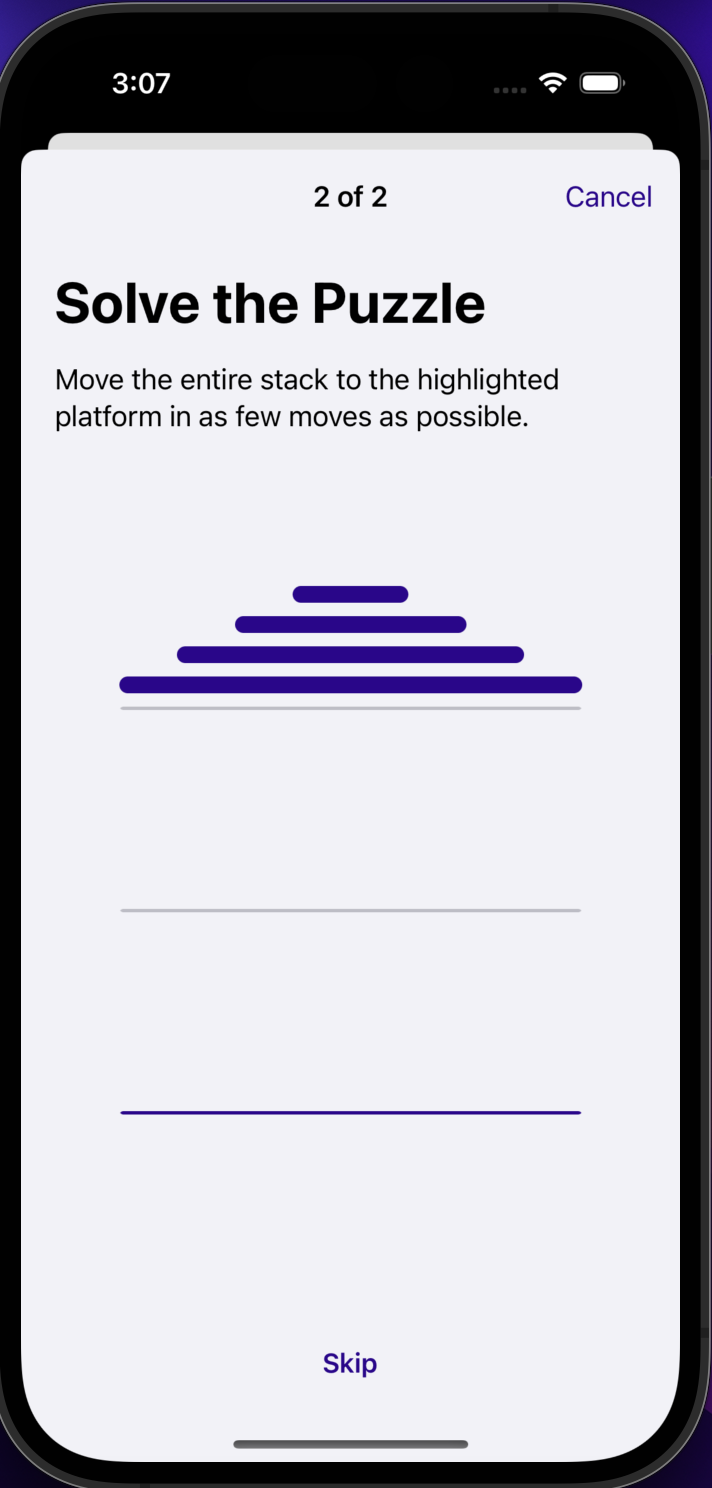
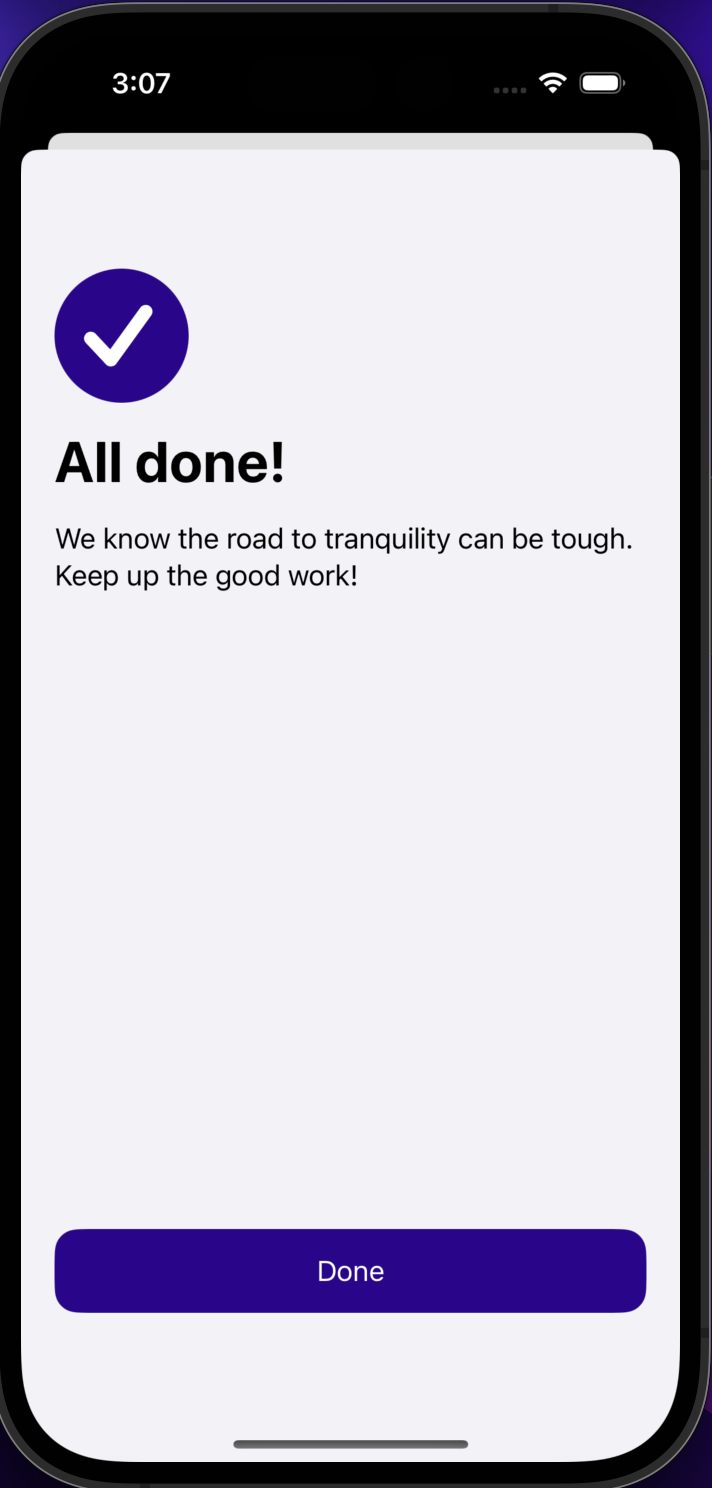
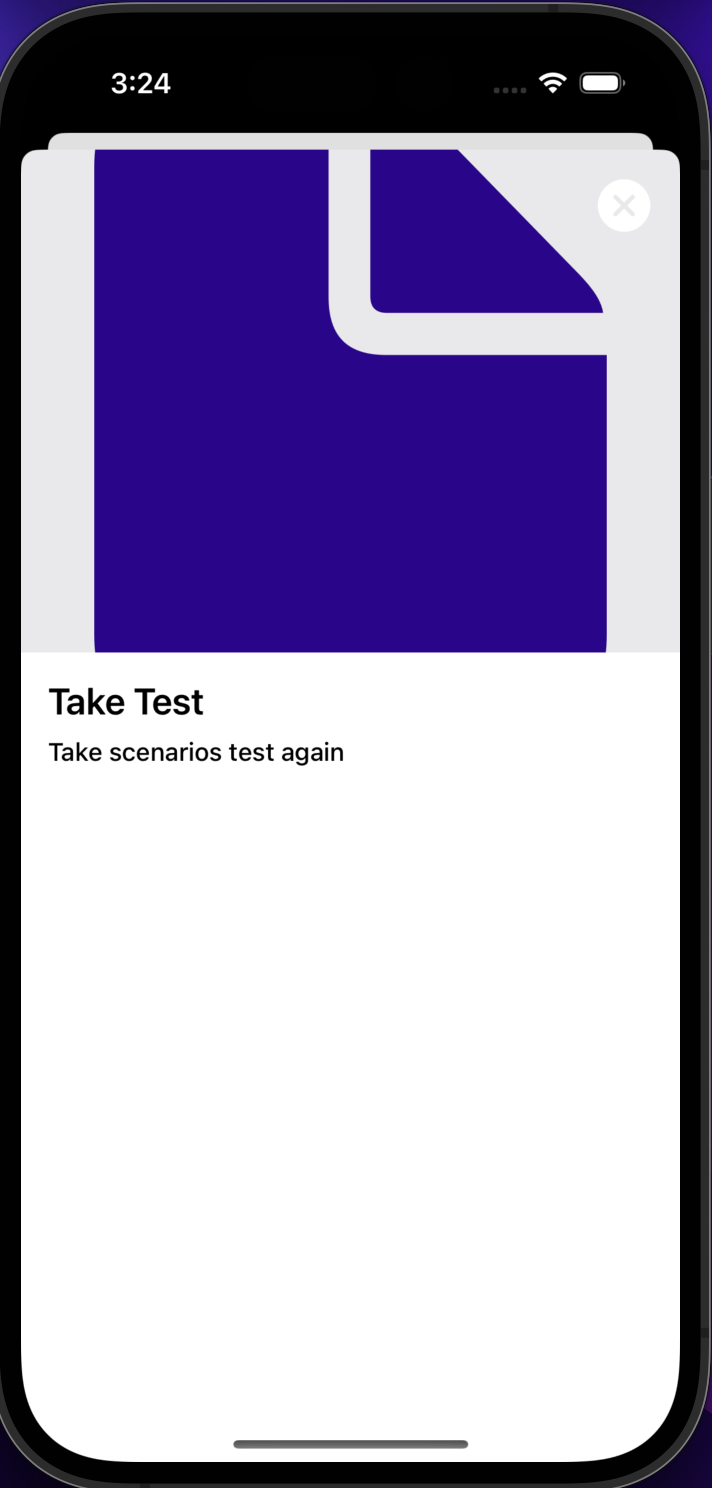
- Onboarding with descriptions, additional information, and images for each step
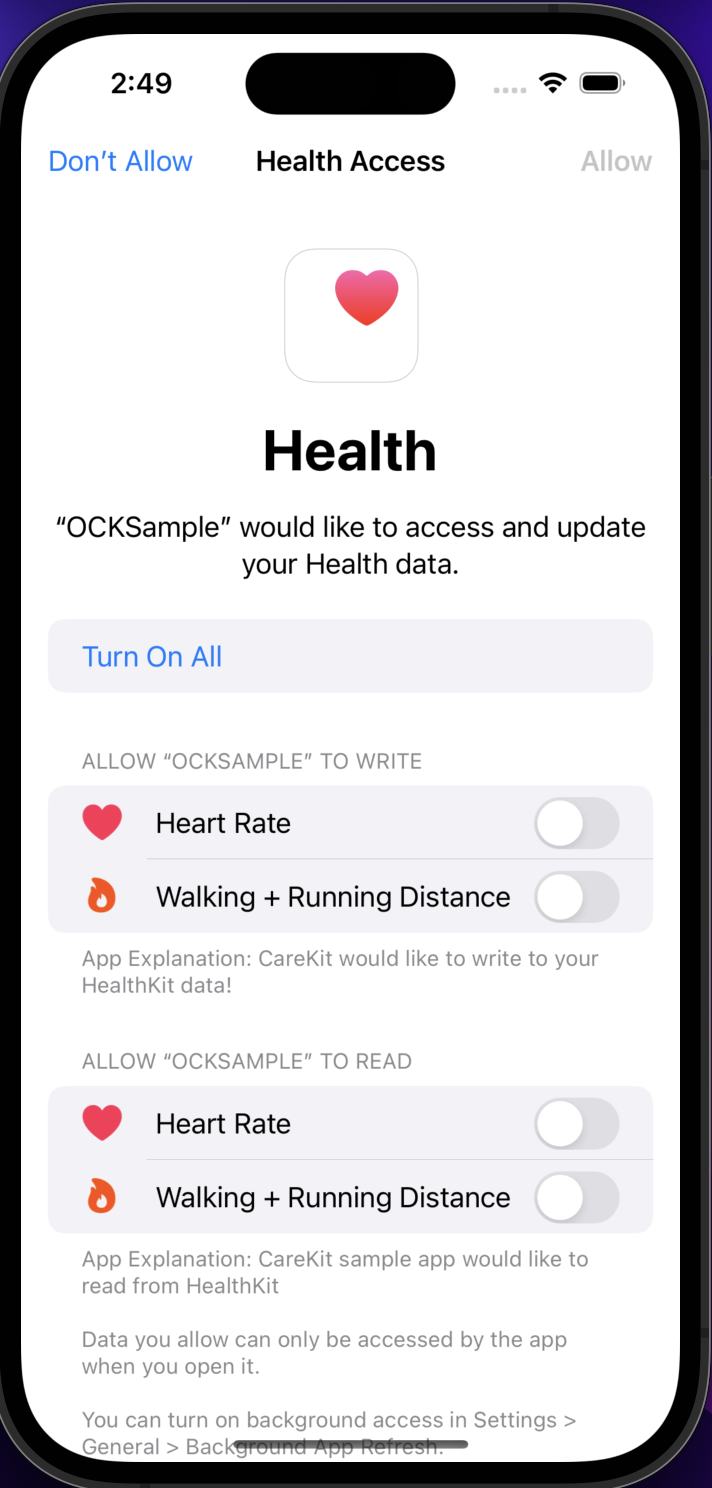
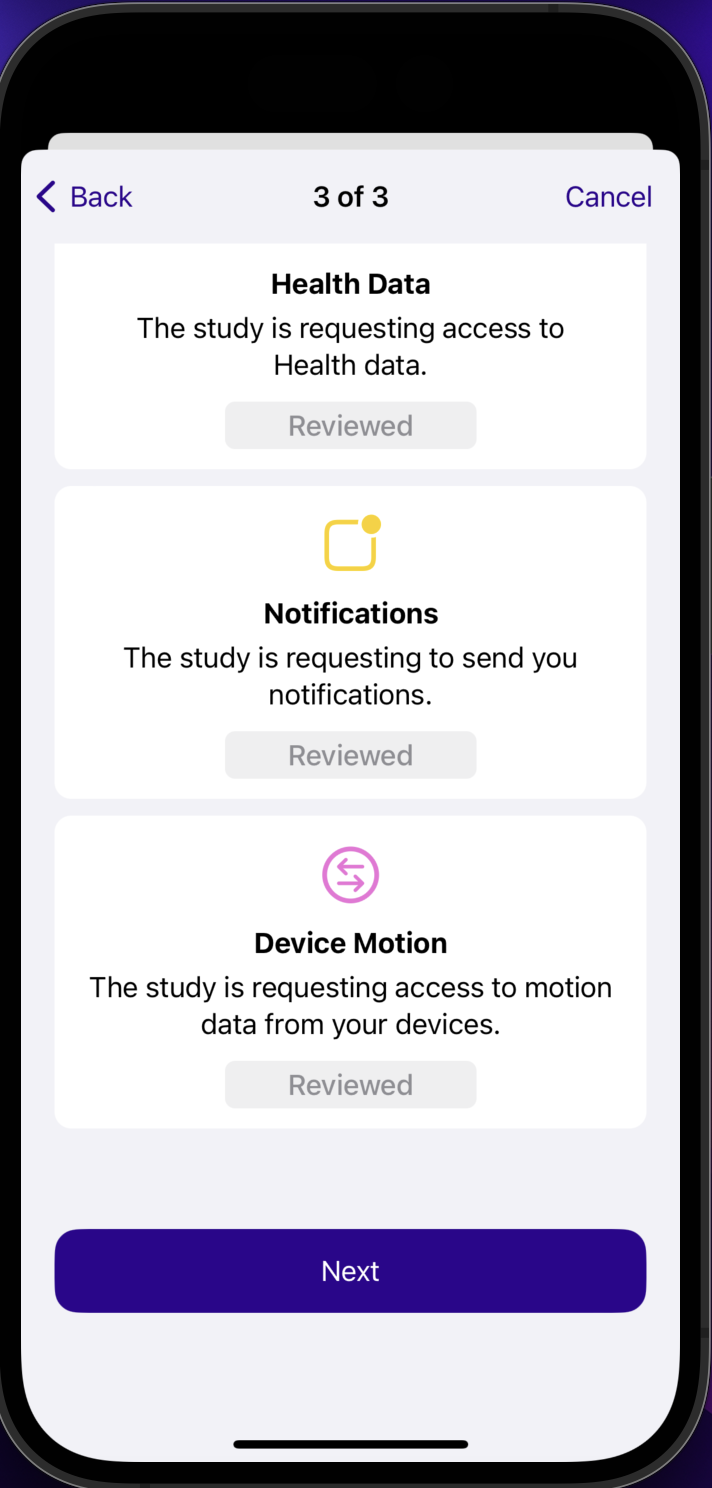
- Asks user for permissions to access Heart Rate and Walking + Running Distance because these are the HealthKit tasks that are provided in the app by default
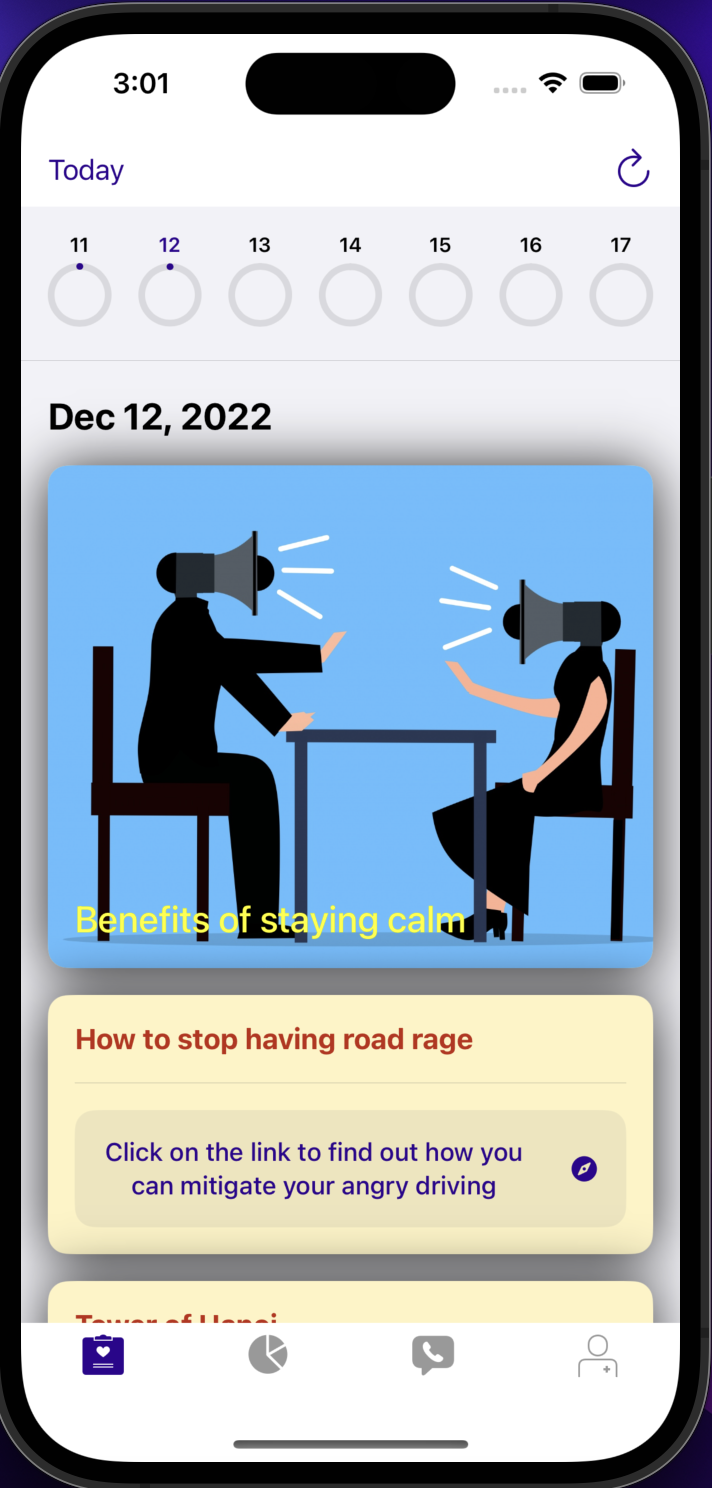
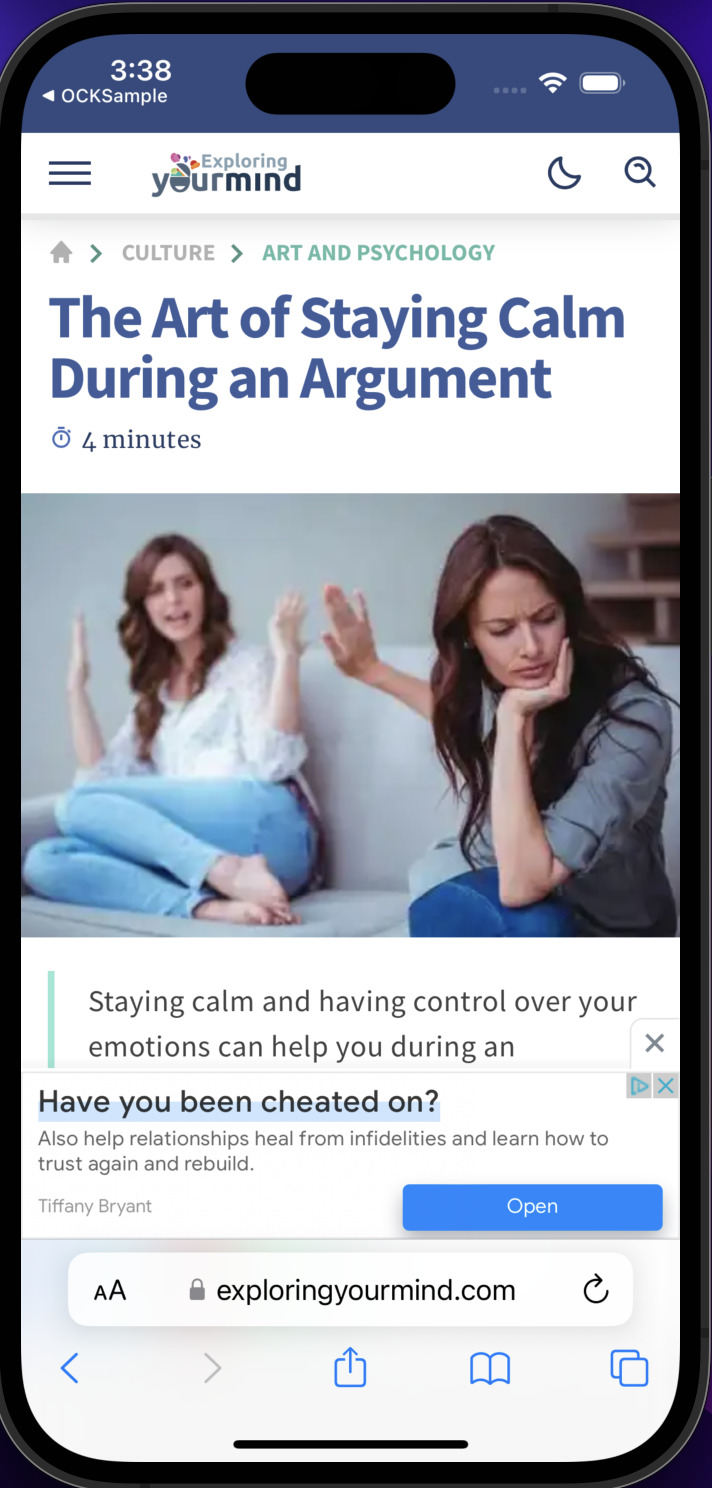
- CustomFeaturedContentView card that, when tapped, brings the user to a website article about staying calm during an argument
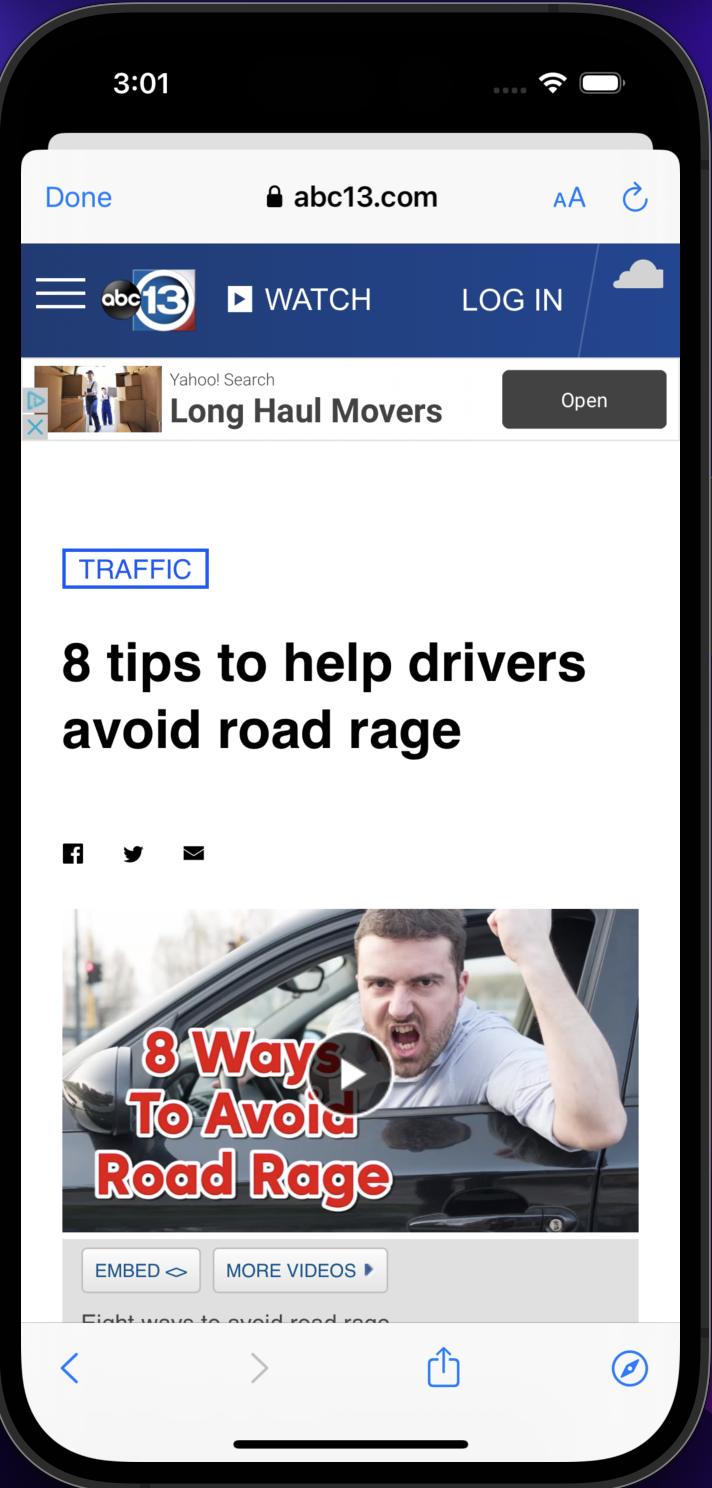
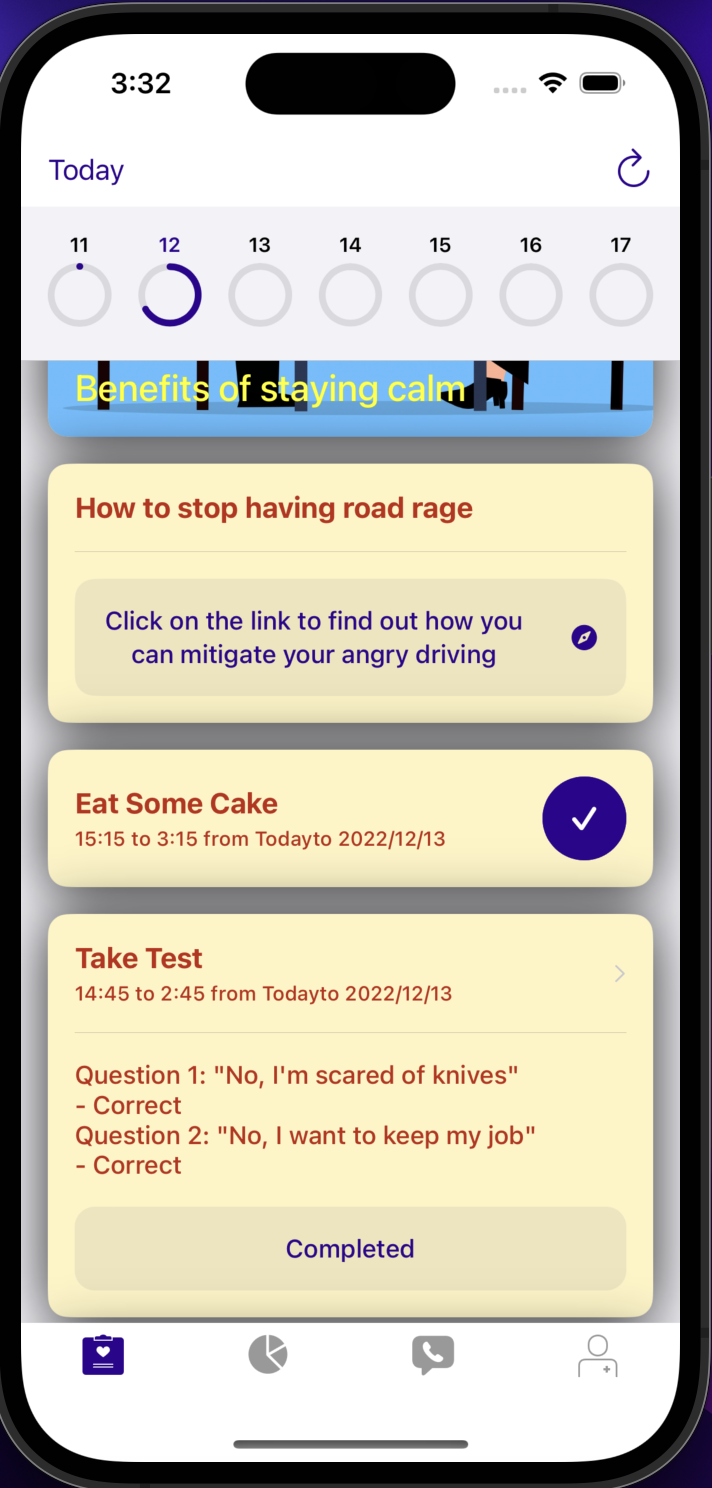
- LinkView card that, when tapped, brings the user to a website article about how to avoid having road rage
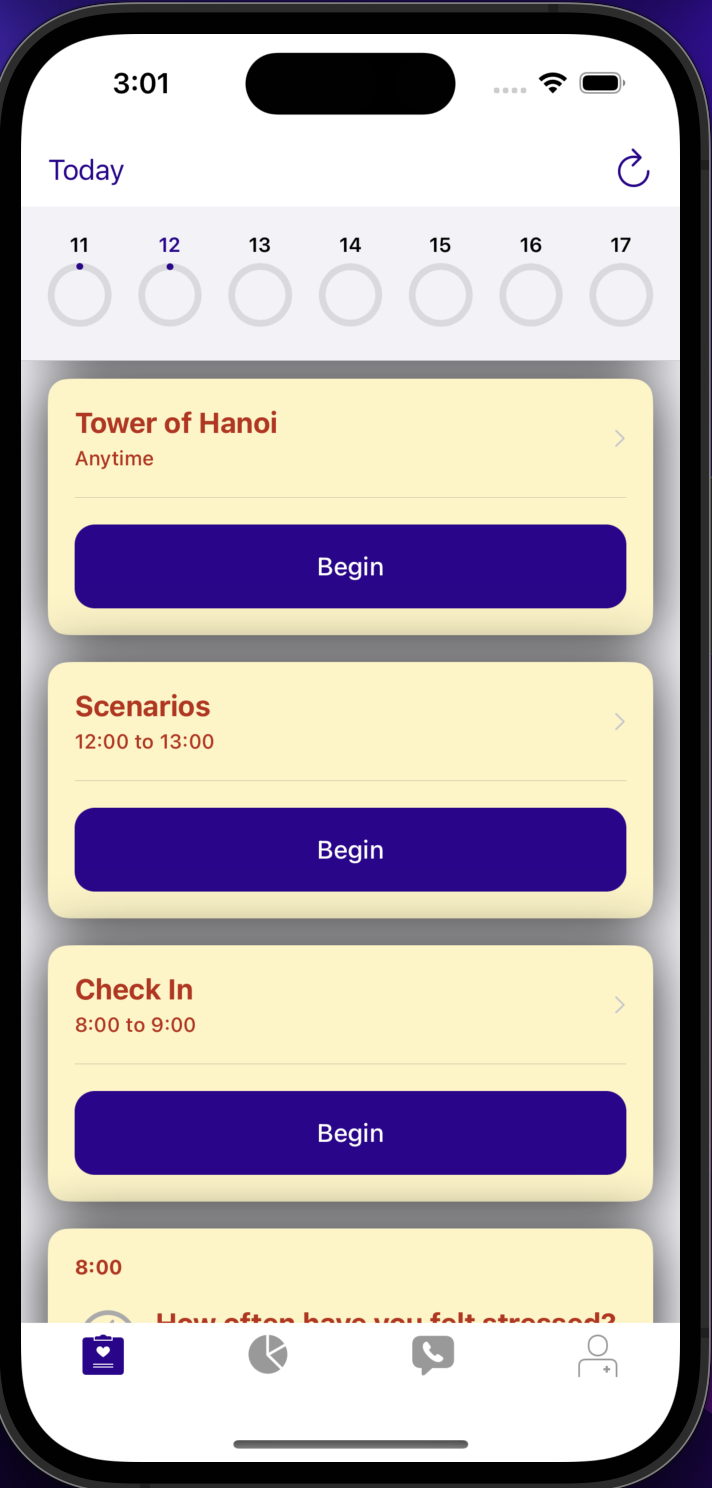
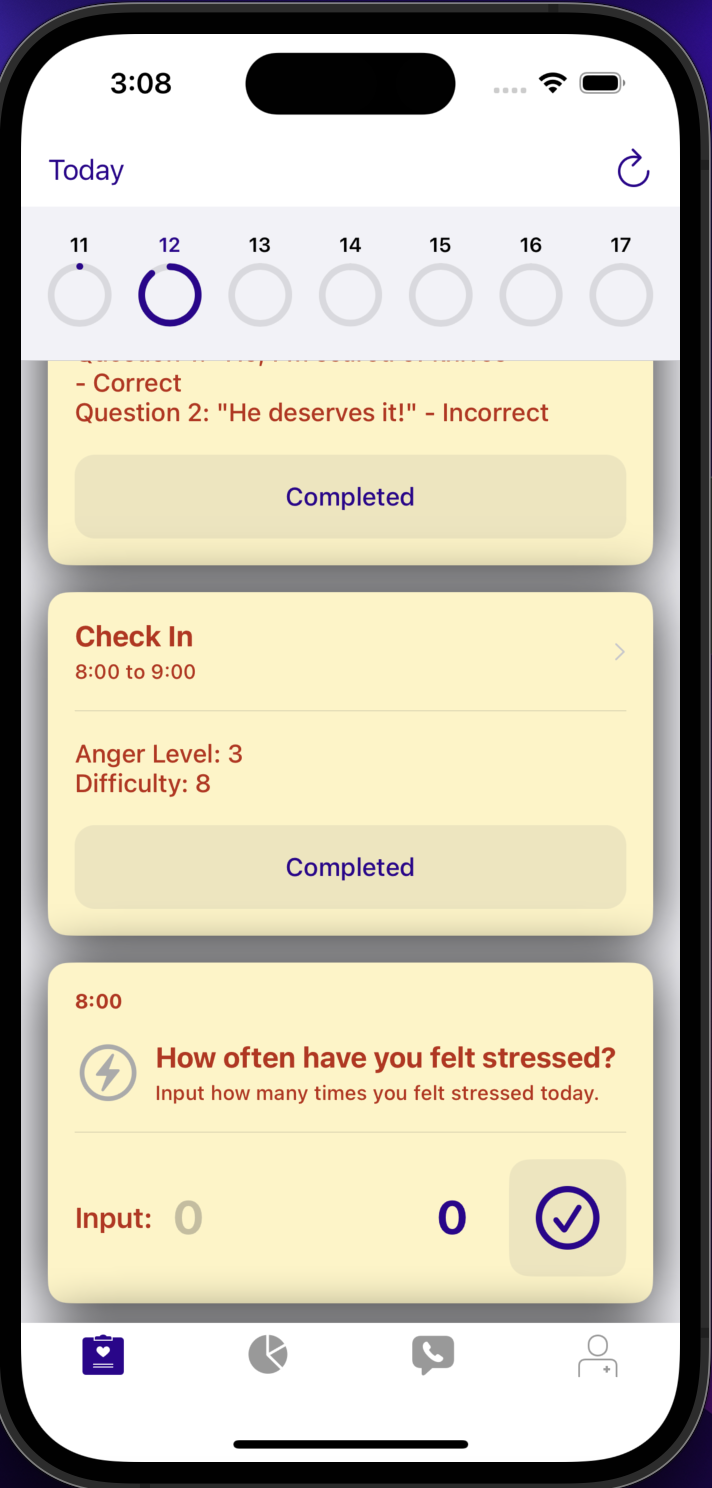
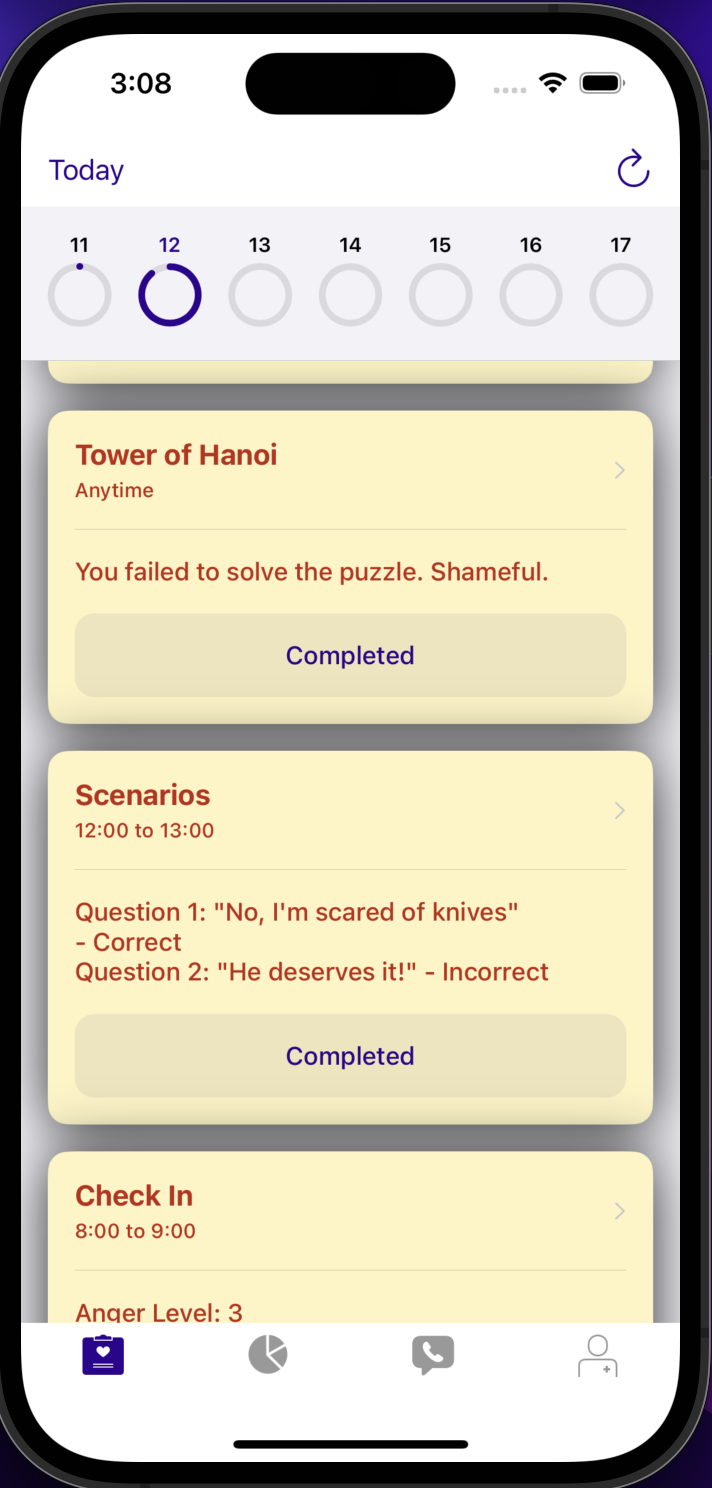
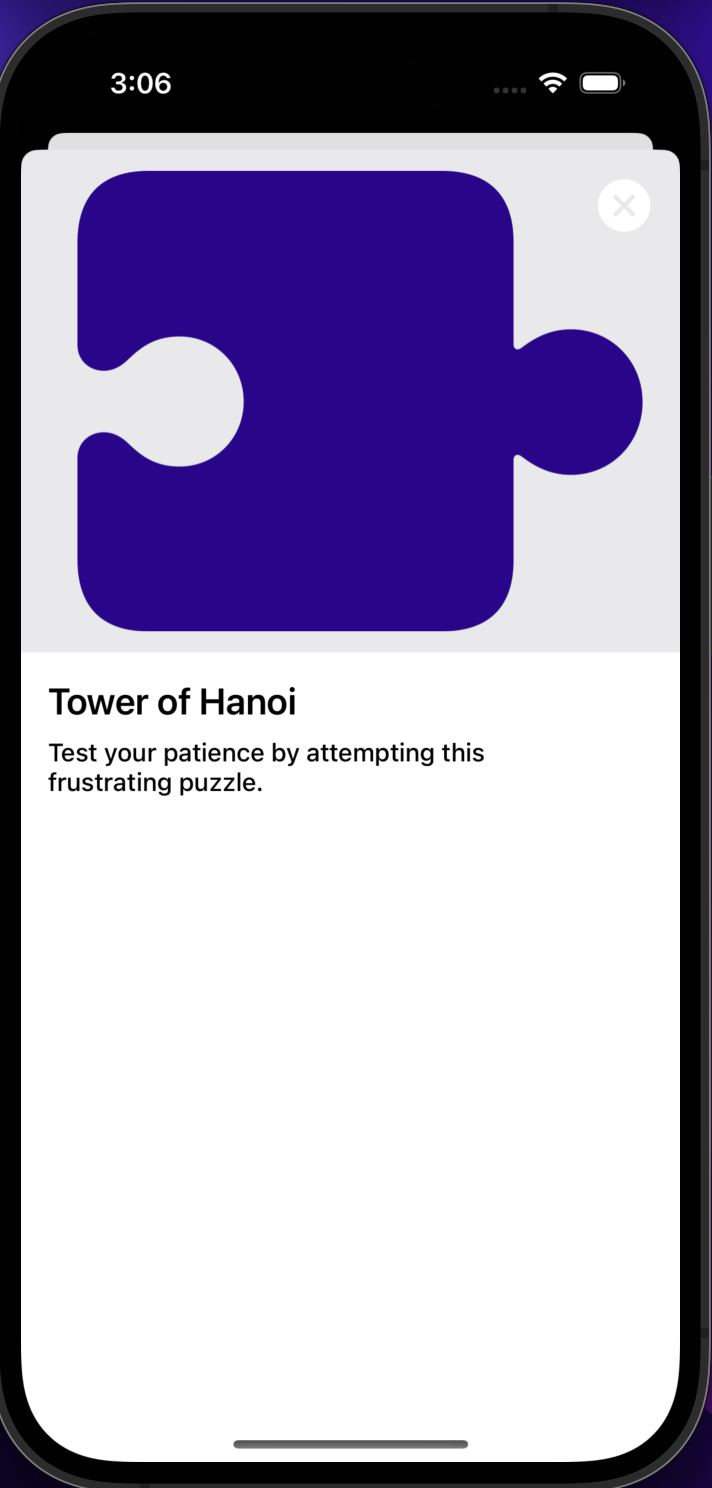
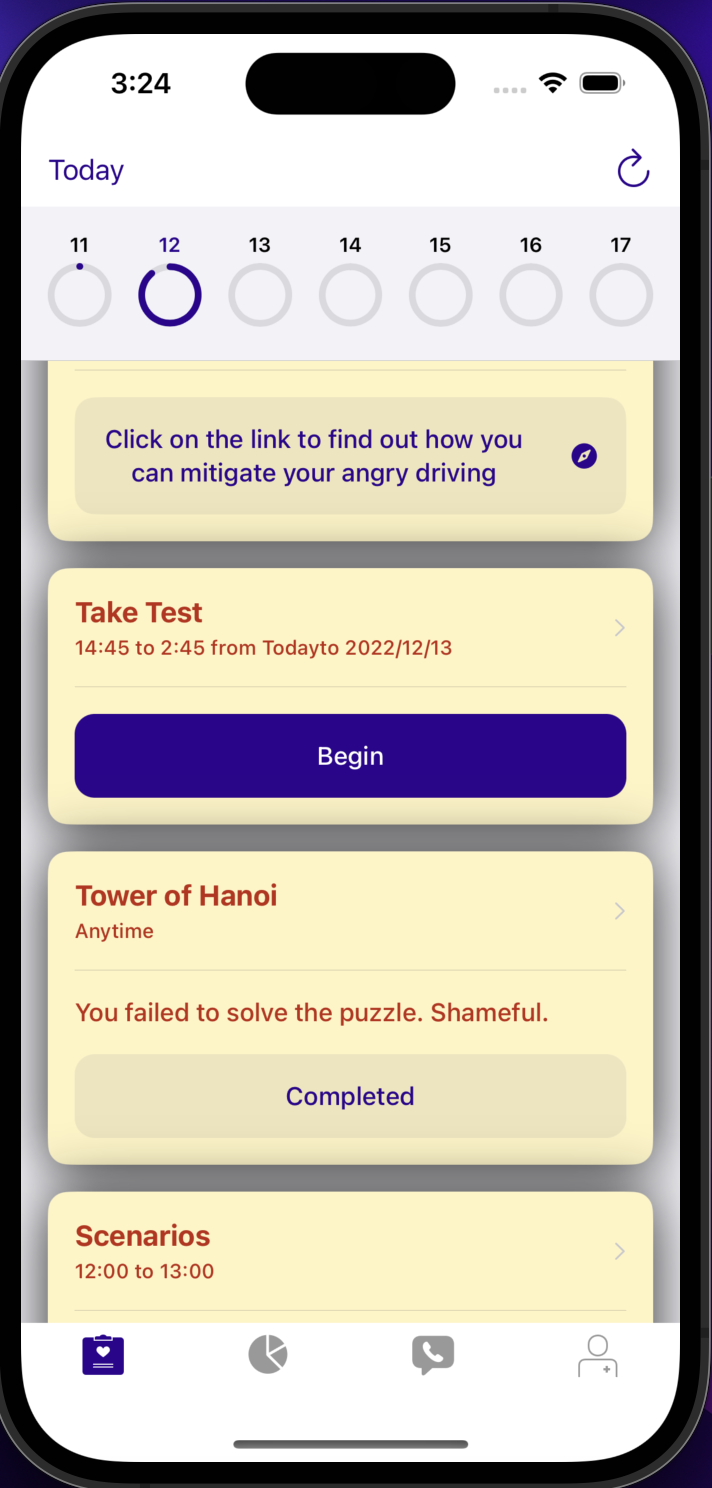
- Tower of Hanoi Active ResearchKit survey-- gives the user a chance to practice their patience and ability to avoid getting frustrated by having them do a puzzle many find difficult
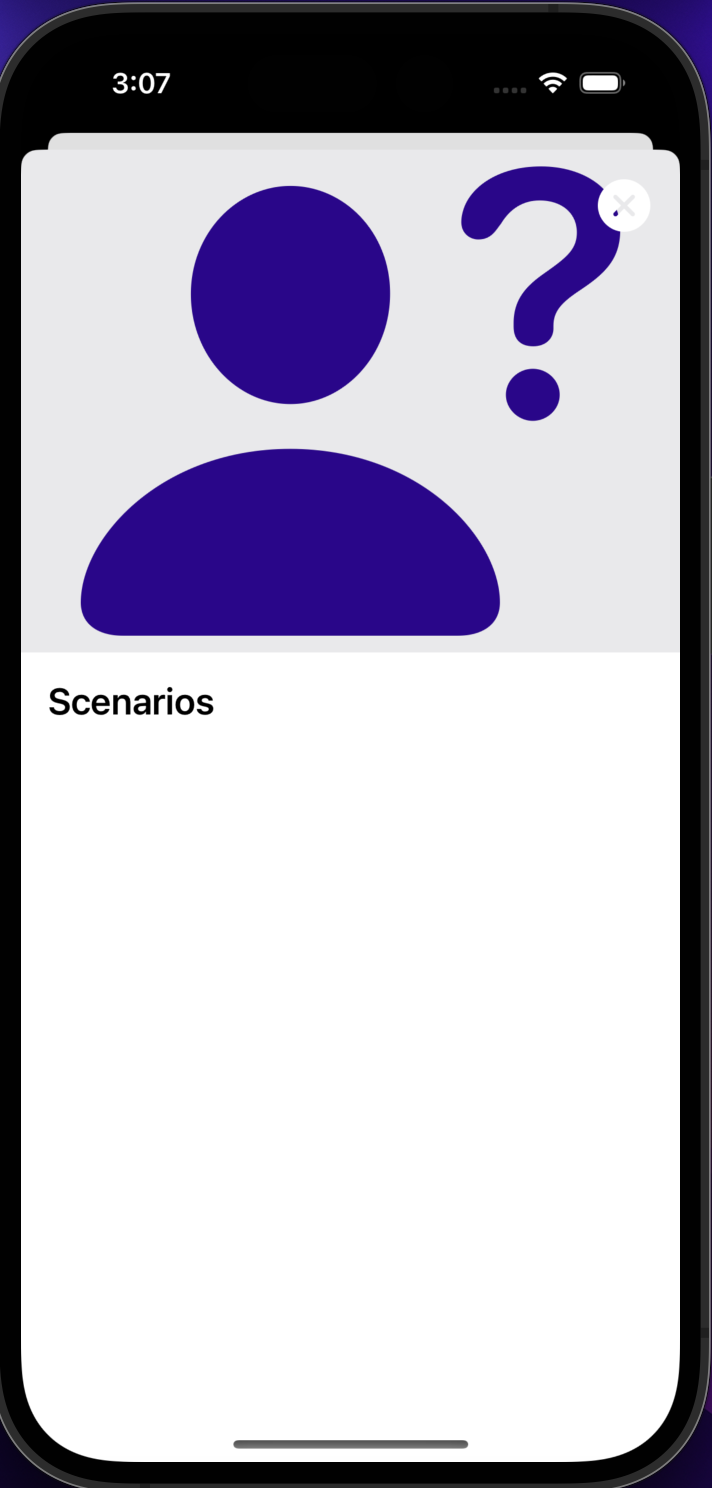
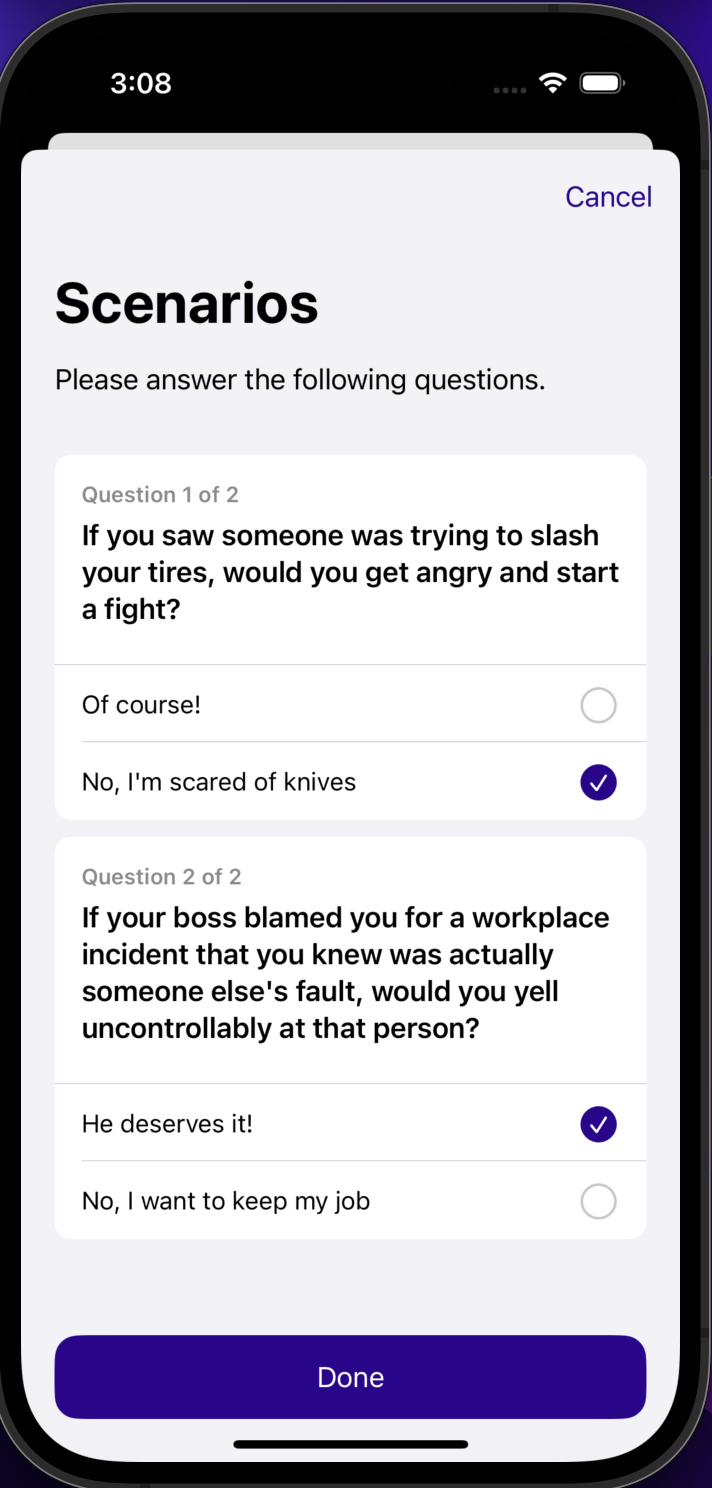
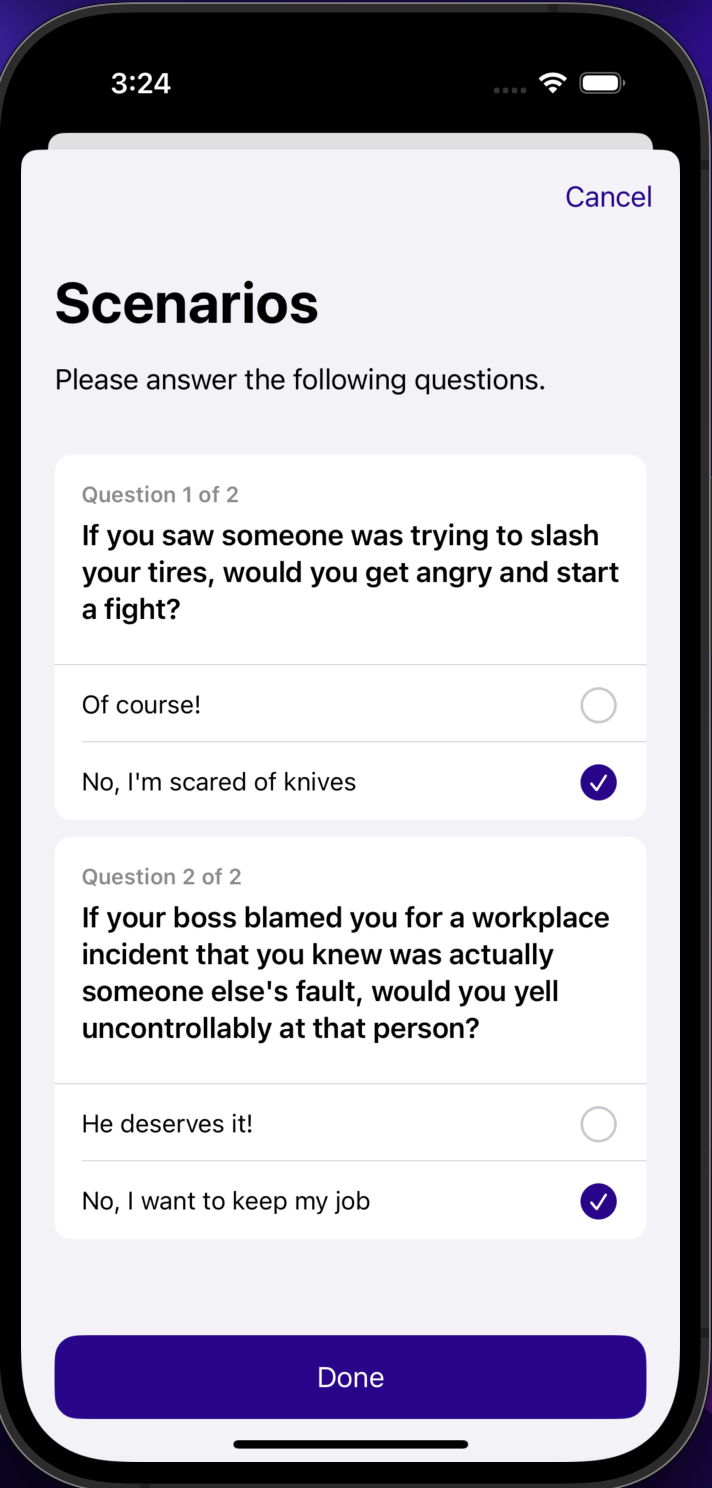
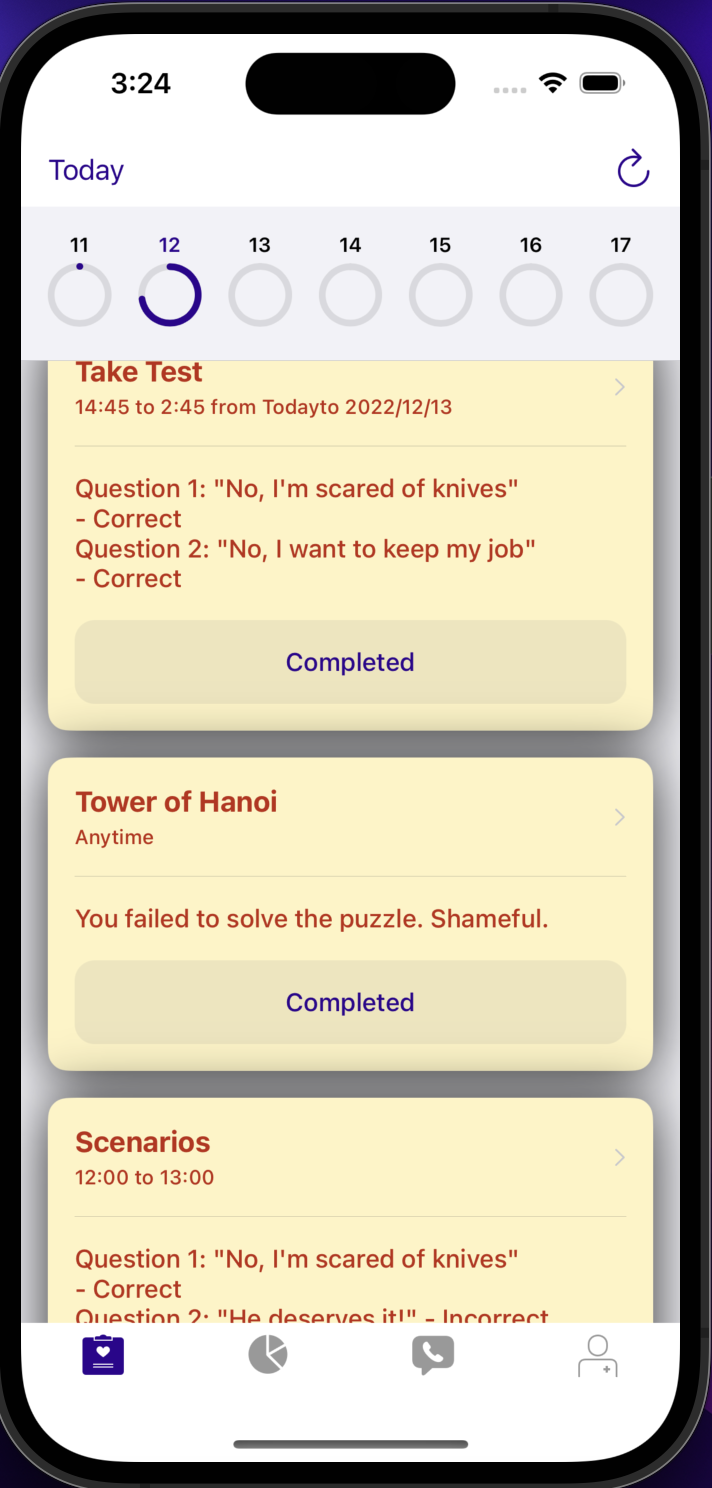
- Custom Boolean Questions ResearchKit survey (Scenarios)-- gives the user a chance to practice how they might react in situations where it would be easy to get angry
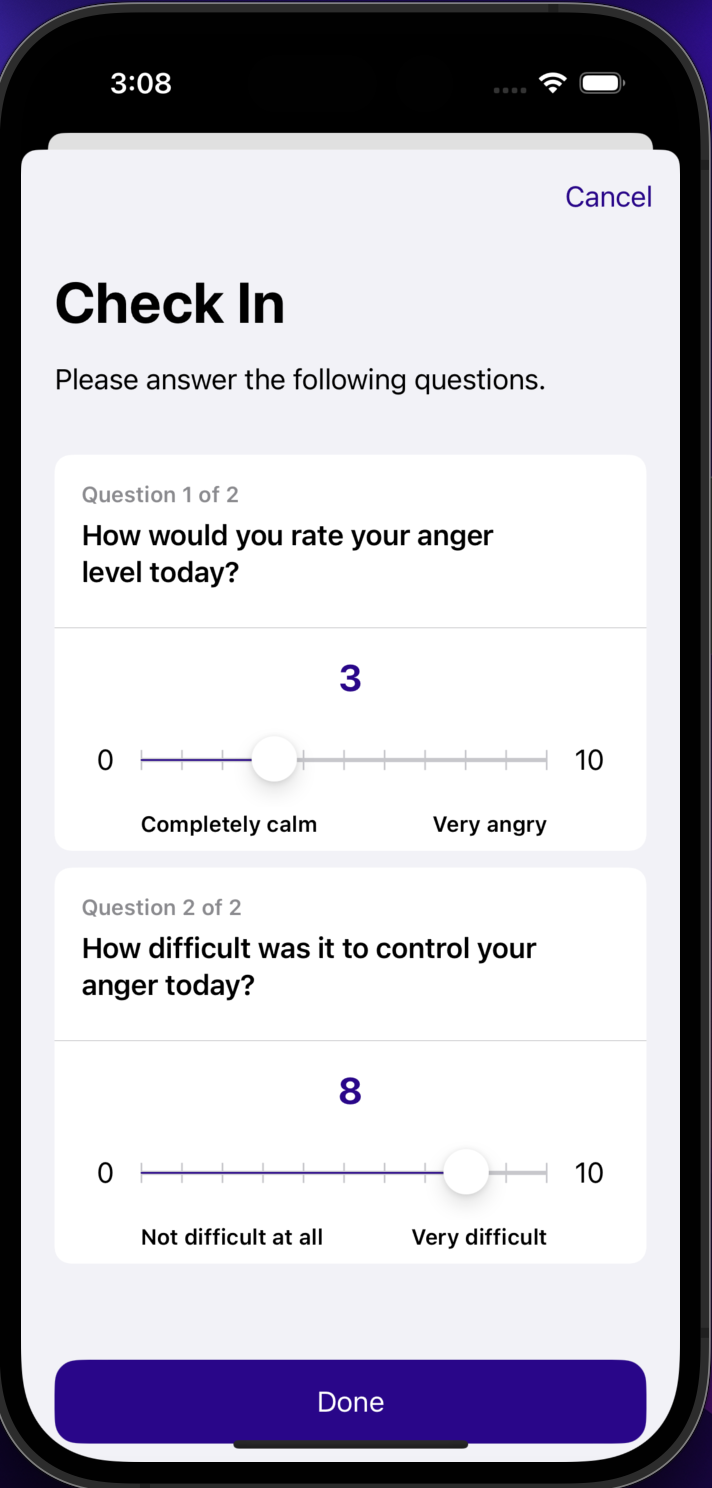
- Scale Questions ResearchKit survey (Check In)-- gives the user a chance to reflect on their feelings and ability to control their anger
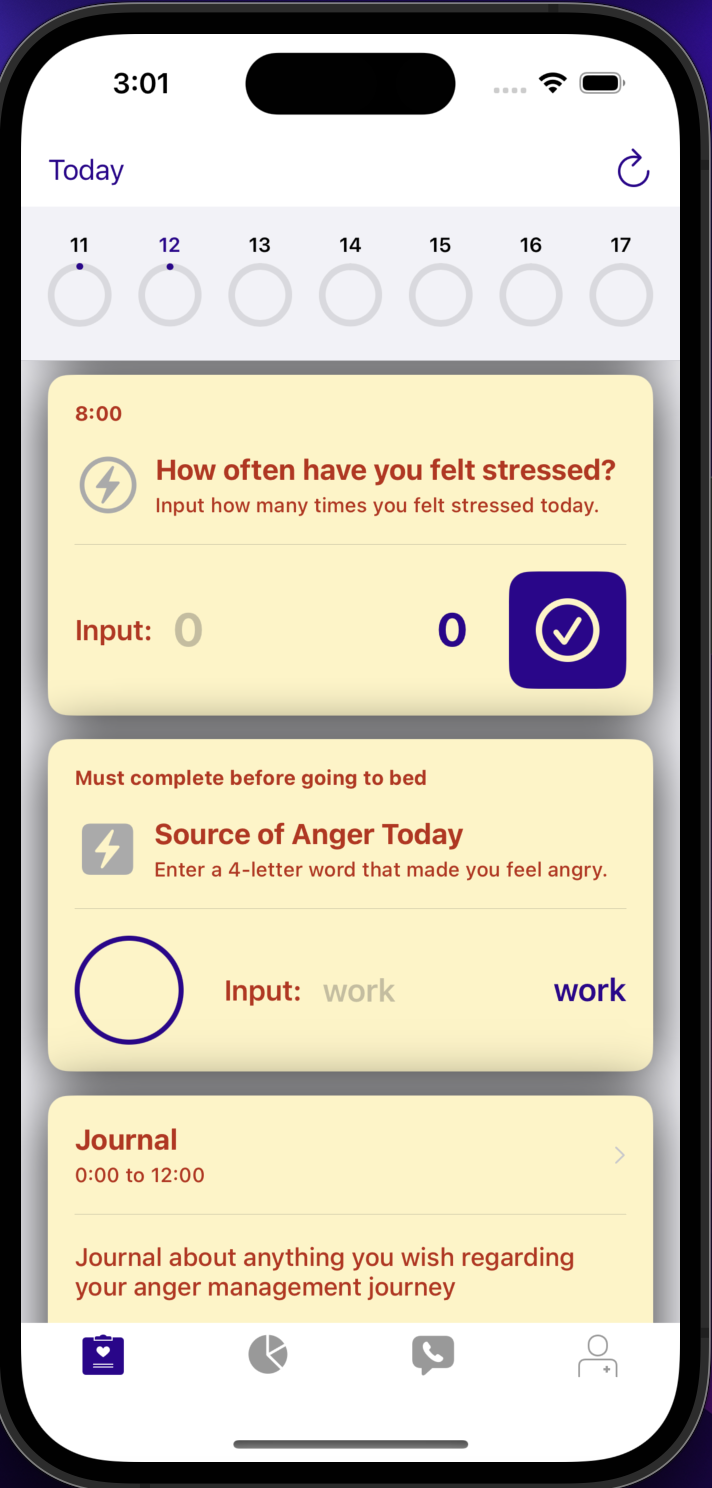
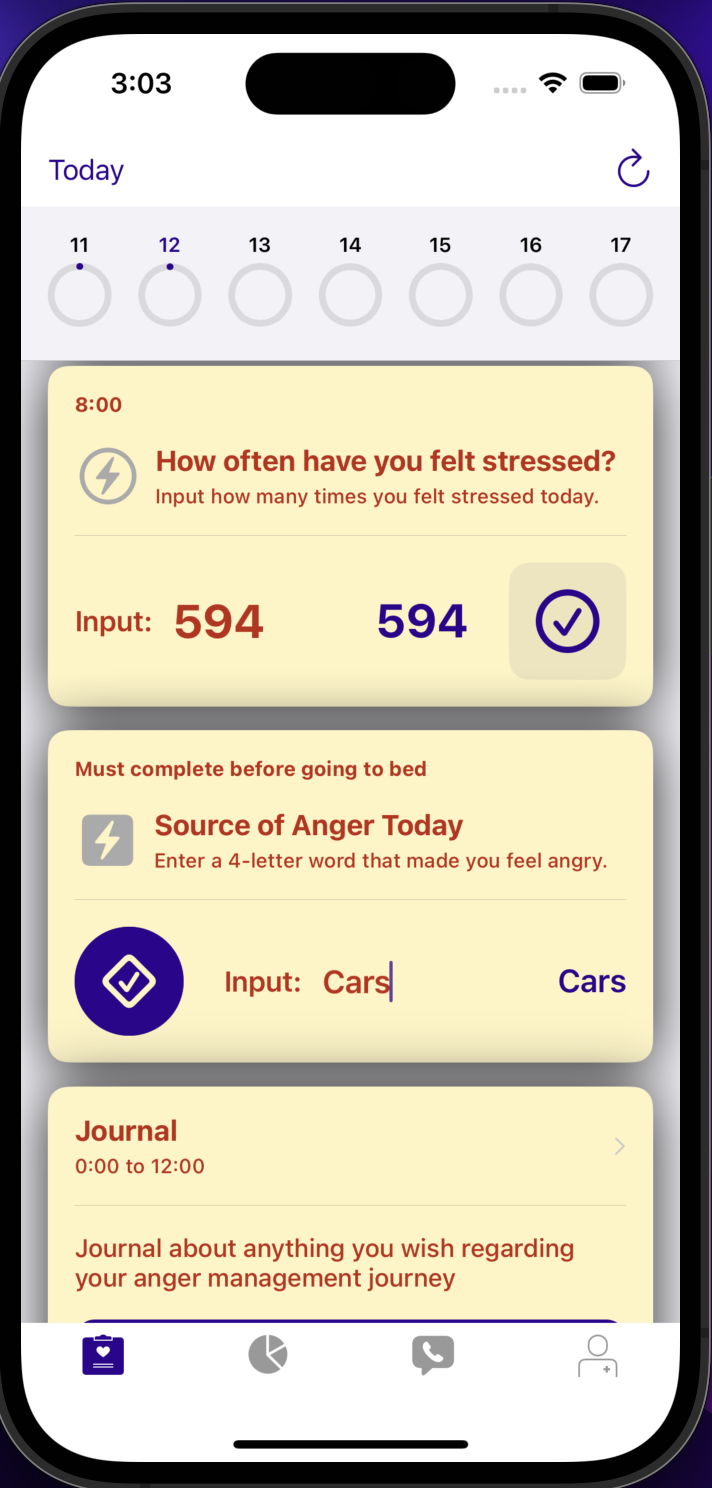
- Custom SwiftUI card 1 (How often have you felt stressed?)-- gives the user a chance to reflect on how much stress they've been feeling, which often contributes to feelings of anger
- Custom SwiftUI card 2 (Source of Anger Today)-- gives the user a chance to reflect on what might be the source of their anger
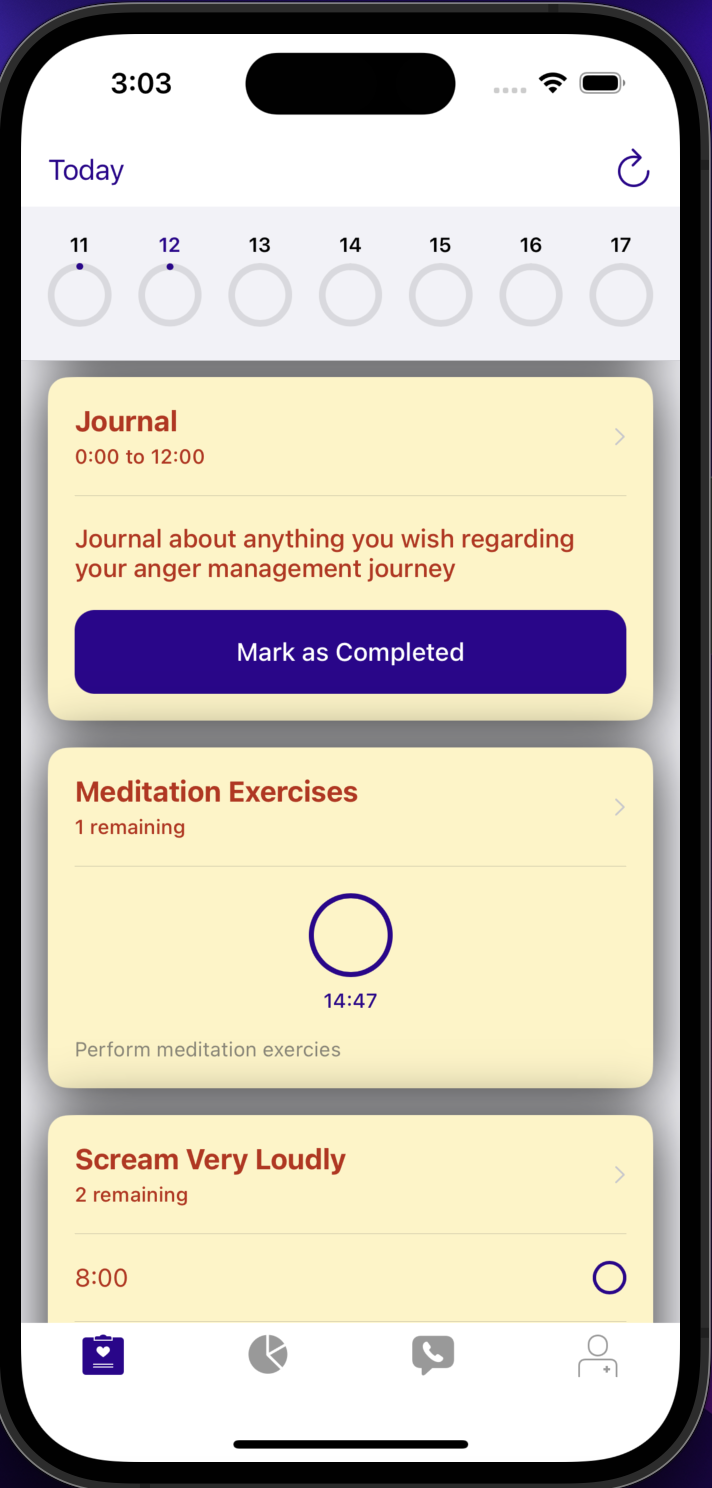
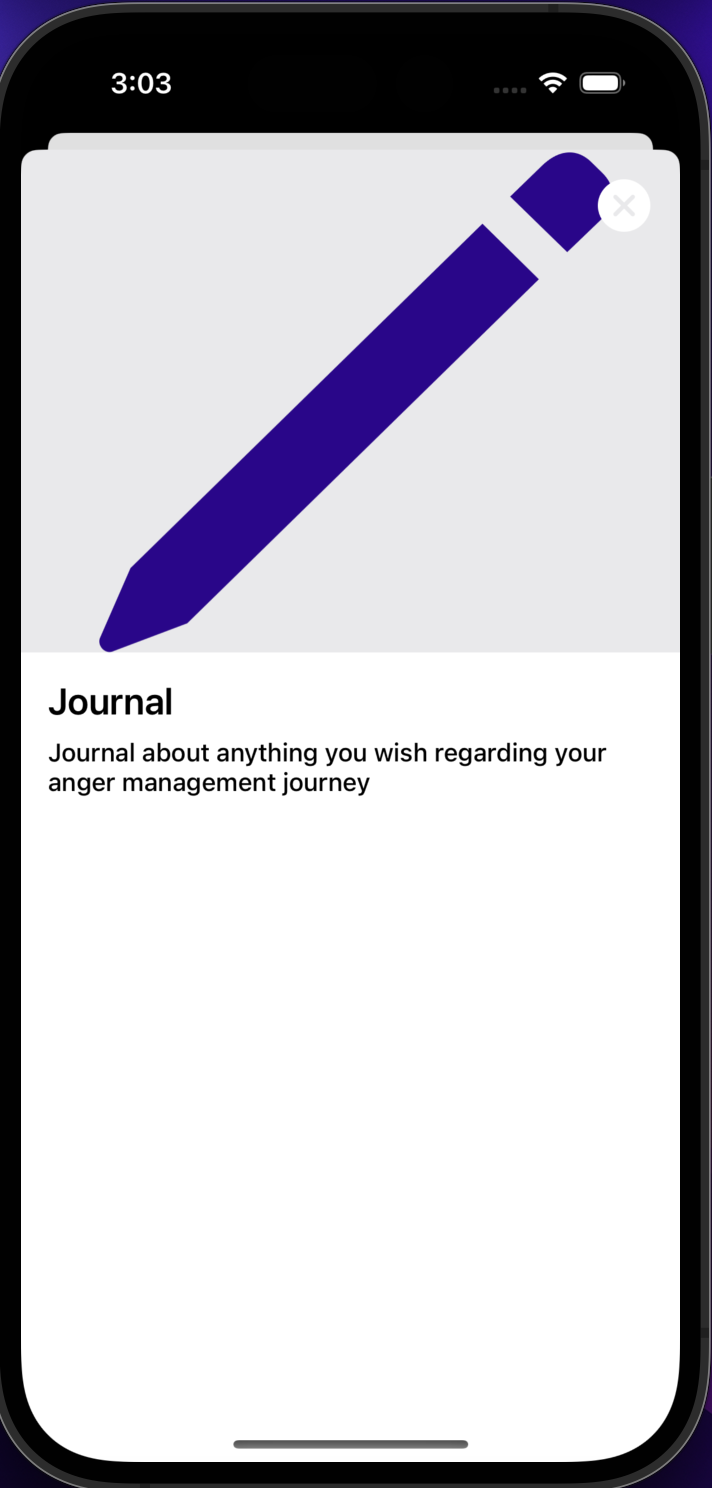
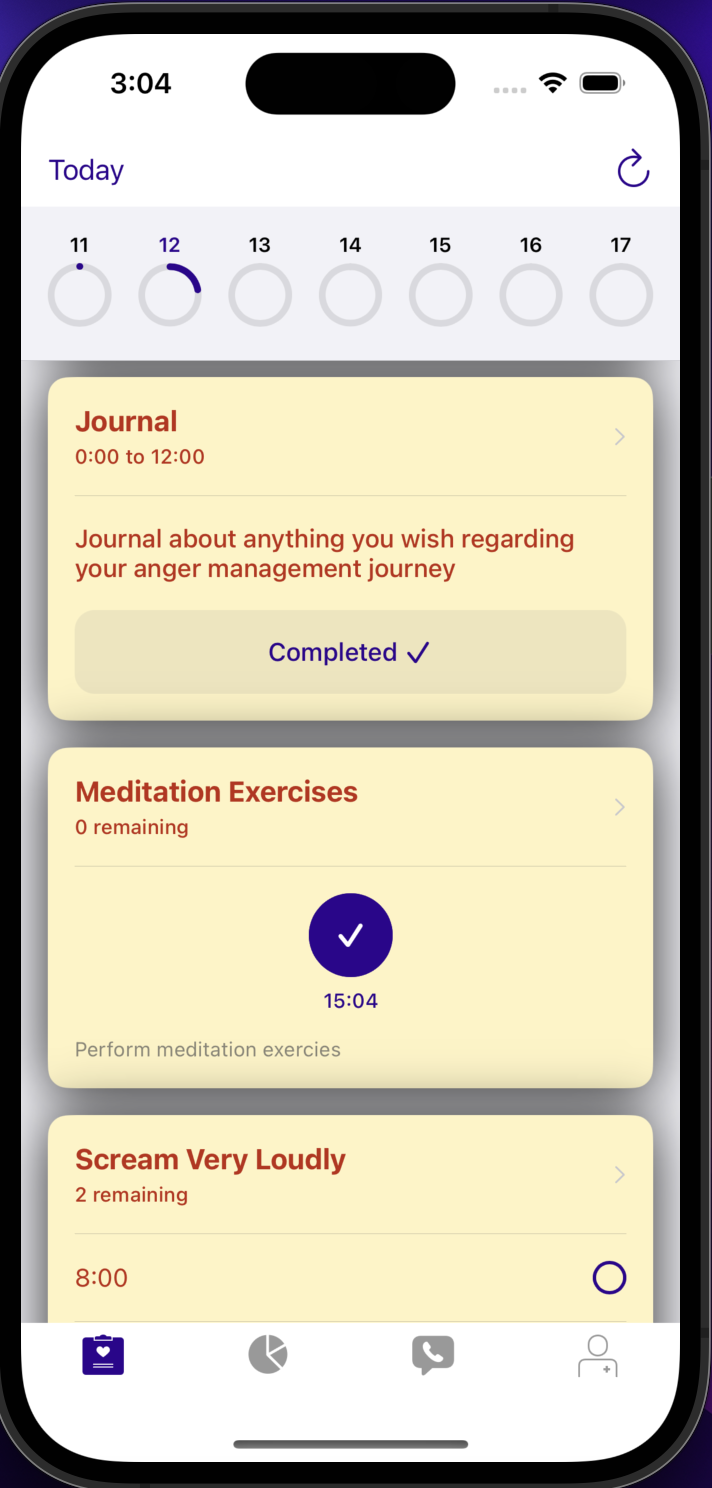
- Modified Instruction card (Journal)-- reminds the user to stay on top of their journaling about their anger management journey so far
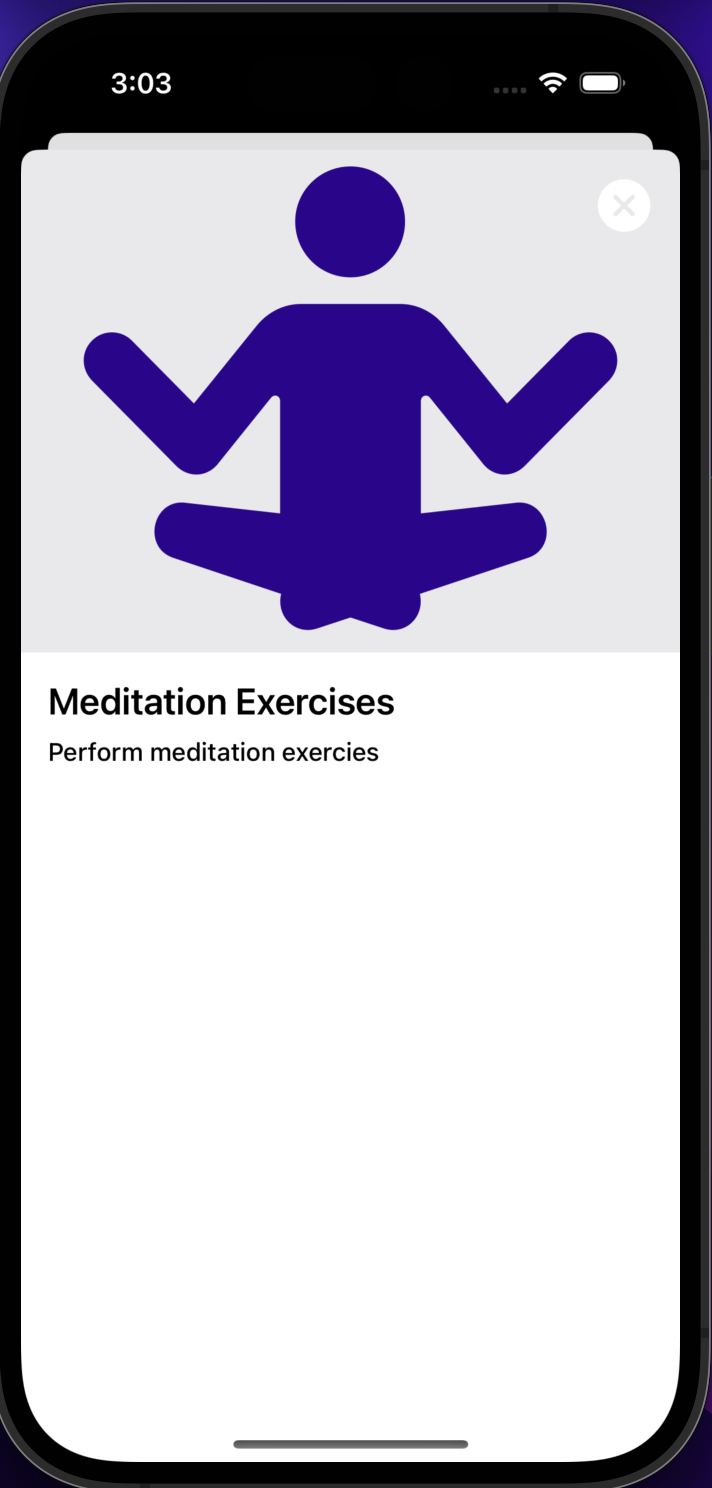
- Modified Grid card (Meditation Exercises)-- reminds the user to meditate to calm their mind
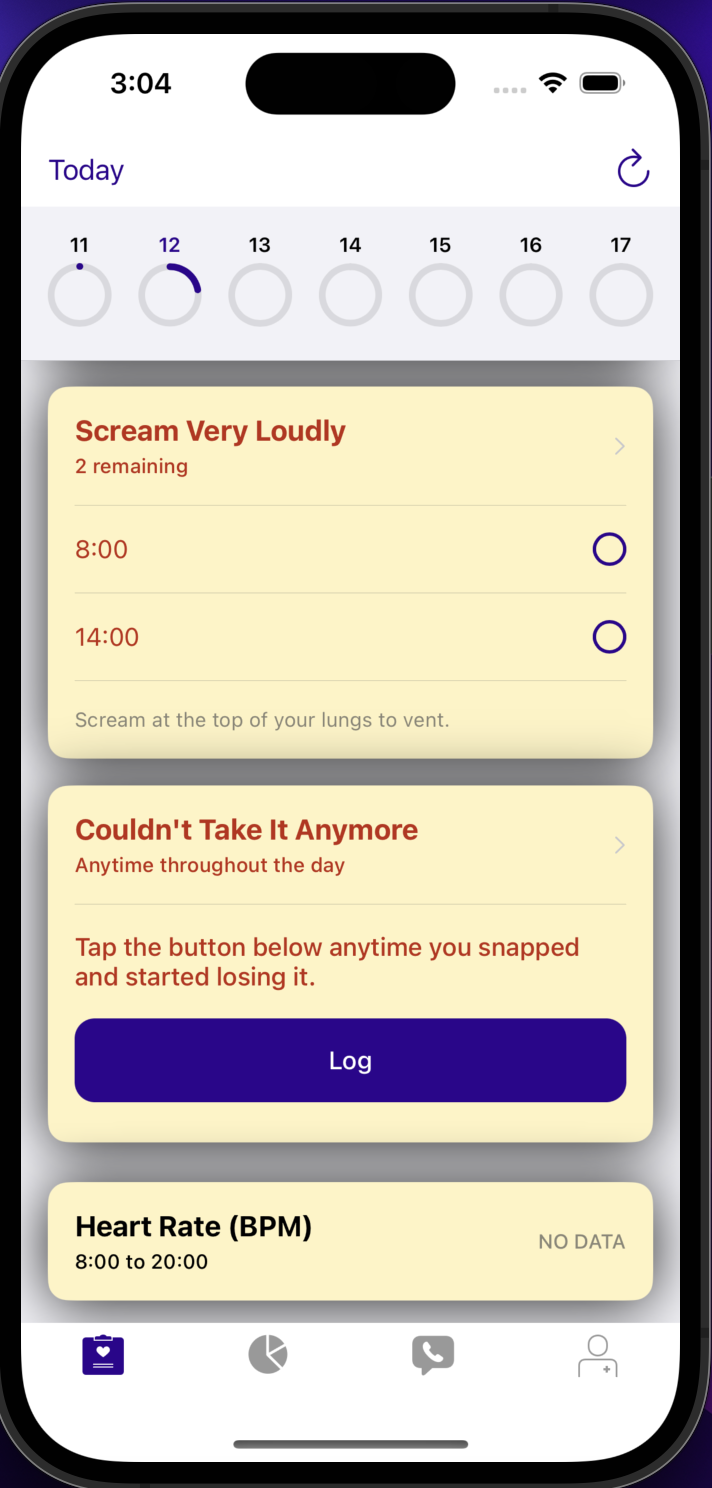
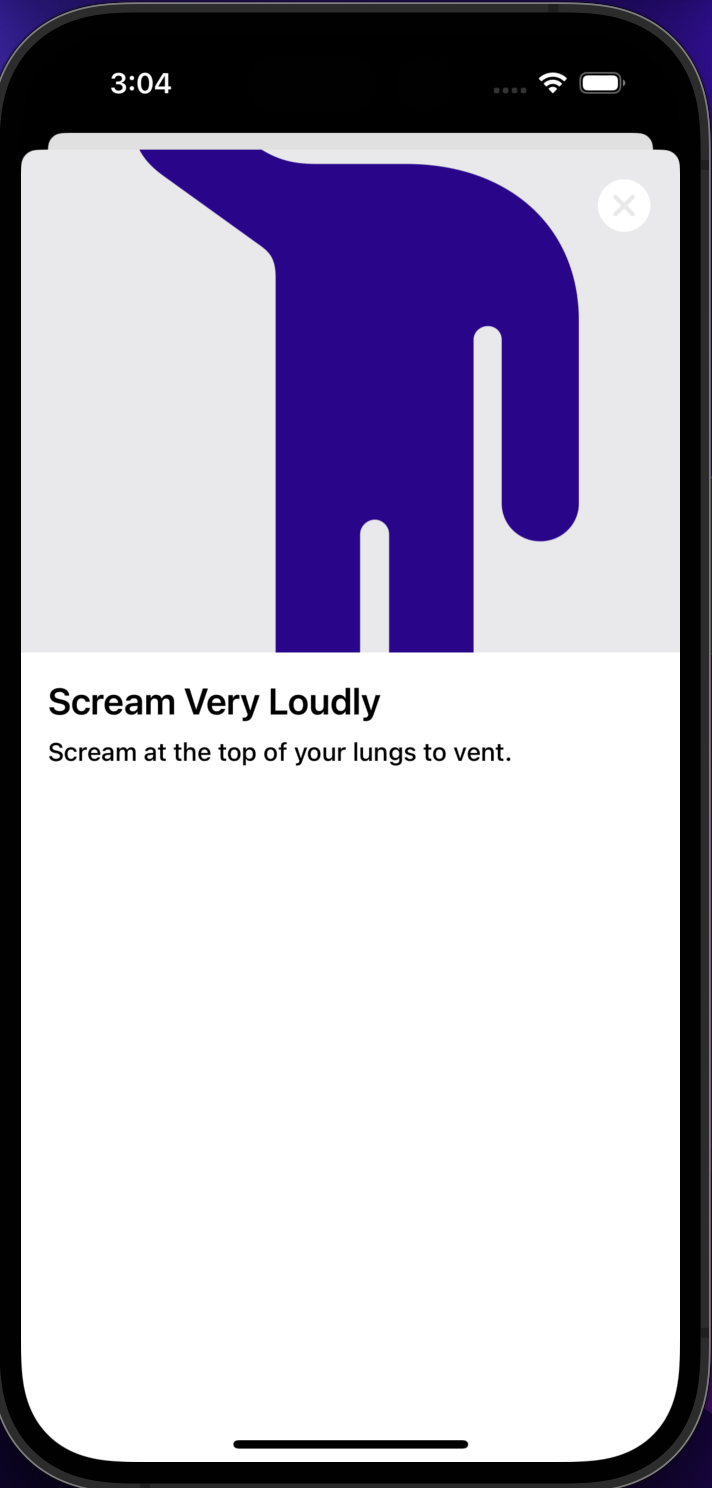
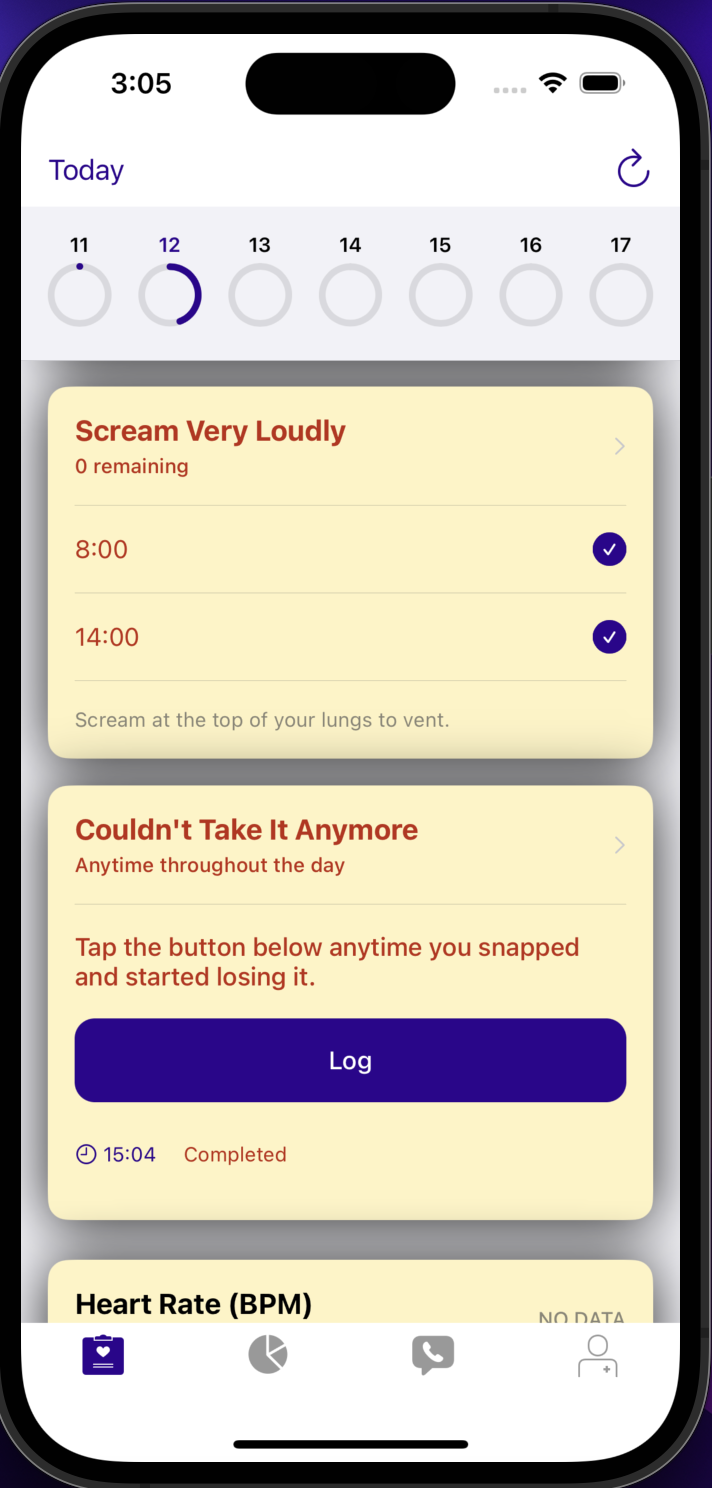
- Modified Checklist card (Scream Very Loudly)-- reminds the user to vent to help them reduce their anger levels
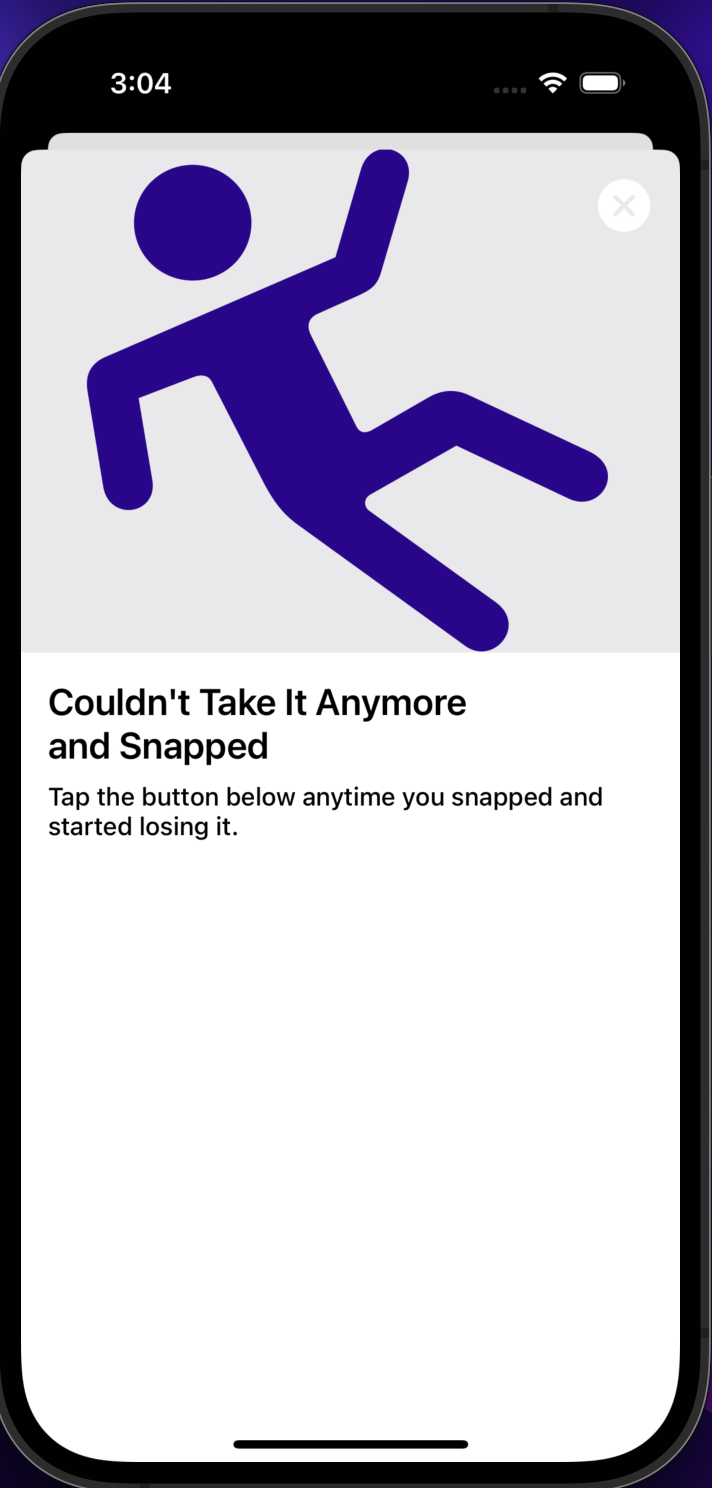
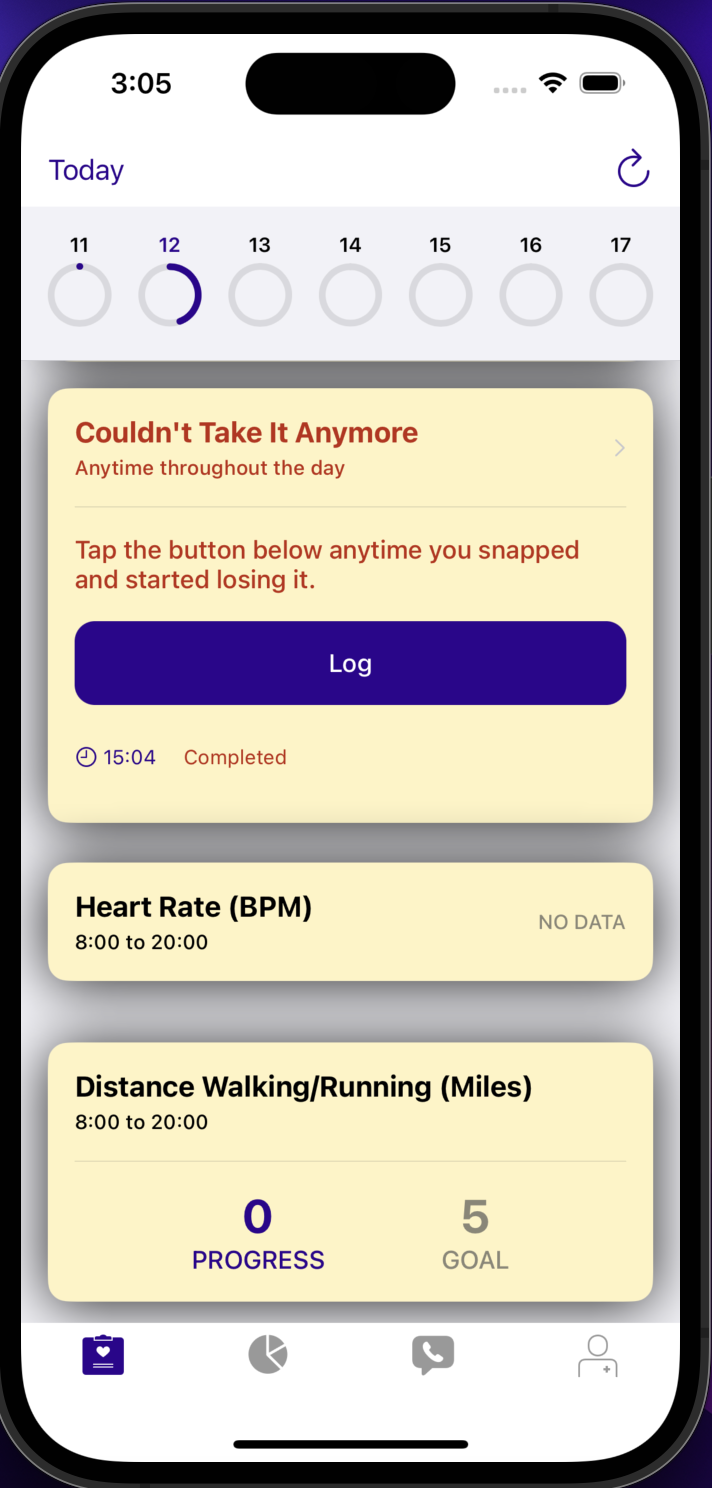
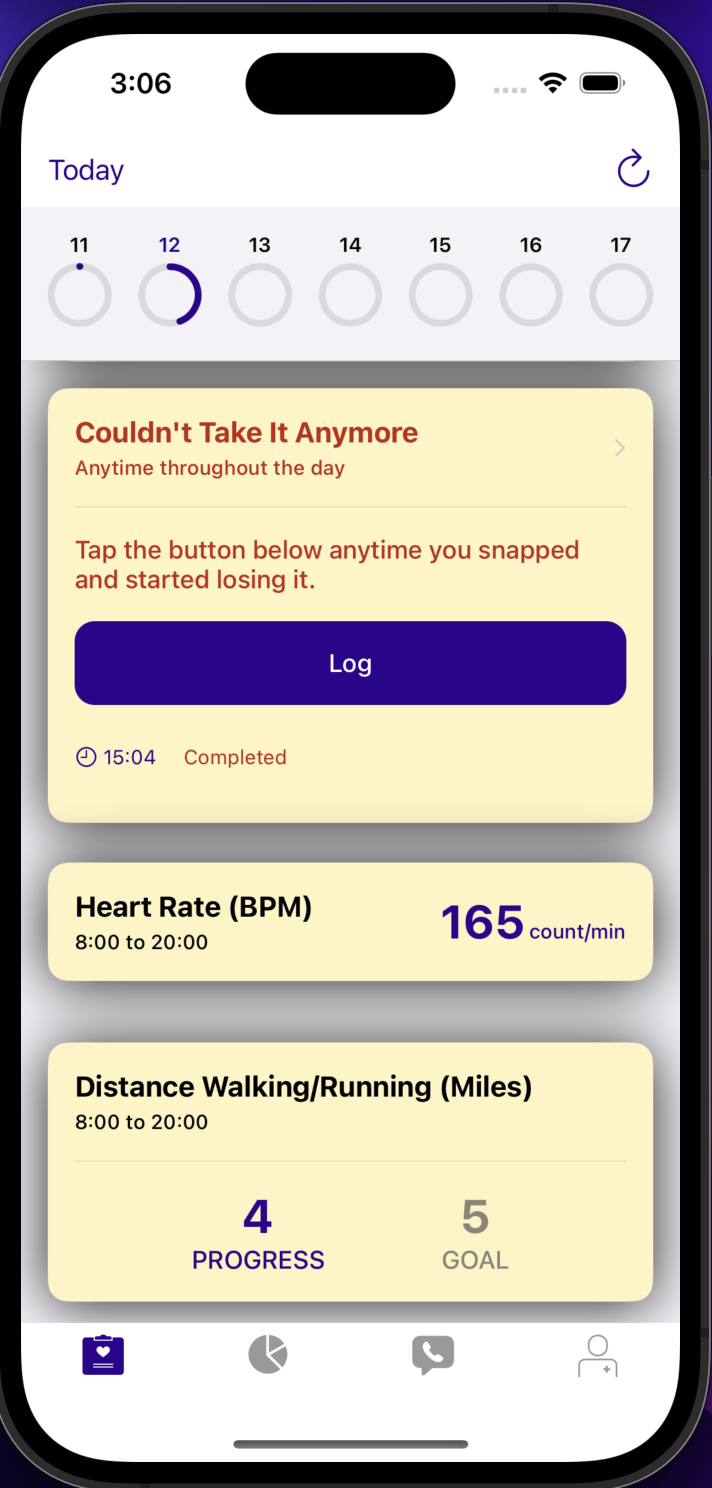
- Modified Button Log card (Couldn't Take It Anymore and Snapped)-- gives the user a chance to make note of and track how many times their anger got the better of them
- Modified Labeled Value card (Heart Rate BPM)-- gives the user a chance to track their heart rate and see the relationship between an unhealthily high heart rate and how much they get angry
- Modified Numeric Progress card (Distance Walking/Running (Miles))-- gives the user a chance to walk/run to relieve some of their stress and anger
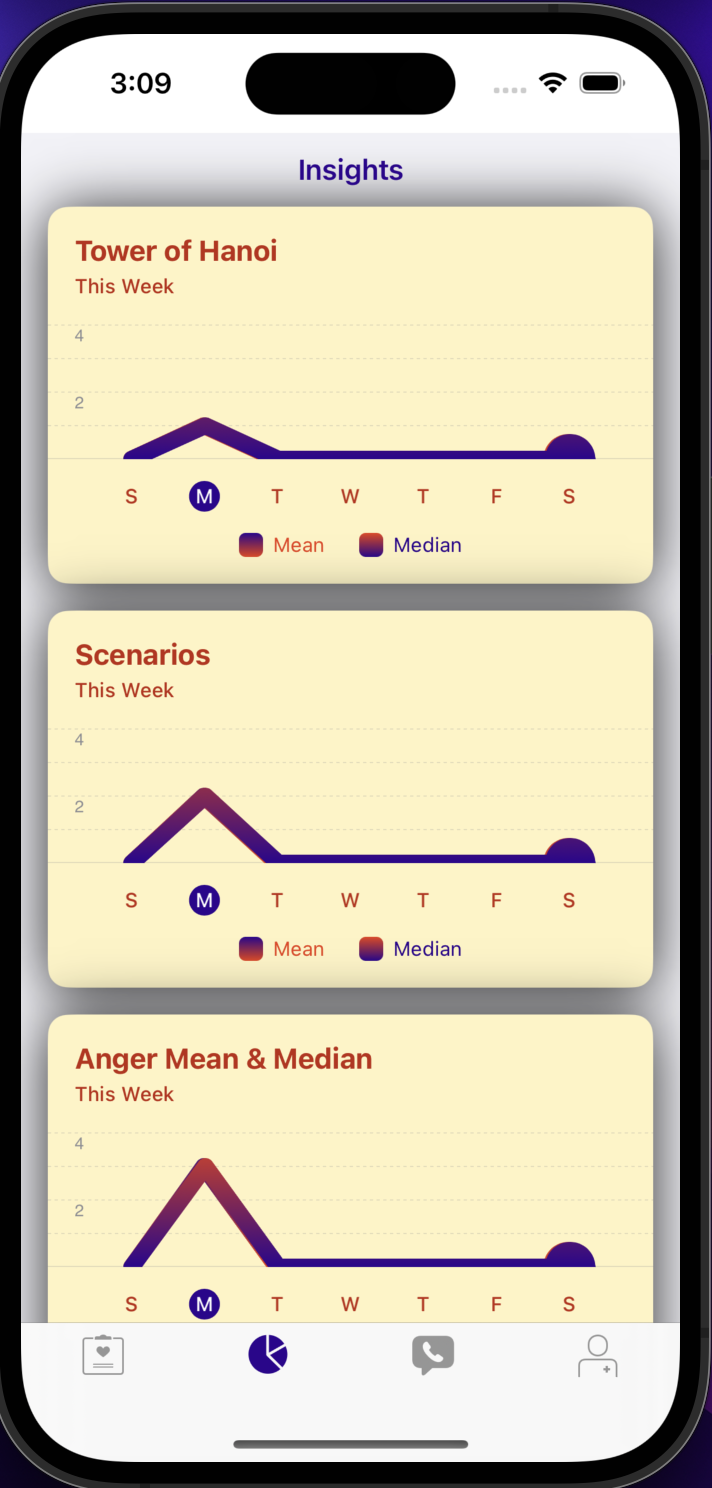
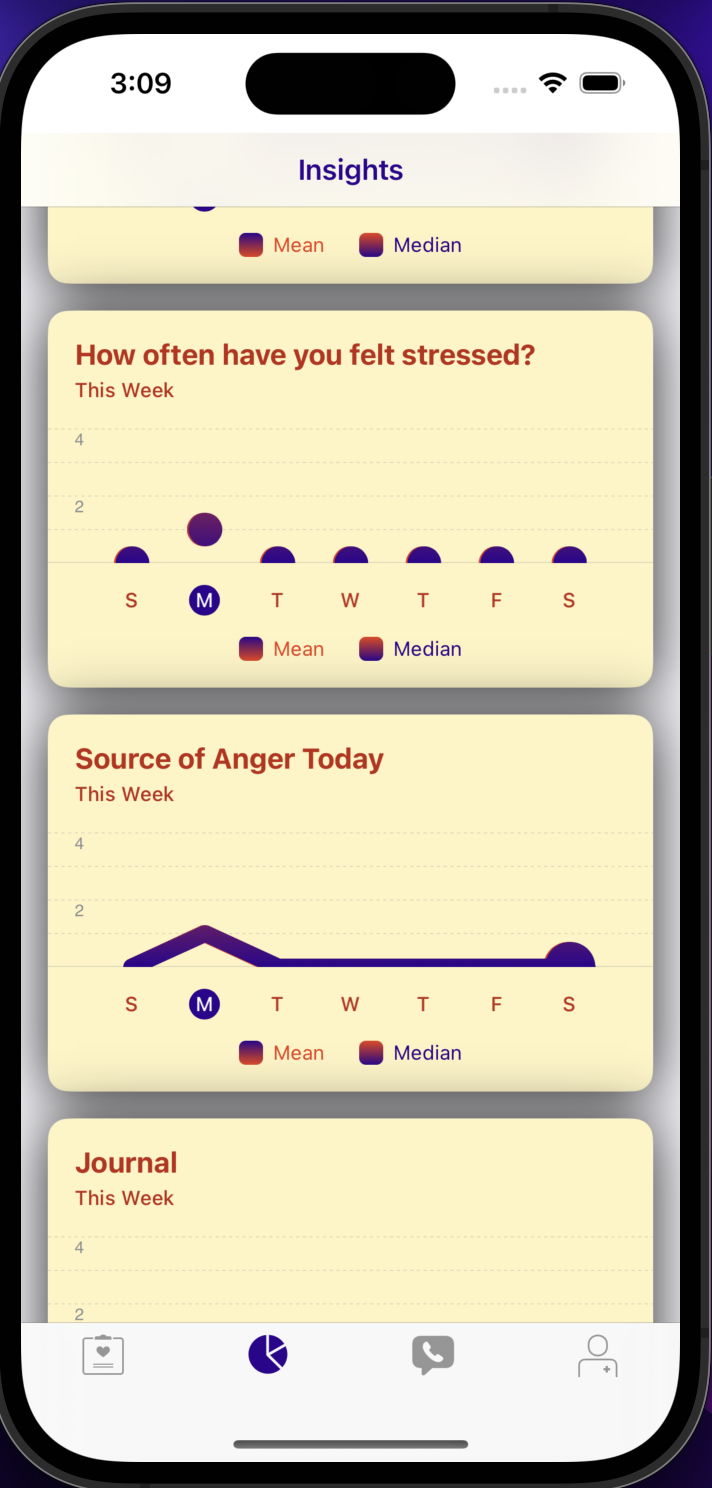
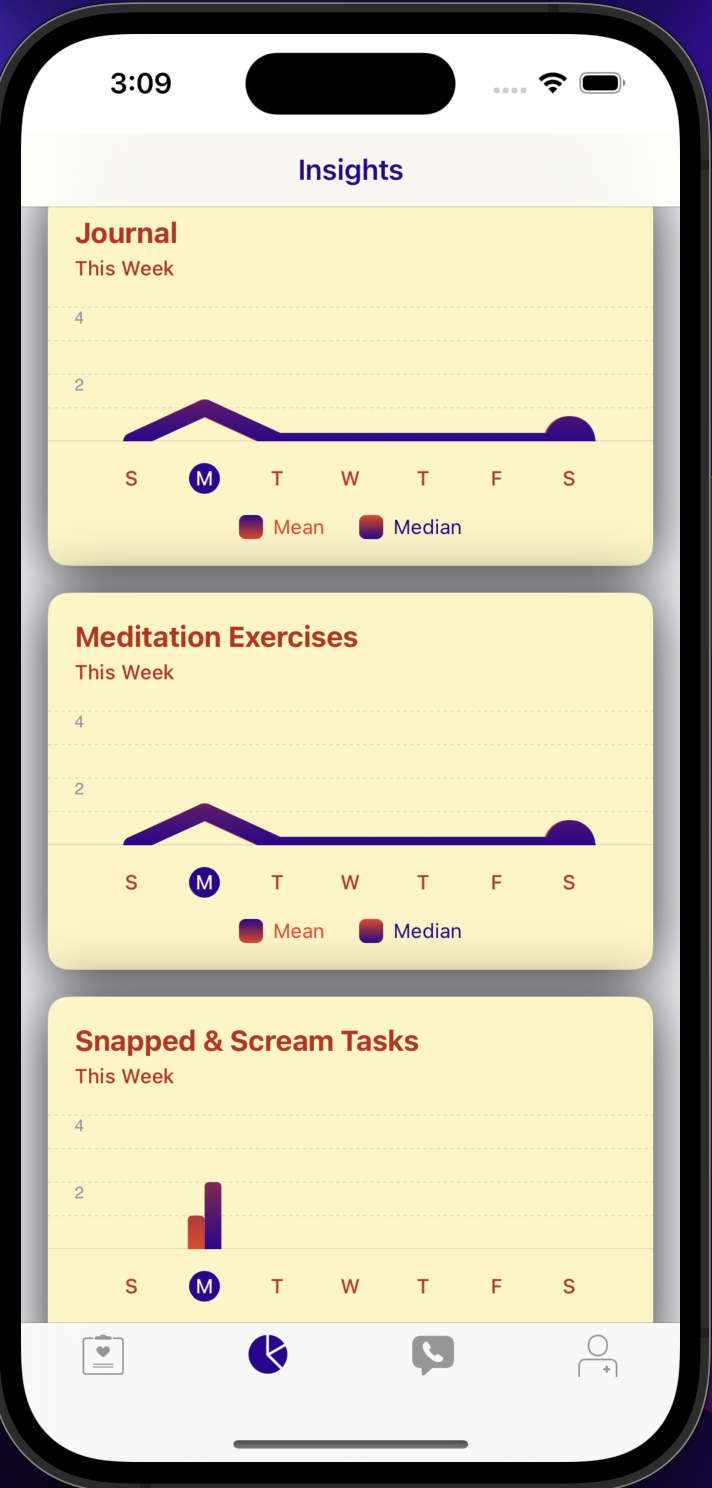
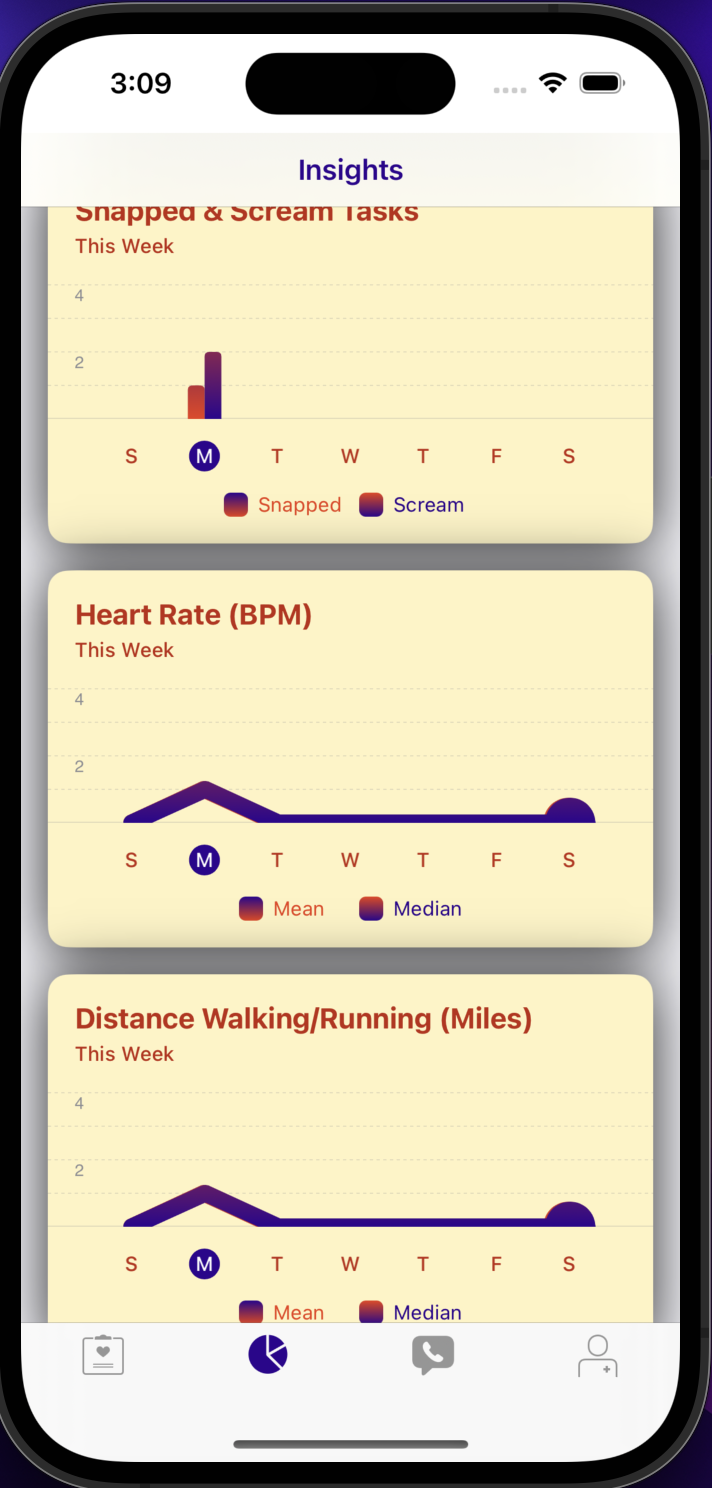
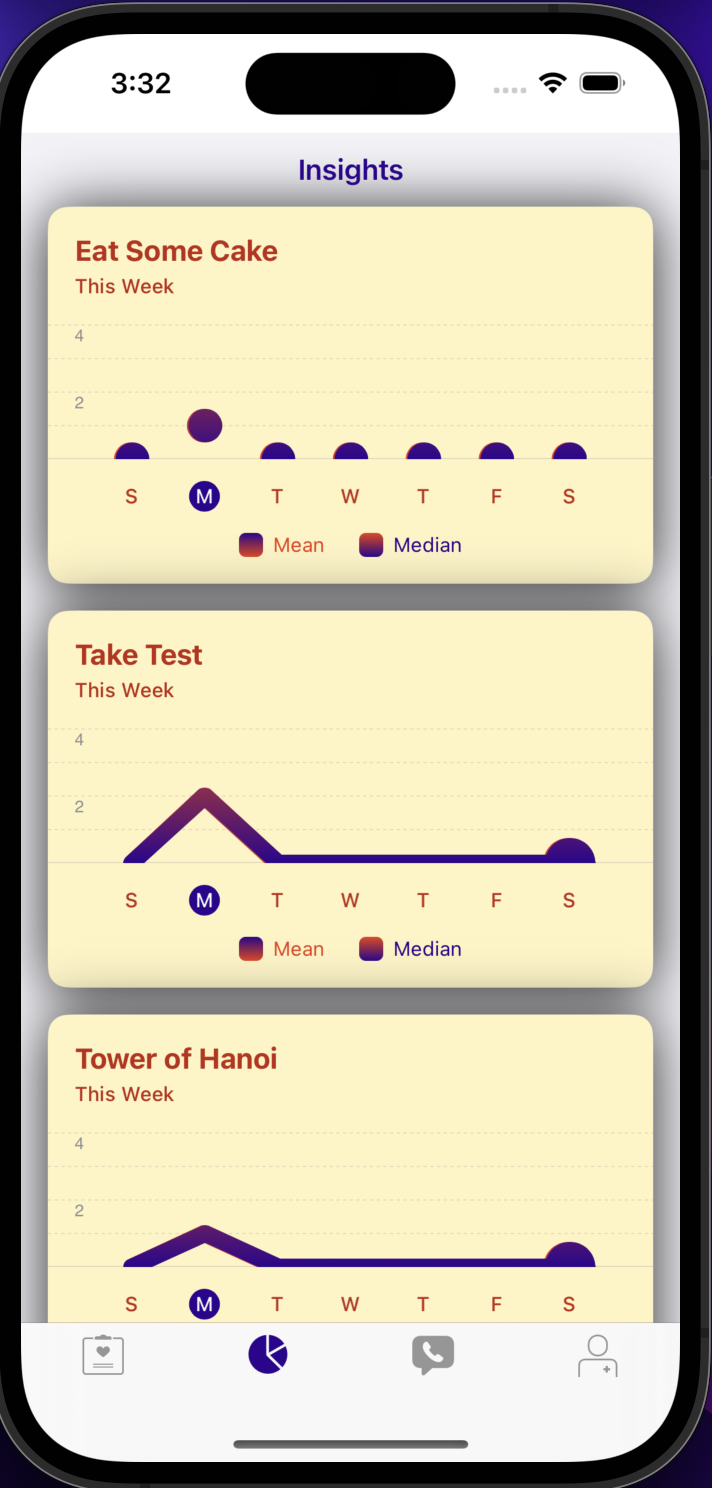
- Insights tab-- gives the user a chance to track and see their progress on their anger management activities with bar, scatter, and line charts
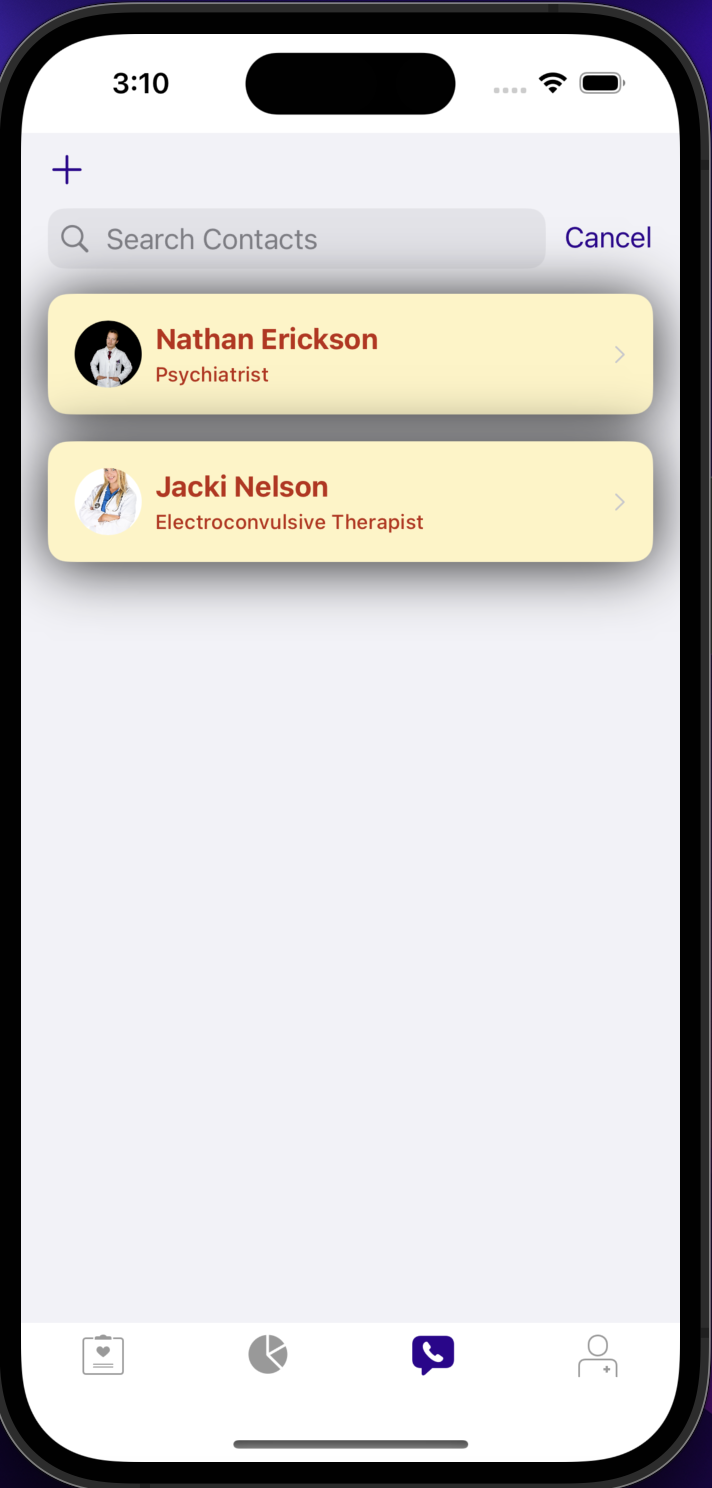
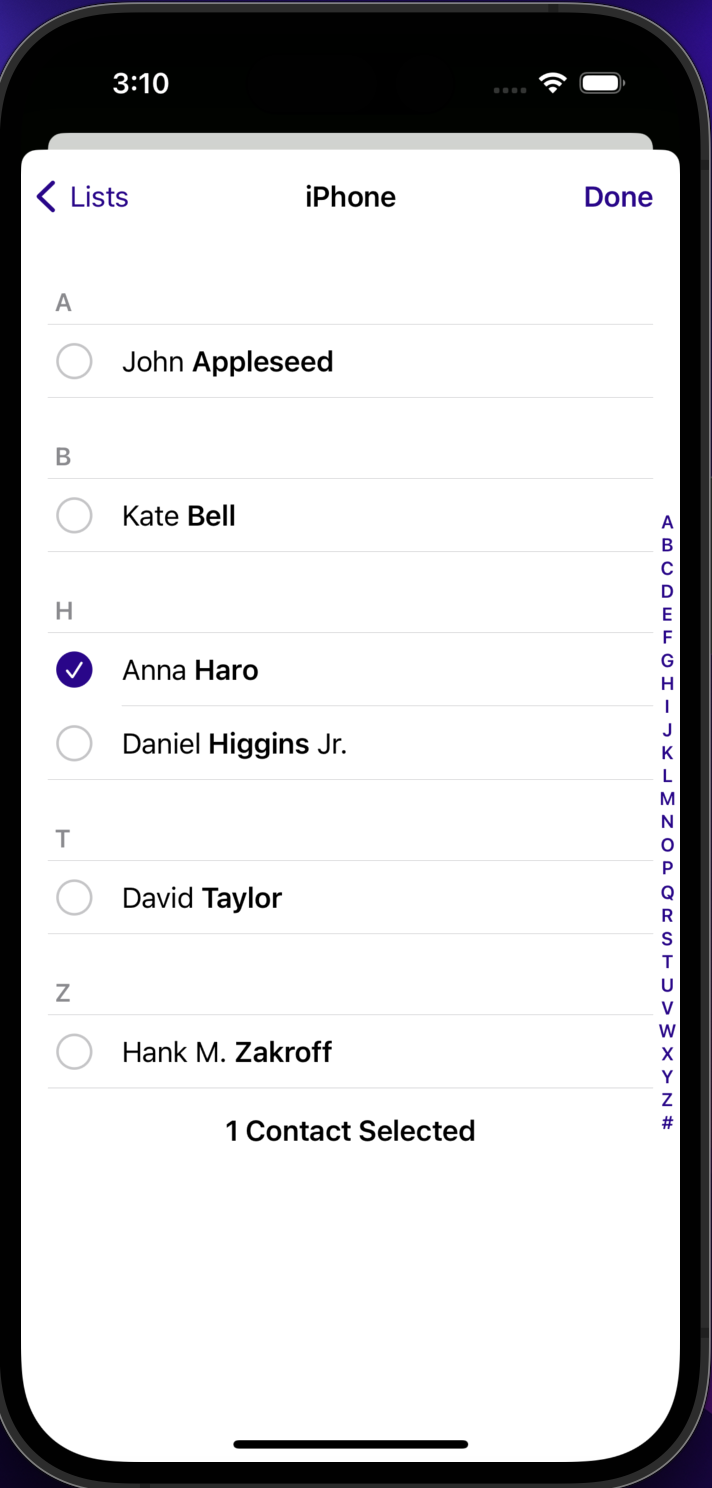
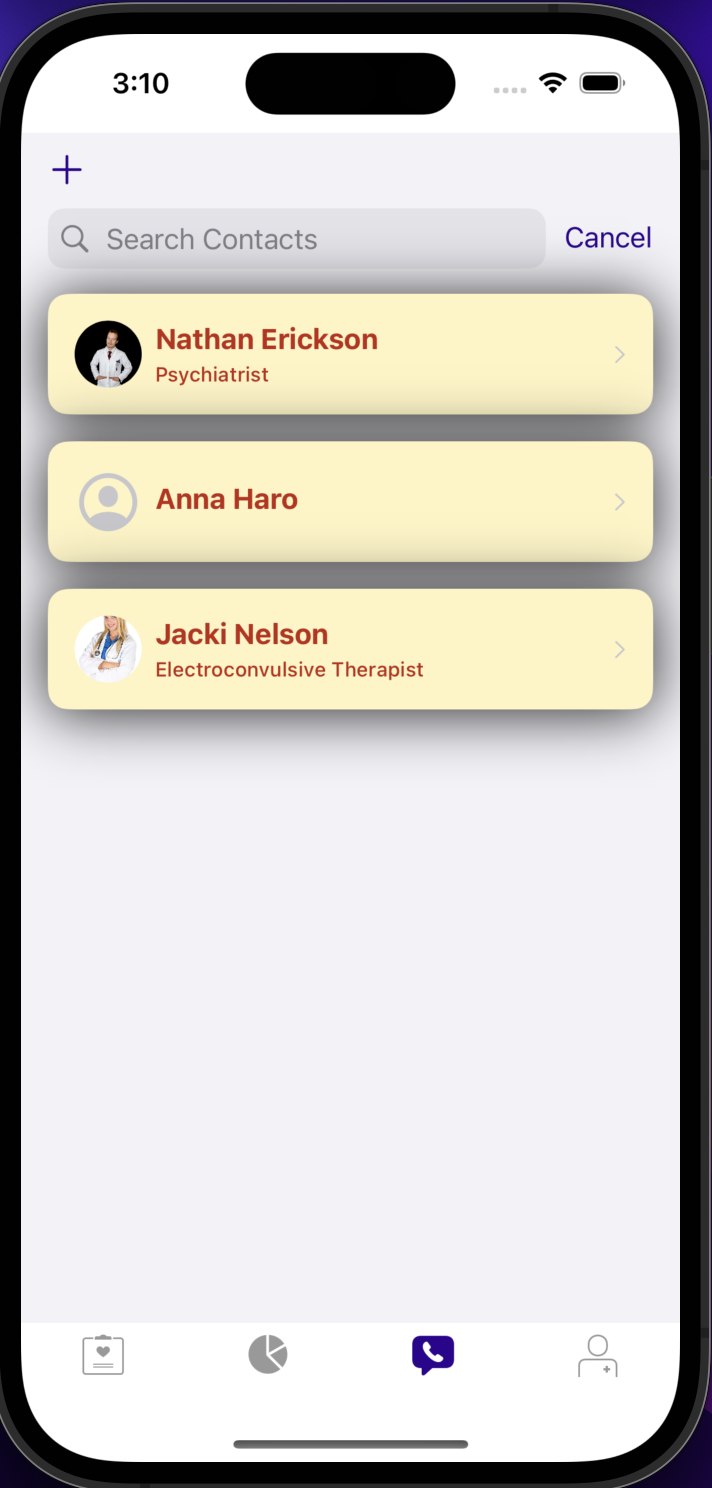
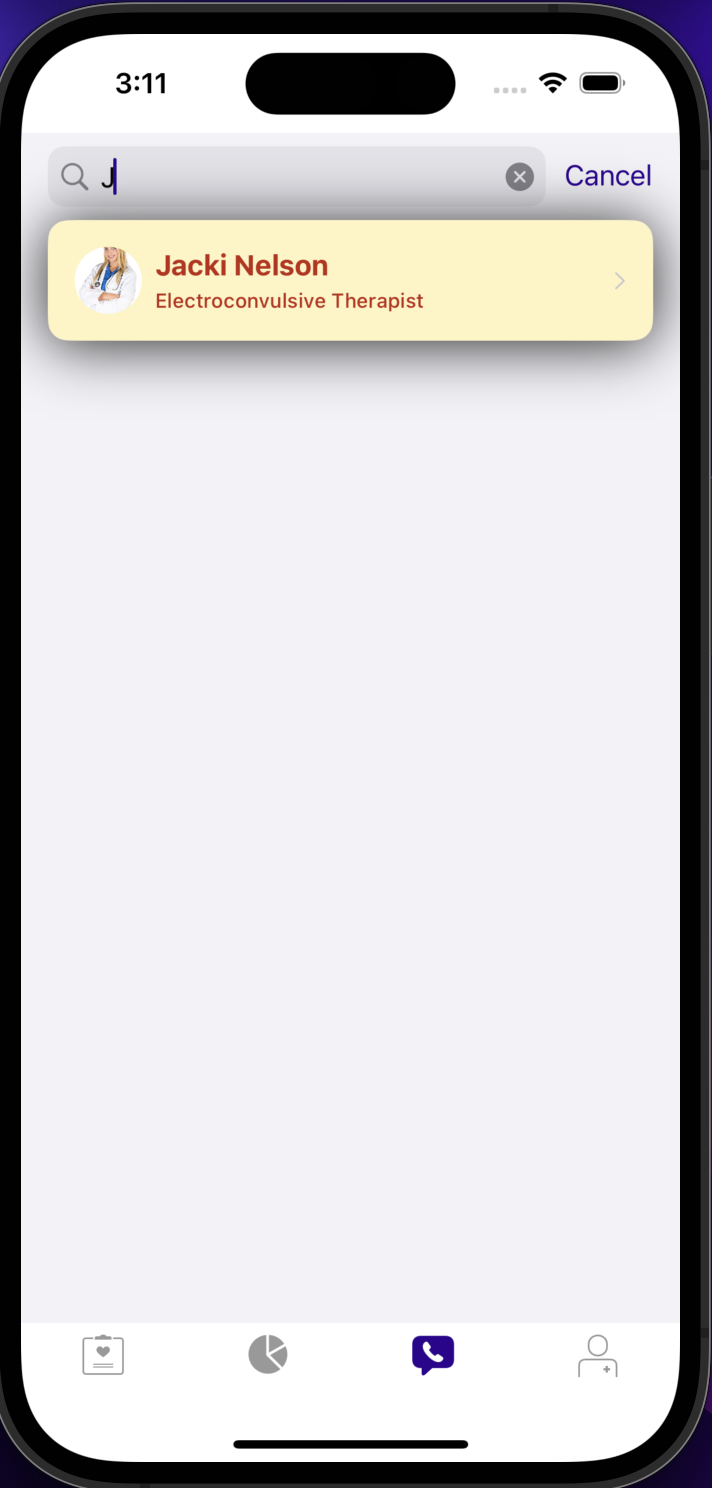
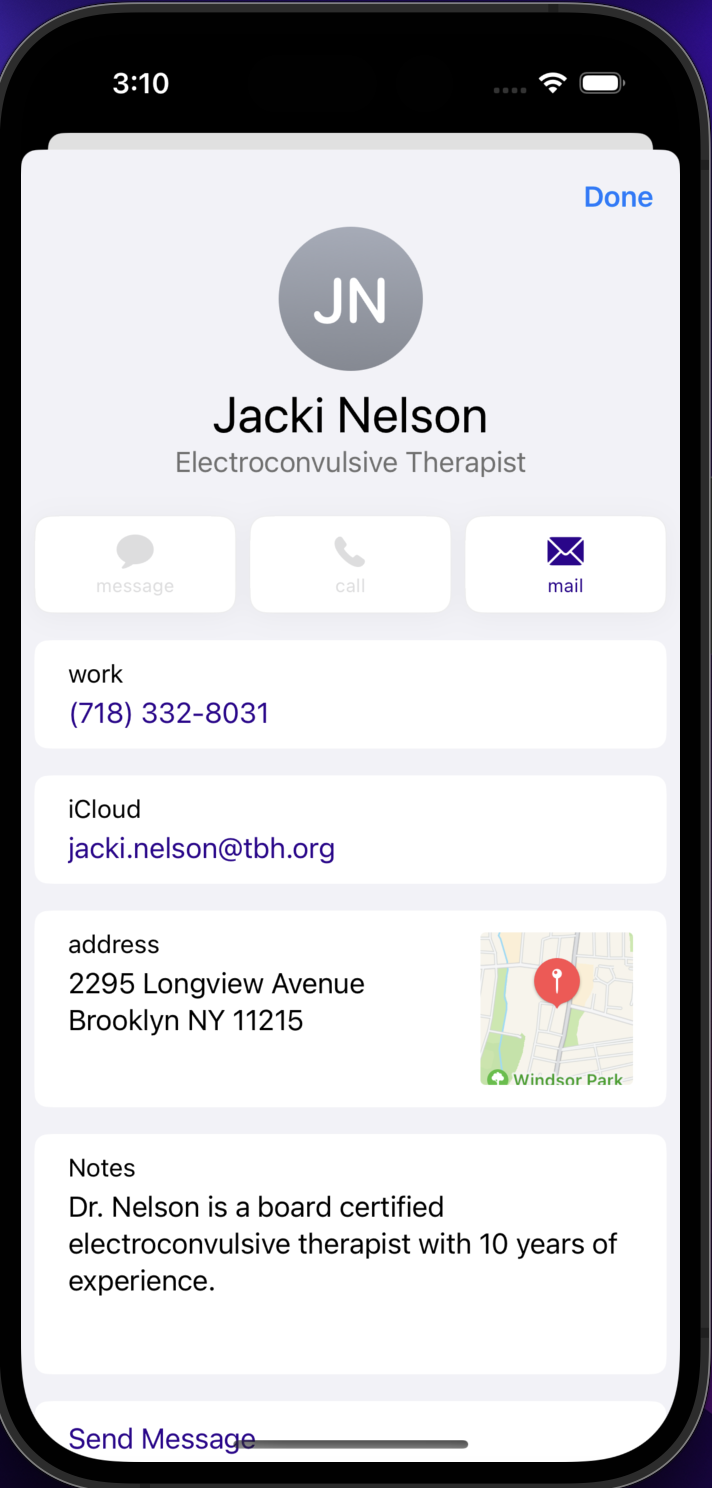
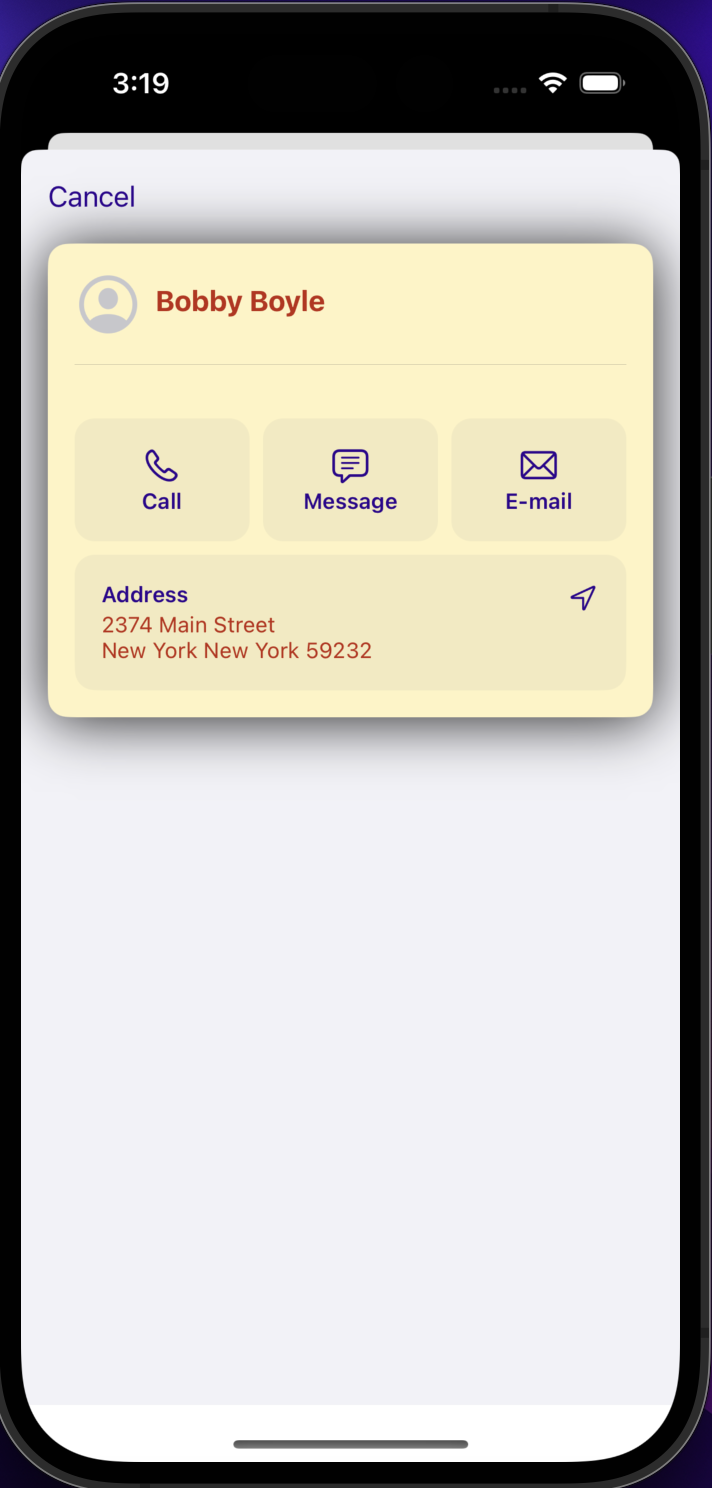
- Searchable Contacts and Add Contacts-- gives the user a chance to easily find and add a large list of contacts who are relevant to their anger management journey (such as doctors, friends, and family)
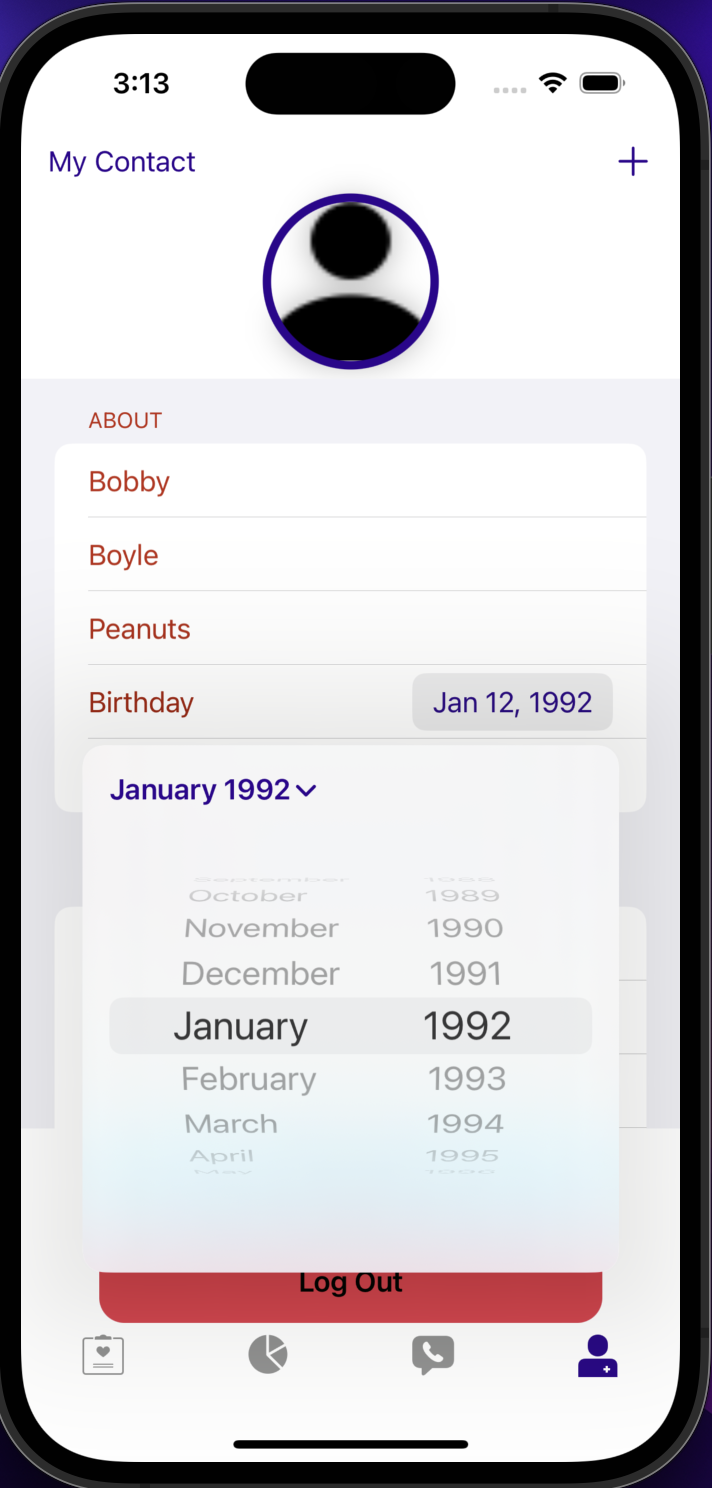
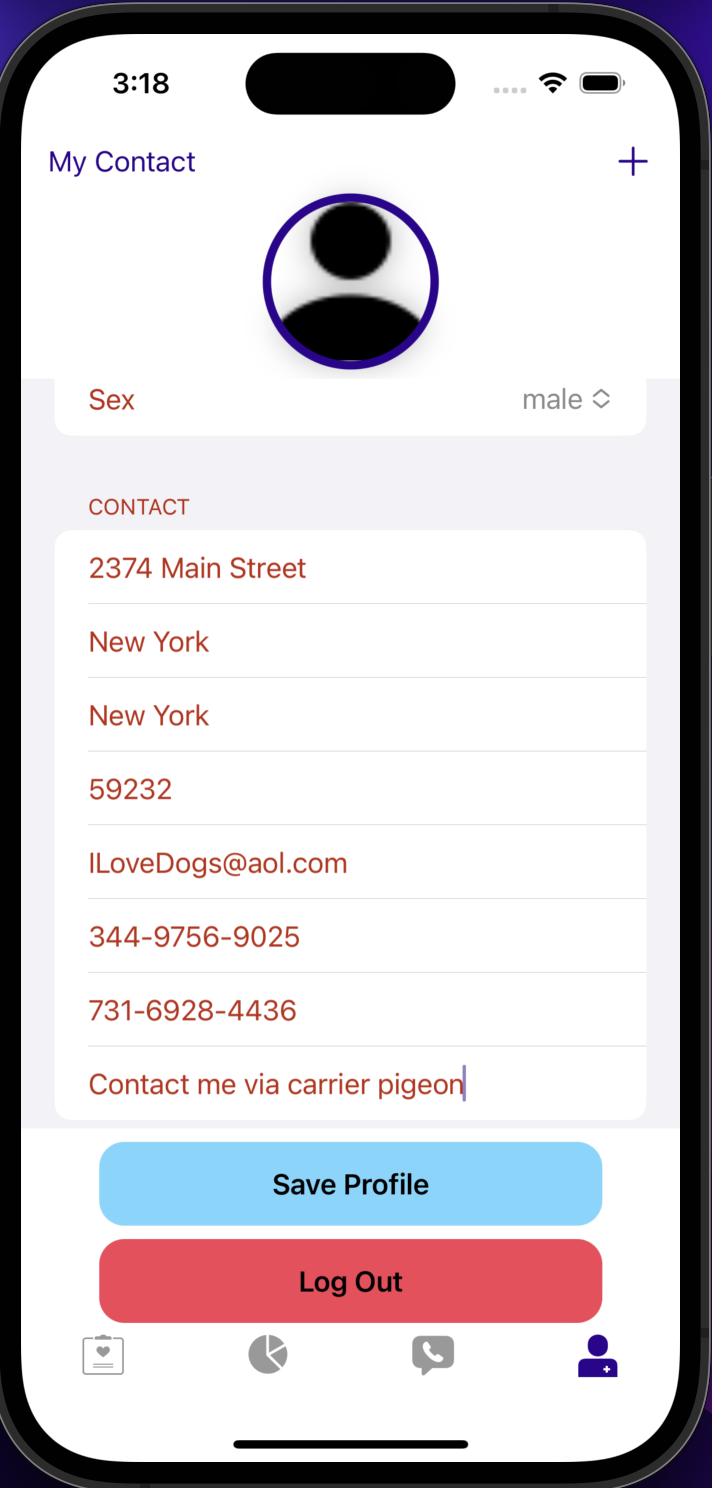
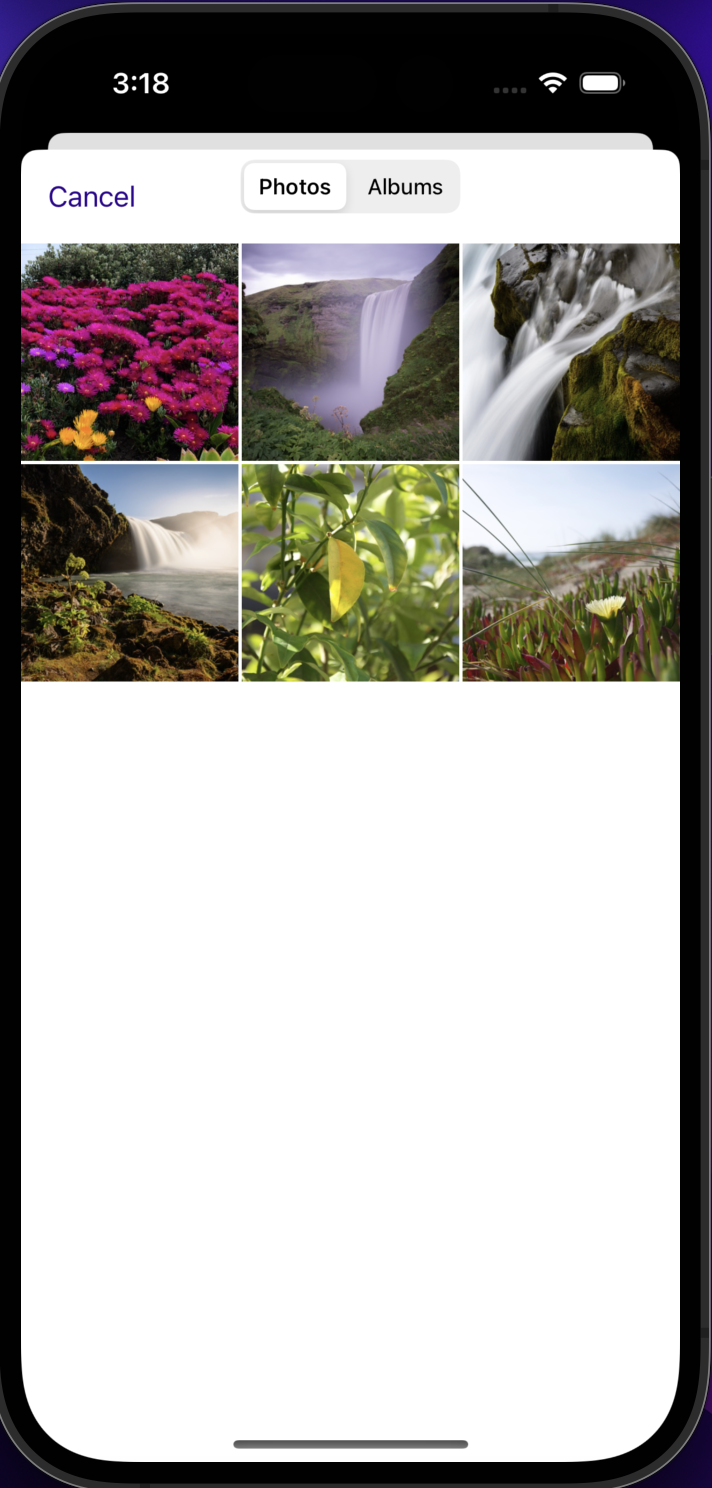
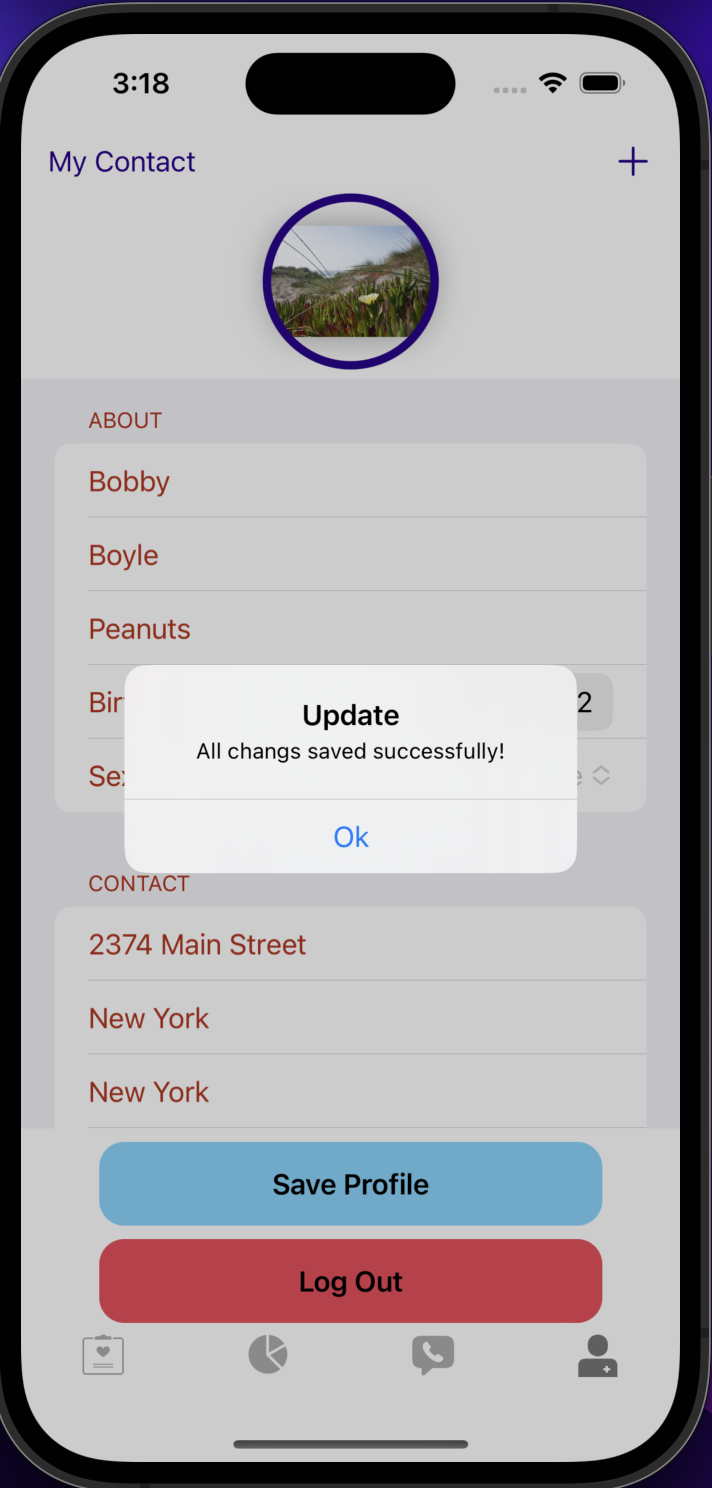
- Expanded Profile Tab- gives the user a chance to provide more information about themselves, set their profile picture, and see their own contact card
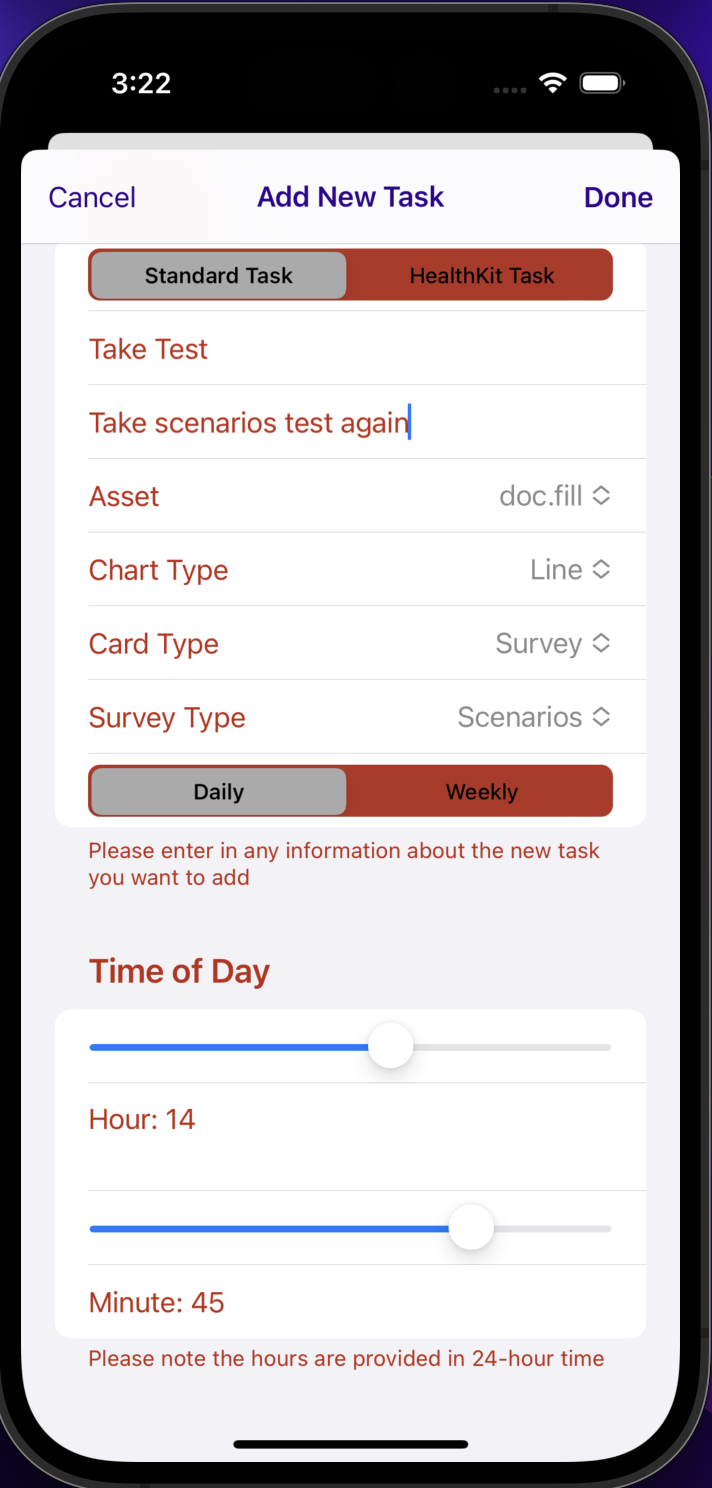
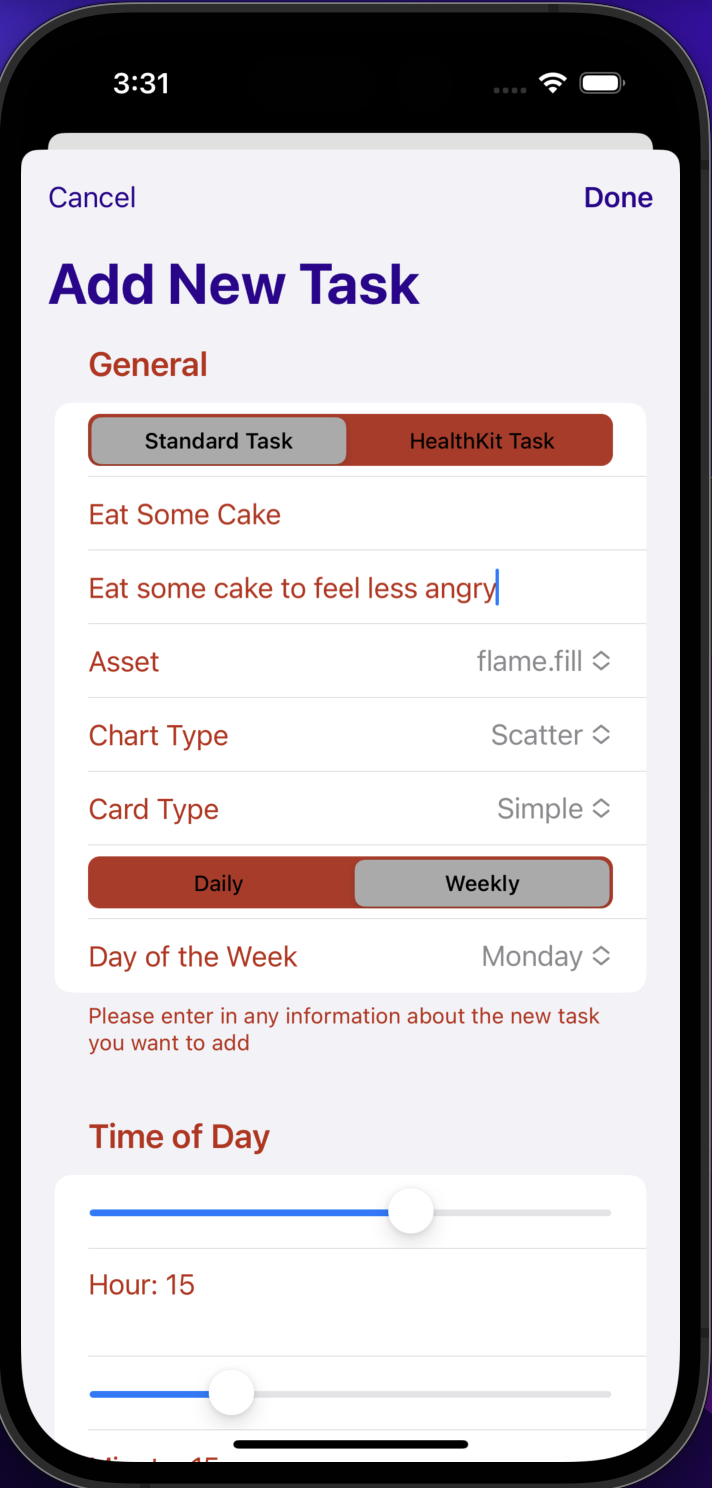
- Add Tasks-- gives the user the ability to add their own standard and HealthKit tasks and customize the title, instructions, picture, chart type, card type, survey type, and schedule of these
- Signup/Login screen tailored to app
- Signup/Login with email address
- Custom app logo
- Custom styling
- Add at least 5 new OCKTask/OCKHealthKitTasks to your app
- Have a minimum of 7 OCKTask/OCKHealthKitTasks in your app
- 3/7 of OCKTasks should have different OCKSchedules than what's in the original app
- 2/7 of the added tasks should be an OCKHealthKitTaks that isn't the steps task
- Use at least 5/7 card below in your app
- InstructionsTaskView - typically used with a OCKTask
- SimpleTaskView - typically used with a OCKTask
- Checklist - typically used with a OCKTask
- Button Log - typically used with a OCKTask
- GridTaskView - typically used with a OCKTask
- NumericProgressTaskView (SwiftUI) - typically used with a OCKHealthKitTask
- LabeledValueTaskView (SwiftUI) - typically used with a OCKHealthKitTask
- Add the LinkView (SwiftUI) card to your app
- All added OCKTask's and OCKHealthKitTaks's should contain relevant asset
- Users are able to select any of the cards above when they add new tasks. All custom cards added should be selectable cards when adding a task.
- Replace the current TipView with a class with CustomFeaturedContentView that subclasses OCKFeaturedContentView. This card should have an initializer which takes any link.
- Tailor the ResearchKit Onboarding to reflect your application
- Add tailored check-in ResearchKit survey to your app
- All ResearchKit (survey) cards should show answers from the surveys on the respective card
- Add another ResearchKit survey card that's applicable to the app. This cannot be the check-in or range-of-motion surveys.
- Add a new tab called "Insights" to MainTabView
- Replace current ContactView with Searchable contact view
- Change the ProfileView to use a Form view
- Add at least two OCKCarePlan's and tie them to their respective OCKTask's and OCKContact's
- Use at least 2 custom cards (SwiftUI cards) for one of 2/7 of the tasks from earlier
- Modify the CustomCardView and CustomCardViewModel to only use what's needed for the desired custom cards. The cards should look aesthetically different from the sample code, meaning images, text, etc. should be added. One of the cards should take input like the sample card, but the input type CANNOT be of type Double. Instead it needs to be Int, Date, String, Data, etc.
- I would want the Insights tab charts to be more tailored to each task. Right now, most charts display the number of outcome values a task has, which for most tasks is usually 1 if a user has completed it or 0 if they have not. In the future, the tasks that involve numbers (such as number of miles, number of correct answers, and numbers input by the user) would have those values appear on the charts.
- I would want to add the ability for the user to view their care plans and select which one they want to currently use. For example, a user may have a check-in care plan and a care plan for all other activities, and they would be able to select the check-in care plan. After this, only the tasks for the check-in care plan would appear on the Care page.
- I would want to add the ability for the user to edit and delete their tasks. The user would see a button with a pencil icon on a card and be able to tap on it to access a menu where they can edit the task. Likewise, the user would also see a button with an "X" icon on a card and be able to tap on it to access a menu to delete the task.
- I would want to add another tab section inside of the Care page, where tasks can be spread out into each tab. Each tab would be a different category for the tasks to go in. For example, tasks related to learning would all be found together on the "Learning" tab of the Care page, and tasks related to reflecting on their feelings would be found together on the "Reflection" tab of the Care page.
It was challenging to use and understand optional binding and guard statements. Modifying colors of particular aspects (such as tab titles, navigation bar elements, and segmented pickers) was often more complex and difficult than I anticipated. Searching online on how to deal with these problems was usually helpful. Another challenge was accessing the answers from the ResearchKit surveys and ensuring each card would only display its respective answers. I overcame this by using the debugger and looking through the values of the variables, which allowed me to understand where the ResearchKit answers are stored, how they are accessed, and how the flow of the code works in general. The biggest challenge may have been the large number of requirements to meet and making sure I did not accidentally miss any. Each one forced me to understand a different part of the app, Swift concepts, and the code in general. Although it was difficult to spend the necessary amount of time on the numerous requirements, the more I worked on the app, the better I became at writing and modifying the code.
The easiest way to setup your server is using the one-button-click deplyment method for parse-hipaa.
The easiest way to setup your dashboard is using the one-button-click deplyment method for parse-hipaa-dashboard.