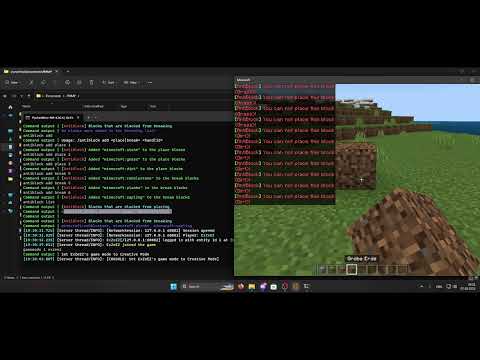
Easily block player's from placing and breaking specific blocks
The following permissions are integrated in the plugin:
antiblock.bypass.break: Allows a player to always* break blocked blocks
antiblock.bypass.place: Allows a player to always* place blocked blocks
antiblock.command: Allows the usage of the /antiblock command
* = There still is a setting in the config that disallows this feature called permission-bypass. Check the config tab for more information
The plugin has a feature called "activation". This feature can be called using /antiblock on and /antiblock off.
This feature is thought to be used as a bypass for every player to place and break every block in certain situations.
The plugin has the following (sub-)commands
/antiblock info: Gives you general informations like: is the plugin active
/antiblock add <place/break> hand: (player only) Add the block you have in your hand to the place or break list
/antiblock add <place/break> <id>: Adds the id to the place or break list
/antiblock list: Shows you all the blocks that are blocked from placing and breaking
/antiblock on: Enables the activation feature
/antiblock off: Disable the activation feature
/antiblock reload: Reloads the config file
prefix: This will be in-front of every message that the plugin sends out
permission-bypass: If this is set to false a player with the permissions mentioned in the permissions tab can not place or break any blocked blocks
message-player: Sends a message to the player if he places/breaks a blocked block
place-message: The message a player receives when he places a blocked block. You can insert %block% for the block name
break-message: The message a player receives when he breaks a blocked block. You can insert %block% for the block name
break-blocks, place-blocks: These are two arrays that contains the blocked blocks. You can control these with /antiblock add or remove them manually in the config